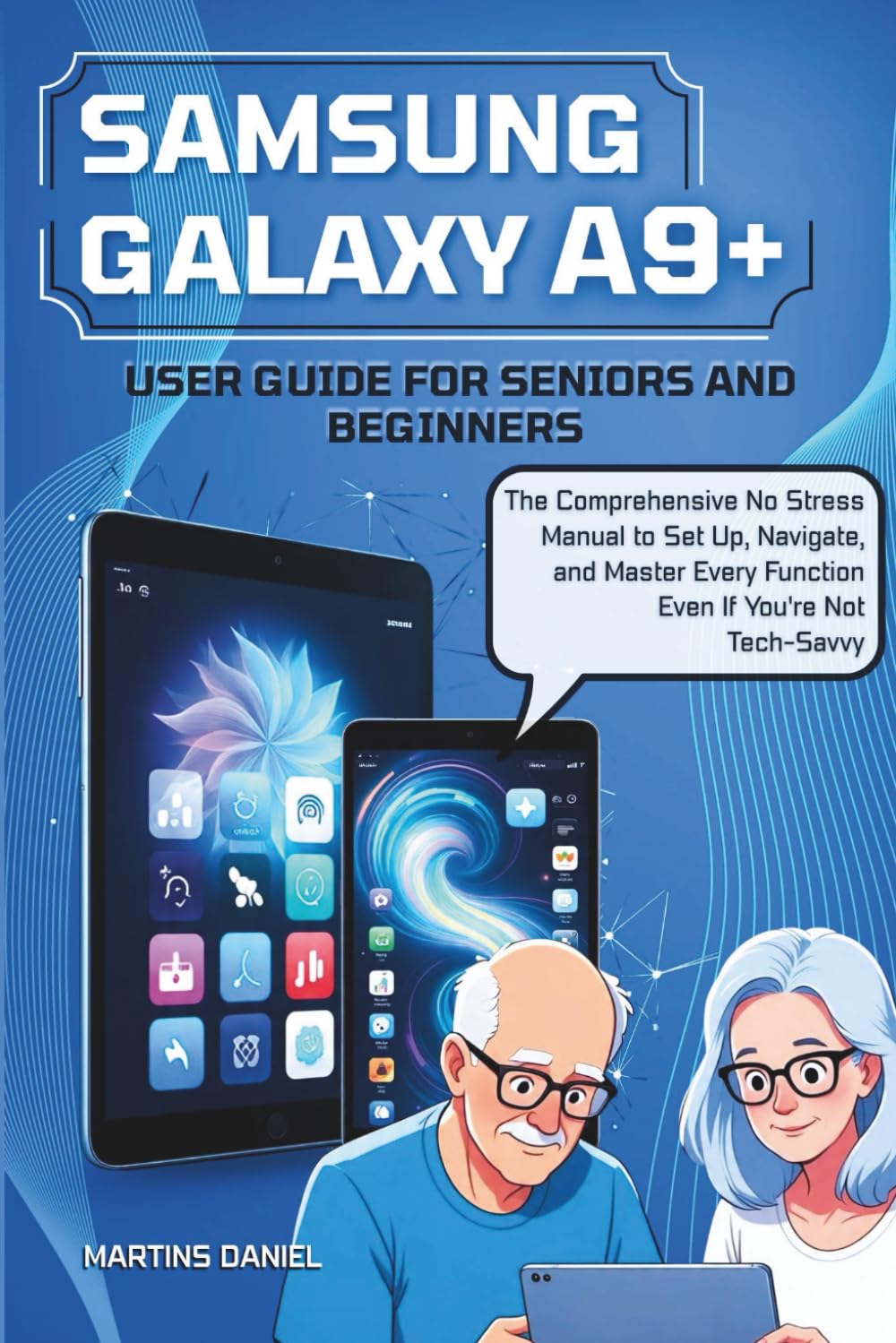
SAMSUNG GALAXY A9+ USER GUIDE FOR BEGINNERS AND SENIORS: The Comprehensive No-Stress Manual to Set Up, Navigate, and Master Every Function—Even If
$12.99
by Martins Daniel



Still staring at your Galaxy Tab A9+ wondering where to even begin? You’re not alone. Whether you’re a first-time tablet user, a tech-cautious senior, or someone who’s simply tired of confusing manuals and unhelpful YouTube videos, this guide was made just for you. No tech degree required. No overwhelming tech talk. Just straight-to-the-point instructions, clear explanations, and real-world tips that actually work. Inside this easy-to-follow manual, you’ll learn how to: ✔️ Set up your Tab A9+ step-by-step. No second guessing ✔️ Navigate like a pro (even if you’ve never used a tablet before) ✔️ Customize the tablet to fit you—larger text, cleaner layout, calming themes ✔️ Use voice commands, video call your family, and access the best free apps ✔️ Avoid pop-ups, protect your data, and make your tablet safe for kids ✔️ Fix common issues with confidence—no tech support needed And it doesn’t stop there. You’ll also unlock: ✨ Hidden gems like split-screen multitasking, offline tricks, DeX mode, and fast file sharing ✨ Bonus cheat sheets and glossaries that make this guide your long-term companion ✨ Hand-picked app recommendations for seniors, students, and creatives ✨ A section just for caregivers and family members who want to set up the tablet for others No screenshots. No fluff. Just real help, written with care, in plain English. Because technology should work for you, not against you. Whether you bought this tablet for yourself, gifted it to a loved one, or received it from someone younger who “thought you’d figure it out” (thanks, grandkids 😅), this book bridges the gap between frustration and confidence. 👉 Scroll up, click Buy Now, and take control of your Galaxy Tab A9+ today. No stress. No pressure. Just support—one tap at a time.