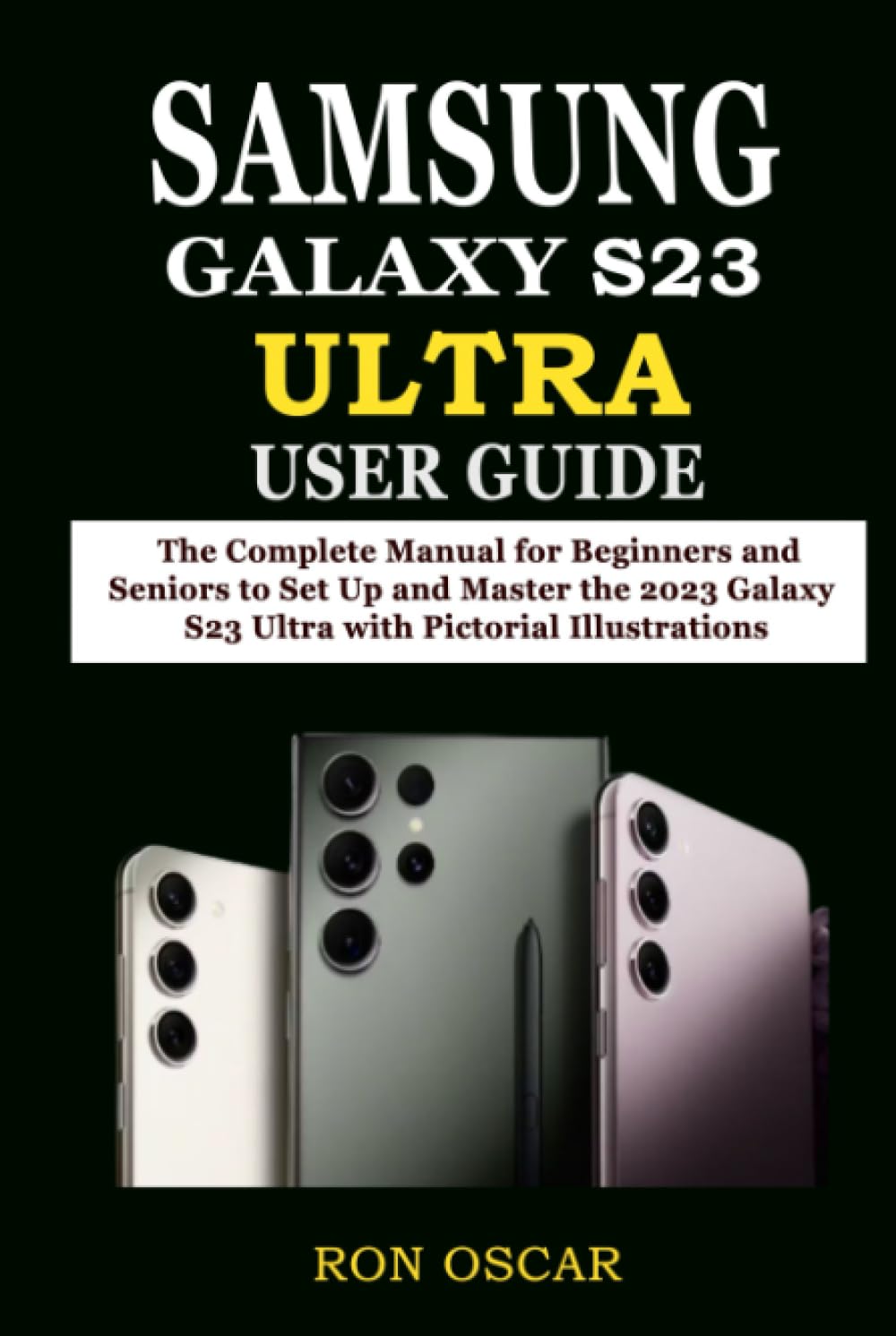



The Samsung Galaxy S23 Ultra introduces novel features and functions that improve your everyday life. However, it can be frustrating when you are left to explore all of the latest enhancements and functionality on your own. This comprehensive manual provides those using the Samsung Galaxy S23 Ultra with a straightforward, step-by-step, and easy-to-understand guide for mastering this device. From configuring the device to customizing the user interface, this tutorial will guide you through everything you should know to get the most out of your smartphone. It provides an uncomplicated and simple-to-understand solution that will help you get the most out of your device by granting access to all of its features and capabilities. This book has a great deal to provide readers of all levels of expertise, from novices to seasoned professionals. Simply click the BUY NOW button to grab a copy. Here is a sample of what you will learn: Introduction to Samsung Galaxy S23 Ultra - How to setup Galaxy S23 Ultra - How to charge the battery - How to power on the device - How to use the Setup Assistant - How to transfer information from your former device - Locking and unlocking your device - How to set up and configure accounts - Navigation bar and other controls - Customization and security - Safety online and parental controls - How to configure biometric security - How to configure face recognition - How to manage multiple windows - How to set up the Samsung keyboard - How to utilize Samsung speech input - Camera and gallery applications - How to manage the applications - How to uninstall or disable applications - How to search for an application - How to create and manage folders - And more