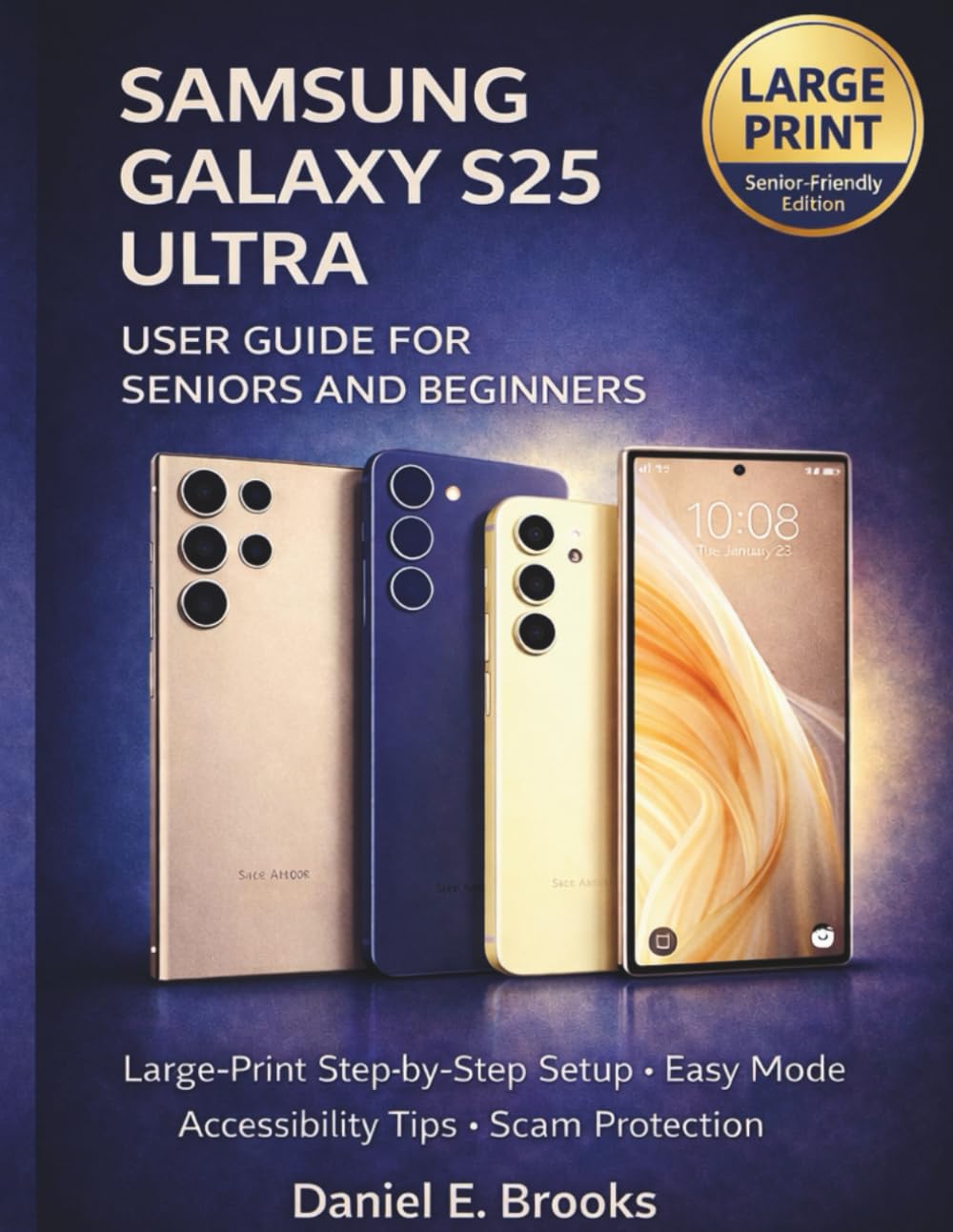
SAMSUNG GALAXY S25 ULTRA GUIDE FOR SENIORS: Large-Print Step-by-Step Setup, Easy Mode, Accessibility Tips, and Scam Protection
$13.00
by DANIEL E. BROOKS



Feeling overwhelmed by modern smartphones? You’re not alone — and you don’t have to figure it out by yourself. Samsung Galaxy S25 Ultra Guide for Seniors is a calm, clear, and confidence-building handbook created specifically for older adults who want to use their phone comfortably, safely, and independently—without tech jargon, tiny text, or confusing explanations. This guide takes you step by step from the very beginning, assuming no prior smartphone experience . Everything is explained in large print , with simple language, practical examples, and a reassuring tone that respects your pace. Whether you’re setting up your phone for the first time, switching from an older device, or simply want to understand what your Galaxy S25 Ultra can do, this book walks with you every step of the way. Inside, you’ll learn how to: Set up your Samsung Galaxy S25 Ultra safely and correctly - Use Easy Mode and accessibility features for larger text and simpler screens - Make calls, send messages, take photos, and manage contacts with confidence - Adjust sound, brightness, and display settings for comfort and clarity - Protect yourself from scams, spam calls, and suspicious messages - Keep your phone running smoothly with simple weekly and monthly routines - Back up your photos, contacts, and important information safely This book is also perfect for: Adult children helping parents stay connected - Caregivers and family members supporting seniors - Anyone who wants a patient, non-technical guide to the Galaxy S25 Ultra No pressure. No fear tactics. No rushed instructions. Just clear guidance designed to help you feel confident, capable, and in control. This book is an independent, unofficial guide and is not affiliated with, endorsed by, or sponsored by Samsung Electronics Co., Ltd. Samsung and Galaxy are registered trademarks of their respective owners. The information in this book is provided for educational purposes only . While every effort has been made to ensure accuracy at the time of writing, smartphone software updates and device features may change over time. This guide does not replace professional technical support . Always use your best judgment, and when in doubt, contact Samsung support or a trusted professional for assistance