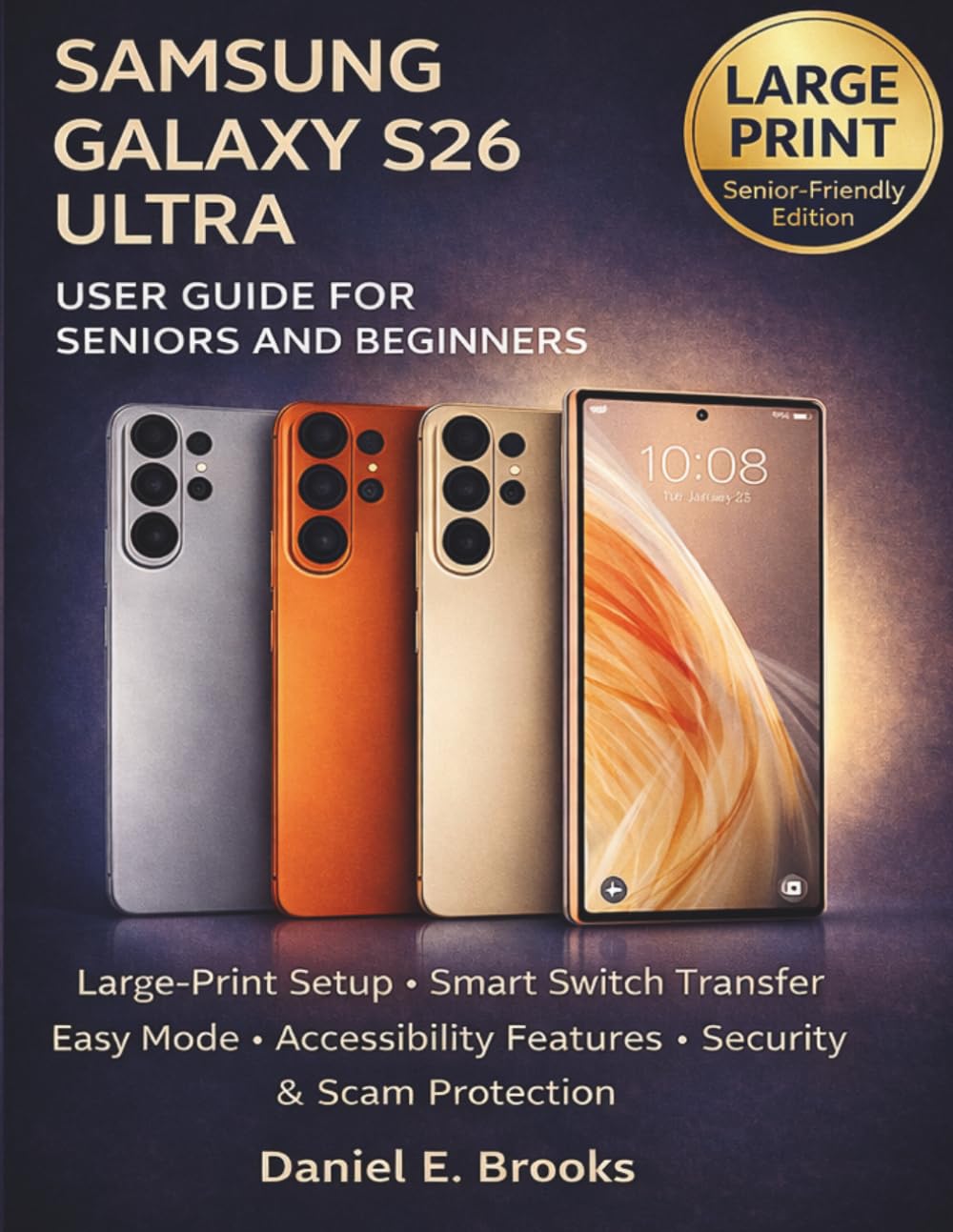
SAMSUNG GALAXY S26 ULTRA USER GUIDE FOR SENIORS AND BEGINNERS: Large-Print Setup, Smart Switch Transfer, Easy Mode, Accessibility Features, Security &
$15.00
by DANIEL E. BROOKS



SAMSUNG GALAXY S26 ULTRA USER GUIDE FOR SENIORS AND BEGINNERS Large-Print Setup, Smart Switch Data Transfer, Easy Mode, Accessibility Tips & Scam Protection By Daniel E. Brooks Just got the Samsung Galaxy S26 Ultra and feeling overwhelmed? You’re not alone. Today’s smartphones are powerful, but they can also feel confusing, especially if you simply want your phone to be clear, safe, and easy to use. This large-print, senior-friendly guide was created specifically for beginners and older adults who want calm, step-by-step instructions without technical jargon or complicated language. Inside this easy-to-follow manual, you will learn how to: Set up your Galaxy S26 Ultra from the moment you open the box - Transfer contacts, photos, and messages using Smart Switch - Turn on Easy Mode and increase font size for better visibility - Make calls, send texts, and share photos confidently - Protect yourself from scam calls, fake texts, and online fraud - Secure your phone with fingerprint, PIN, and privacy settings - Improve battery life and keep your phone running smoothly - Fix common problems without stress This guide focuses on clarity, safety, and confidence, not complicated tech talk. Whether you are upgrading from an older Samsung phone, switching from iPhone, or using a smartphone for the first time, this book walks you through every essential feature in plain English. Designed with seniors in mind: Large-print instructions - Clear explanations - Step-by-step guidance - Practical everyday examples If you want to enjoy your Samsung Galaxy S26 Ultra without frustration, this book is your calm and reliable companion. Take control of your phone. Stay connected. Stay protected. This book is an independent publication and is not affiliated with, endorsed by, or sponsored by Samsung Electronics. Samsung Galaxy and related product names are trademarks of their respective owners. All brand names are used strictly for identification purposes. Information is provided for educational and instructional use only.