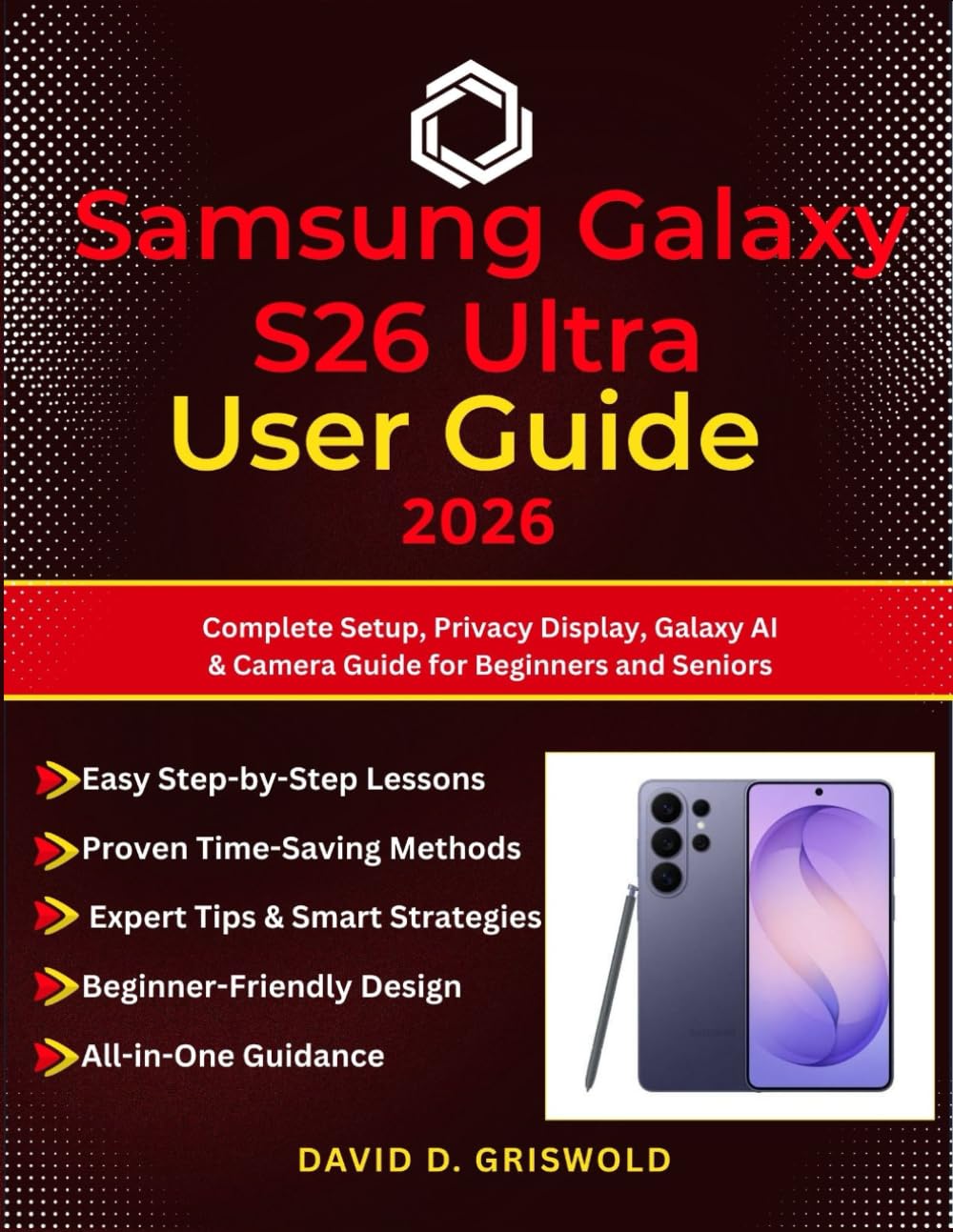
SAMSUNG GALAXY S26 ULTRA USER GUIDE 2026: Complete Setup, Privacy Display, Galaxy AI & Camera Guide for Beginners and Seniors
$16.99
by DAVID D. GRISWOLD



Struggling to set up a new Galaxy S26 Ultra can feel overwhelming. Between One UI 8.5 changes, Galaxy AI tools, advanced camera settings, Privacy Display, eSIM setup, and dozens of hidden features, it’s easy to miss what makes this phone truly powerful—or waste hours trying to figure it all out. That frustration gets worse when you just want clear answers. Maybe you’re upgrading from an older Samsung, switching from iPhone, or buying this phone for the first time. Instead of enjoying your new device, you can end up stuck in confusing menus, unsure how to protect your privacy, improve battery life, use the S Pen, or get the best photos and videos. This guide fixes that. Samsung Galaxy S26 Ultra User Guide 2026 gives you a clear, step-by-step path from unboxing to mastery. You’ll learn how to set up your phone correctly, use the exclusive Privacy Display, unlock Galaxy AI features, improve your camera results, customize One UI 8.5, manage battery and connectivity, and troubleshoot common issues with confidence. Written for beginners, seniors, and everyday users, this is the practical companion that helps you stop guessing and start using your Galaxy S26 Ultra like a pro. Its positioning is well-supported by the manuscript’s emphasis on setup, Privacy Display, Galaxy AI, camera use, troubleshooting, and accessibility for new users and switchers.