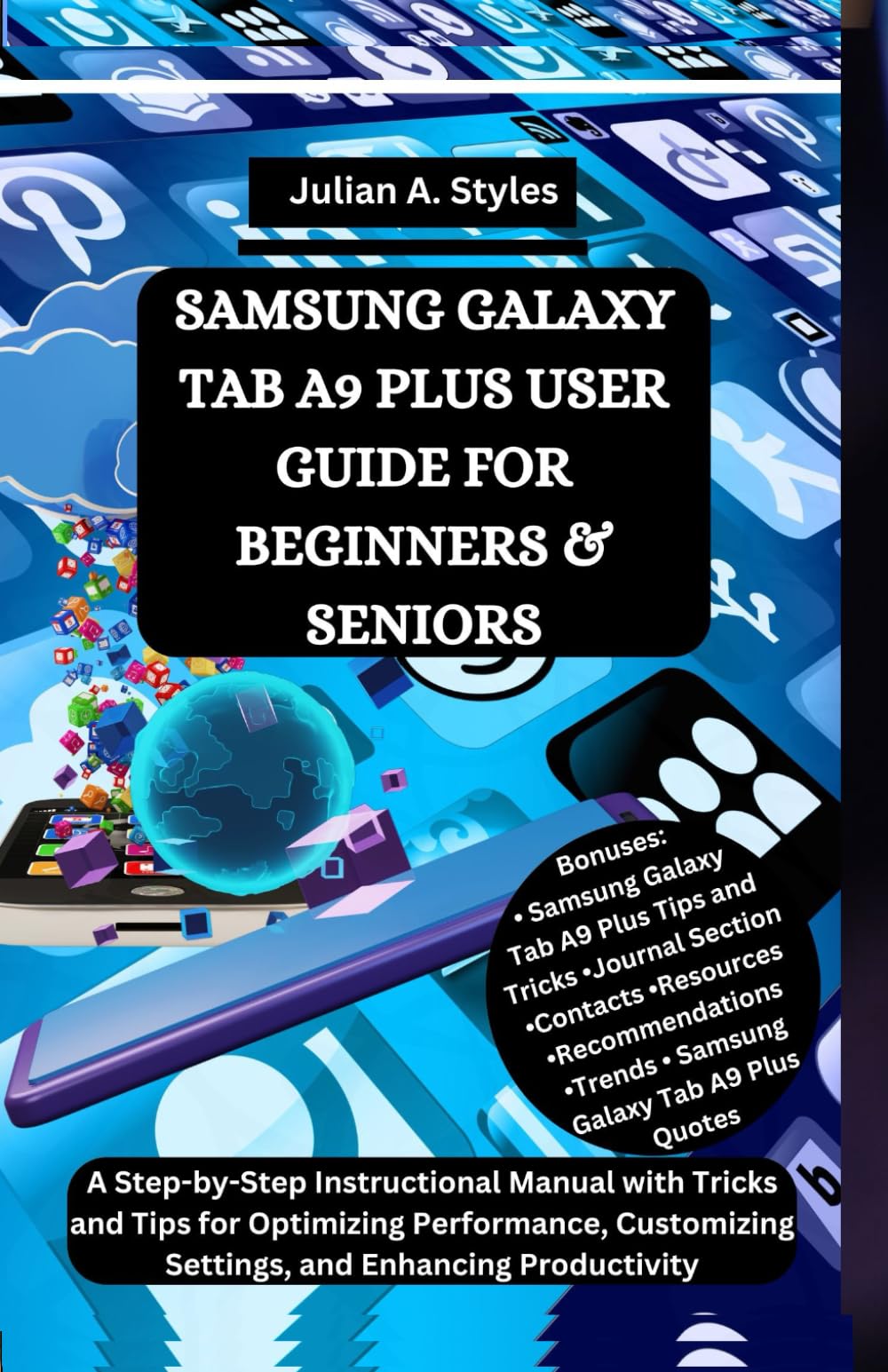
SAMSUNG GALAXY TAB A9 PLUS USER GUIDE FOR BEGINNERS & SENIORS: A Step-by-Step Instructional Manual with Tricks and Tips for Optimizing Performance, ..
$12.99
by Julian A. Styles



UNLOCK THE FULL POTENTIAL OF YOUR SAMSUNG GALAXY TAB A9 PLUS — WITHOUT FEELING LOST OR CONFUSED. You don’t need to be a tech wizard or a long-time Samsung user to enjoy everything your new tablet can do. Whether this is your very first Galaxy Tab or you’ve just upgraded to the A9 Plus, this easy-to-follow guide will walk you through every step in plain, simple English — no jargon, no stress, and no guesswork. SAMSUNG GALAXY TAB A9 PLUS USER GUIDE FOR BEGINNERS & SENIORS i s your friendly, clear, and practical manual for learning your device — from the basics to the smart tools that make life easier, more productive, and more enjoyable. Designed especially for seniors, new users, or anyone who wants a smoother experience, this book takes you by the hand and helps you feel right at home with your tablet. No fluff. No pressure. Just the real help you need. Here’s what’s inside: ✅ Getting Started with Ease – Set up your Galaxy Tab, connect to Wi-Fi, adjust brightness, use the touchscreen, and personalize your home screen. ✅ Master Everyday Features – Learn how to browse the internet, send emails, install apps, take photos, record videos, use the calendar, check the weather, and more. ✅ Stay Secure and Protected – Step-by-step guidance on creating passwords, using fingerprint unlock, setting up parental controls, and managing privacy settings. ✅ Stay Connected with Confidence – Use Google Meet, Zoom, and messaging apps to chat, share photos, and video call loved ones. ✅ Helpful Tools You’ll Actually Use – Explore Notes, Alarms, Reminders, Google Maps, YouTube, Play Store, and more built-in tools that simplify daily life. ✅ Step-by-Step Instructions – Each task is explained clearly, with simple steps and helpful tips to make learning stress-free. ✅ Voice Commands Made Easy – Discover how to use Google Assistant for hands-free help, quick answers, and time-saving shortcuts. ✅ Storage, Backup & Cloud Options – Learn how to keep your files safe, organize photos, and sync across multiple devices. ✅ Advanced Tips & Tricks – Find hidden shortcuts, gesture controls, multitasking features, split-screen options, and Bluetooth connectivity to headphones, printers, and smart devices. Why This Guide is Different: ✔ Made for Everyday People : You don’t need to be young or tech-savvy . This guide is written for you . ✔ Easy to Read, Easy to Use: Good font, clean layout, and a friendly tone — no confusing instructions or small text. ✔ Grows with You : Start simple, then explore advanced features at your own pace. ✔ Written with Care : Authored by a professional guide writer who understands the needs of beginners and seniors. BONUSES INCLUDED: 📌 Extra Tips & Tricks for Samsung Tablets 📌 Smart Quotes to Motivate and Inspire 📌 Trend Highlights for Android 14 📌 Helpful Notes Section for Personal Use/Journaling 📌 Recommended Apps for Health, Fun & Everyday Life 📌 Troubleshooting Guide for Common Problems 📌 Resource Links and Support Options Etc. Whether you want to stay in touch with family, take stunning photos, enjoy movies, boost your productivity, or simply make your daily life easier, this book gives you the confidence to use your Samsung Galaxy Tab A9 Plus like a pro — without stress or frustration . Order your copy today and start enjoying your Samsung Galaxy Tab A9 Plus to the fullest — simple, smart, and stress-free.