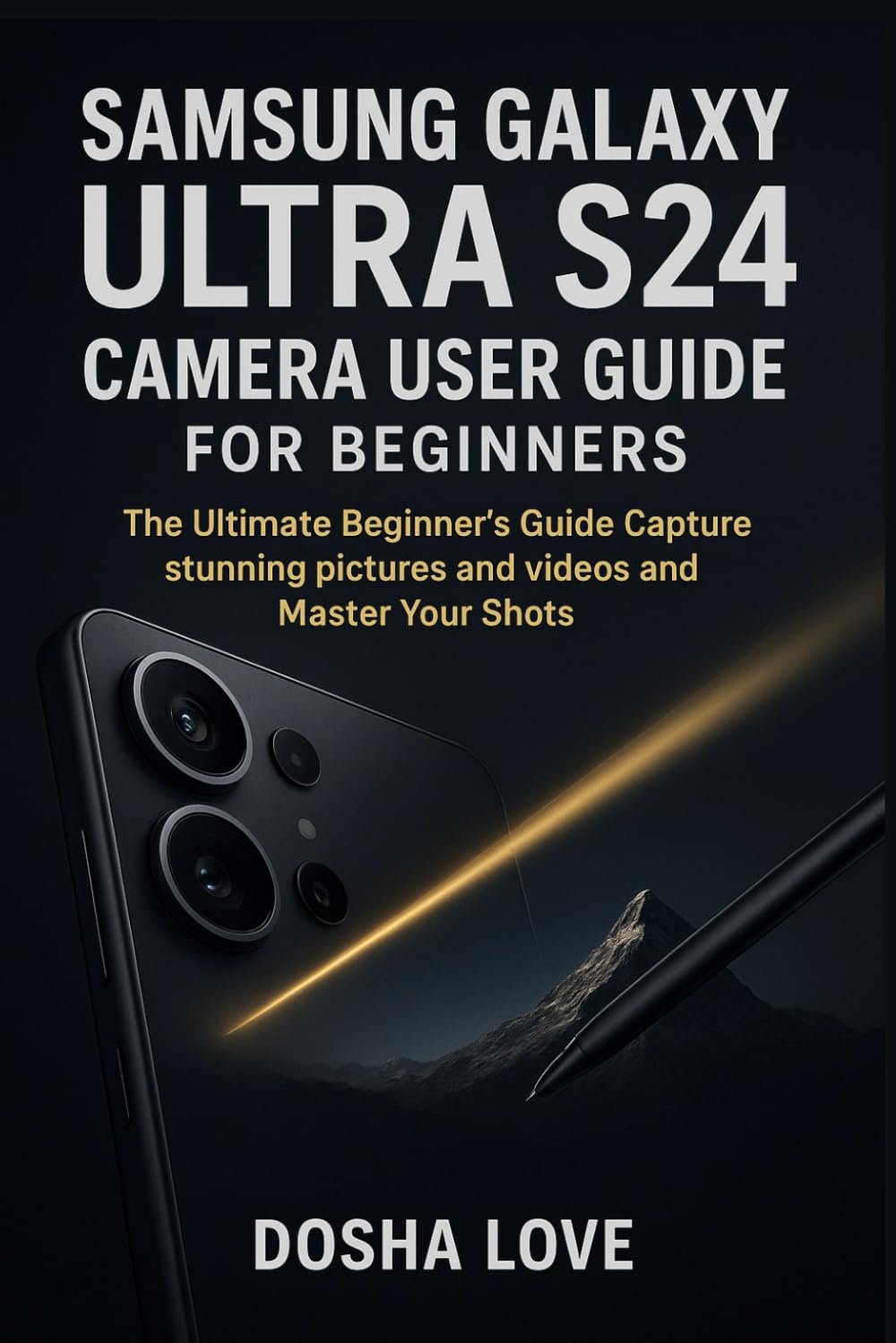
SAMSUNG GALAXY ULTRA S24 CAMERA USER GUIDE FOR BEGINNERS: The Ultimate Beginner’s Guide Capture stunning pictures and videos and Master Your Shots (
$24.99
by Dosha Love



❓ Are you holding the S24 Ultra but feel like you’re only using 20% of its camera power? ❓ Do your photos look “okay,” but not anywhere close to what others are posting online? ❓ Have all the settings, modes, and icons left you feeling confused or overwhelmed? ❓ Do you want someone to walk you through your camera like a friend—step by step?** If you quietly answered yes to any of these, this guide was written exactly for you. The Samsung Galaxy S24 Ultra camera is powerful—truly powerful. But if you’re new to it, it can feel like you’ve been handed a mini professional studio with no instructions. I’ve been in your shoes. I remember picking up this phone and thinking, “Wow… what do all these features even do?” This guide helps you skip the confusion and jump straight into taking clear, sharp, beautiful photos without stress or overwhelm. Here’s what you’ll easily learn inside: 📸 How to set up your camera properly from the very beginning - 🔍 A simple, friendly walkthrough of key modes like Auto, Pro, Expert RAW, Portrait, Night, and Macro - 🤖 How AI works behind the scenes to fix lighting, sharpen your subject, and enhance colors - 🖼️ Beginner-friendly editing tips to make your photos look polished in seconds - ☁️ How to save, back up, and share your photos without losing quality - 🕹️ Special features most beginners overlook , such as S Pen controls, voice commands, and gesture shooting - ⚙️ Real solutions for common issues like blurry images, slow autofocus, overheating, and battery drain Everything is explained like a friend sitting beside you—not a tech manual. As you read, you’ll experience plenty of little “aha!” moments. You’ll suddenly understand why your night photos look grainy, why your zoom shots aren’t sharp, why portraits look flat, and what to do differently. No guessing. No frustration. Just practical, real-life tips you can use immediately. By the time you finish, you will confidently: Capture sharp, vibrant photos in any lighting - Take portraits that look professionally composed - Shoot detailed macro photos that reveal hidden textures - Record smooth, cinematic videos - Edit quickly and effectively right on your phone - Transfer, store, and organize your photos like a pro - Use advanced features you didn’t even know existed Your Galaxy S24 Ultra is capable of incredible things. This guide helps you unlock its full potential at your own pace—without pressure, complexity, or technical jargon. If you’re ready to truly enjoy your camera and confidently capture the world around you, this friendly, beginner-focused guide is the perfect place to start.