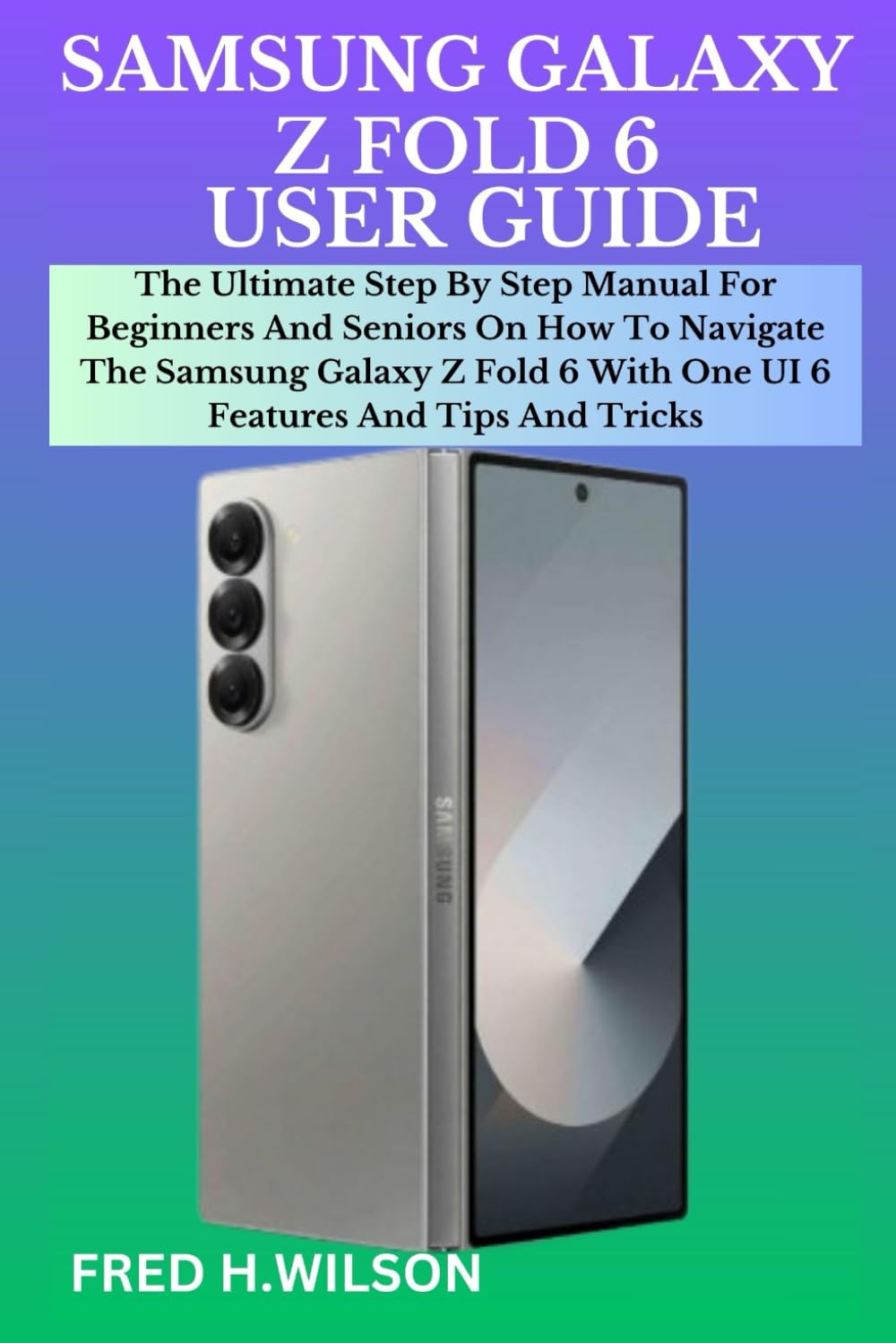
SAMSUNG GALAXY Z FOLD 6 USER GUIDE: The Ultimate Step By Step Manual For Beginners And Seniors On How To Navigate The Samsung Galaxy Z Fold 6 With One
$12.99
by FRED H. WILSON



Samsung Galaxy Z Fold 6 represents the pinnacle of foldable smartphone technology, offering a unique blend of innovation and functionality. It has a cleaner design that looks and feels better in the hand. The flexible handset is also more durable thanks to upgrades in the hinge and on the display. With Galaxy AI, your Galaxy Z Fold 6 becomes your super-smart assistant, saving you time and effort with day-to-day tasks. The Galaxy Z Fold 6 comes with incredible cameras for stunning portraits, pro-level editing, and detail-rich video. The Galaxy AI Pro Visual Engine enhances subtle details for breathtaking portraits that are super-bright. And with Photo Assist, edits such as resizing objects are quick and easy! Also compatible with S Pen. The latest Snapdragon 8 Gen 3 processor and 12GB RAM ensures smooth and power-efficient multitasking and lets you binge-watch for longer. Thanks to the super-slim, lightweight design, it's big on portability, with stylish good looks to match. This Step-By-Step manual explains how the Samsung Galaxy Z Fold 6 functions, how to operate this device and get the best out of it. The following are some of the things you'll learn in this book: Overviews of the Samsung Galaxy Z Fold 6 - Samsung Galaxy Z Fold 6 Specifications - Features of the Samsung Galaxy Z Fold 6 - How to set up and get started with your Samsung Galaxy Z Fold 6 - 25+basic settings of the Samsung Galaxy Z Fold 6 - How to back up your Samsung Galaxy Z Fold 6 - How to transfer data from Android to the Samsung Galaxy Z Fold 6 - How to transfer from iOS to the Samsung Galaxy Z Fold 6 - How to activate and transfer your design to your Samsung Galaxy Z Fold 6 - How to customize your home screen - How to use dark mode on Samsung Galaxy Z Fold - How to use circle search - How to take handwritten notes - How to set up Bixby on the Galaxy Fold - How to set up face unlock on Samsung Galaxy Z Fold 6 - How to enable or disable the taskbar - How to add or remove apps from the taskbar - How to use your voice to control your Galaxy Fold - How to use voice-to-text - How to take night photos - How to use AR Zone on your Galaxy Fold 6 - How to view pictures and videos - How to move pictures and videos into albums - How to extract text from a video - How to share pictures and videos - How to create albums - How to add apps on your home screen with Galaxy Fold 6 - How to create and send messages - How to recover messages from trash - How to set up the Samsung Wallet app - Samsung One UI 6 - The latest features of one UI 6 - Tips and tricks of one UI 6 - And many more Scroll up and click the buy now button to purchase this guide