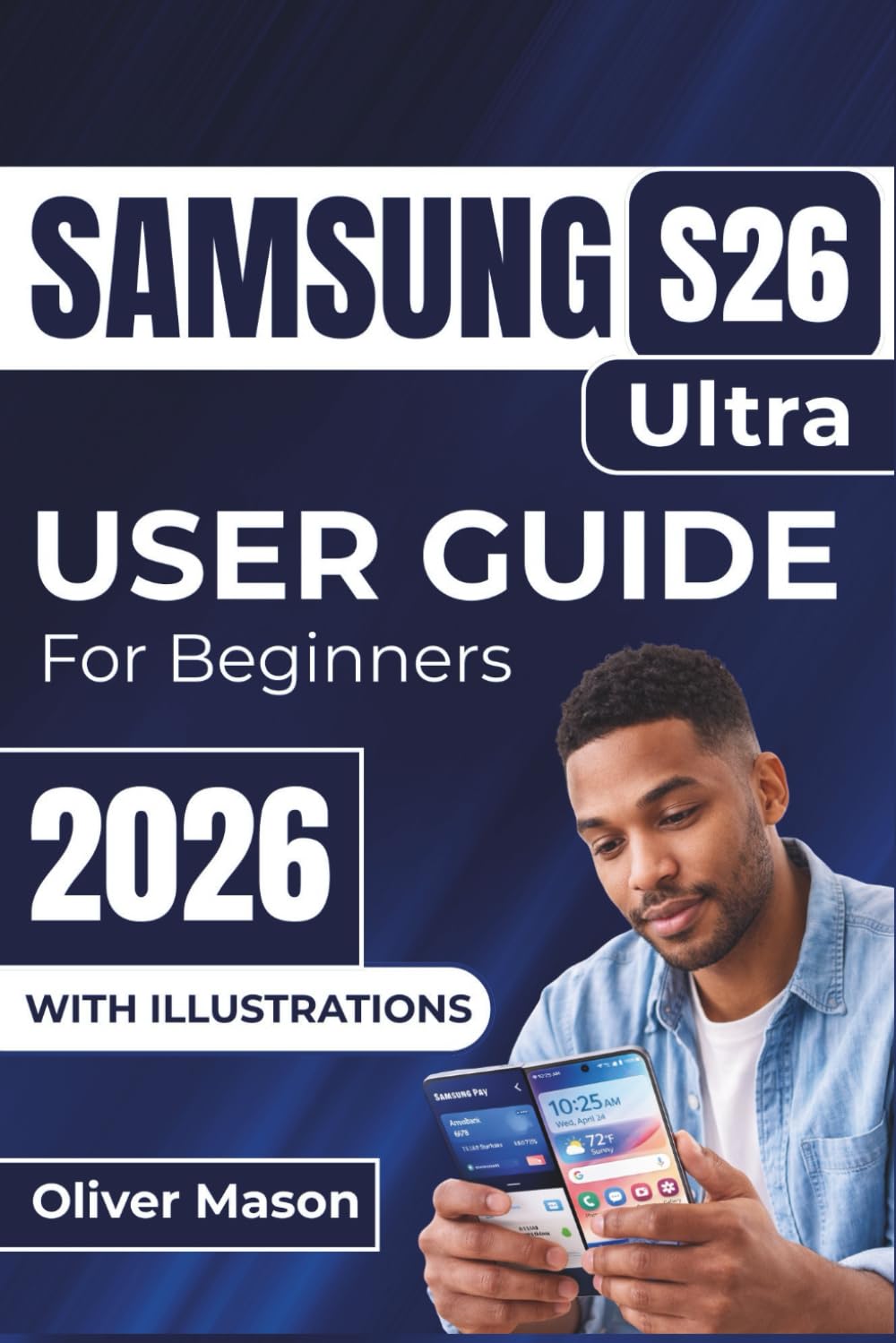
SAMSUNG S26 Ultra USER GUIDE For Beginners 2026: Setting Up, Personalizing, and Maximizing the Performance of Your Device, With Expert Tips on
$19.99
by Oliver Mason



Welcome to the ultimate Samsung S26 Ultra experience! Whether you’re unboxing your new device or looking to master every feature, this guide has everything you need to turn your phone into the powerhouse it was meant to be. From setting up biometric security to using split-screen multitasking and capturing professional-level photos, we’ve got you covered! This guide breaks down all the advanced features of the Samsung S26 Ultra in simple, actionable steps, helping you get the most out of every tool and setting. You’ll find expert tips on: Securing your device with biometric security and Find My Mobile - Customizing your home screen , notifications , and sounds - Mastering the camera with tips on night photography , Pro mode , and more - Optimizing battery life and performance for a smooth experience all day - Getting the most out of Samsung Pay , Samsung Health , Samsung SmartThings , and more Whether you’re new to Samsung or upgrading from a previous model, this guide helps you unlock all the features and settings so you can work smarter, capture stunning shots, and take full advantage of your Samsung S26 Ultra . Benefits : Get quick access to personalized tips that enhance your experience - Learn to customize your phone with the One UI interface to match your style - Protect your personal data with Samsung Knox , Secure Folder , and more - Master multitasking features like Split-Screen and Pop-Up View Ready to make your Samsung S26 Ultra work harder for you? Don’t wait—unlock its full potential and start exploring today!