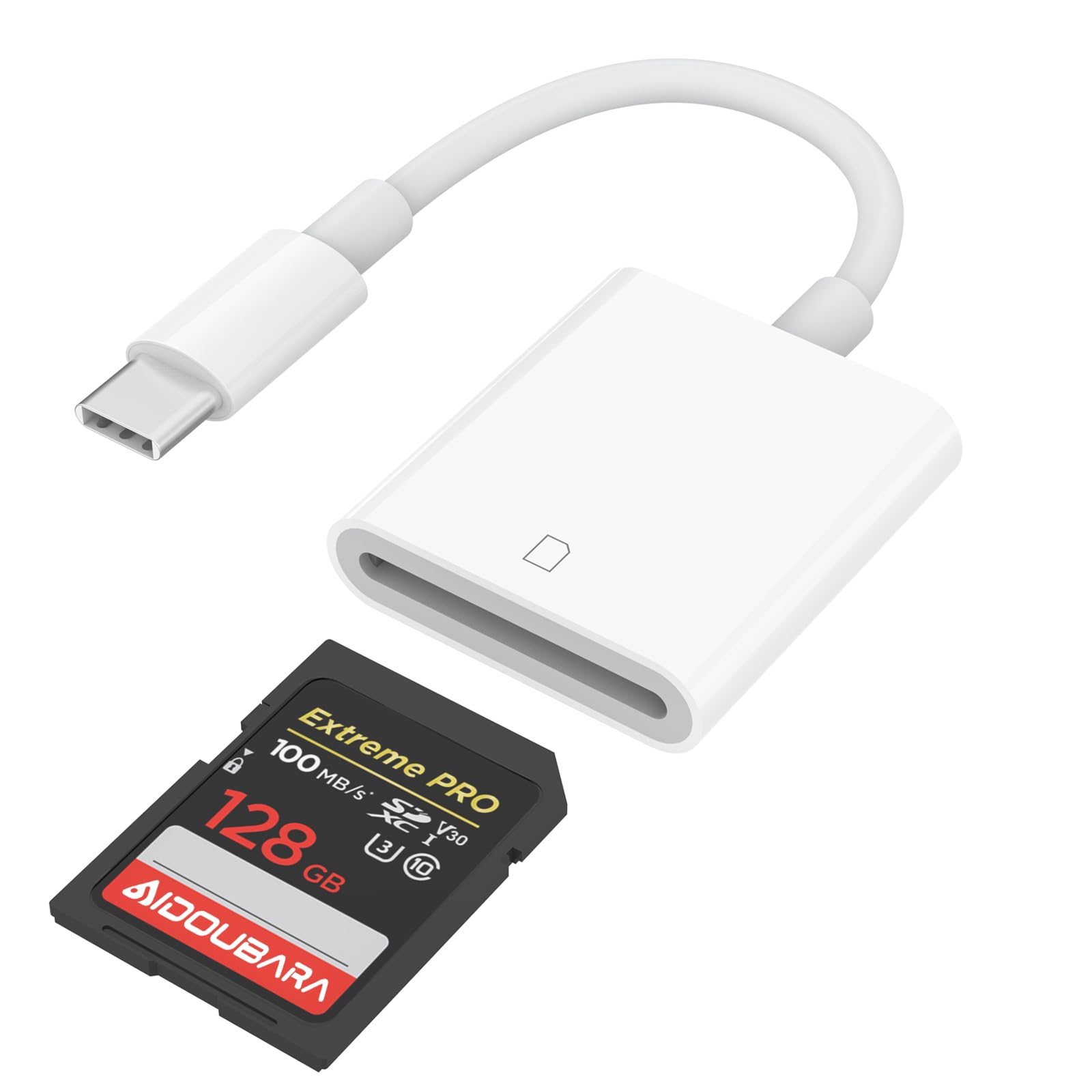



【USB C SD Card Reader For iPhone】The USB C SD card reader for iPhone 17/16/15 use the newest USB TYPE-C plug, easy to transfer photos and data to your TYPE-C laptop, smartphone and tablets. With over-current and short-circuit protection, safety is ensured for your important files. 【Adapter For Digital Camera to Phone】The digital camera adapter is compatible with SD/SDHC/SDXC/RS-MMC/MicroSD/MicroSDXC/MicroSDHC memory cards. It is a essential photography accessories for Kodak PixPro FZ55/ FZ45 Canon Nikon Sony Digital Camera. No apps, No drivers, plug and play, you only need to use the iOS built-in "Files" app to import and export photos and videos. 【Experience blazing-fast two-way transfers】 This sd card adapter support transfer files/photos/music/video from SD/ Micro SD card to iPhone/iPad/Mac or your other usbc device in seconds, enables bi-directional transfer and helps free up storage space.It's ideal memory card reader, sync your happiness with family and friends in real-time. 【Universal Compatibility】Works with iPhone 17/ 16/ 15 series, MacBook Pro/Air, iMac, Mac Mini after 2018, iPad Pro 2022/2021/2020, iPad Air 2022, Surface Book 2, Surface Go, Surface Pro 7, Dell XPS 13/15 Samsung Galaxy S20/S21/S22/S23/S25,Google Pixel,tablet, laptop, and more USB-C devices (make sure phone has OTG function). 【Portable & Durable Design】Compact and lightweight, this memory card reader fits easily in your bag. Great for travel, vlogging, or professional shoots with digital cameras, SLR cameras, trail cameras, drones, or action cams. With the built-in expansion USB-C cable of this SD card reader, you can save space and use ports side by side. Get the ultimate USB-C SD card reader today! USB C SD Card Reader, Ideal for iPadOS users. As convenient on the computer, plug and play, two -way transmission. Just need to: Place Memory card, then plug this into the USB-C port. Open iOS built-in 'Files' app that comes with the iOS or iPadOS, and shows under 'NoName' folder or 'Untiled' folder (which is the name of your memory card). You can view, save, or delete any files of the card on your iPad. Download photos or videos from SD cards to iPhone. Remove the SD card from digital camera, insert it into the SD card reader, then plug in your iPhone and use iOS built-in Photos app to import photos with one click. Or use the iOS built-in Files app to import and export any files.