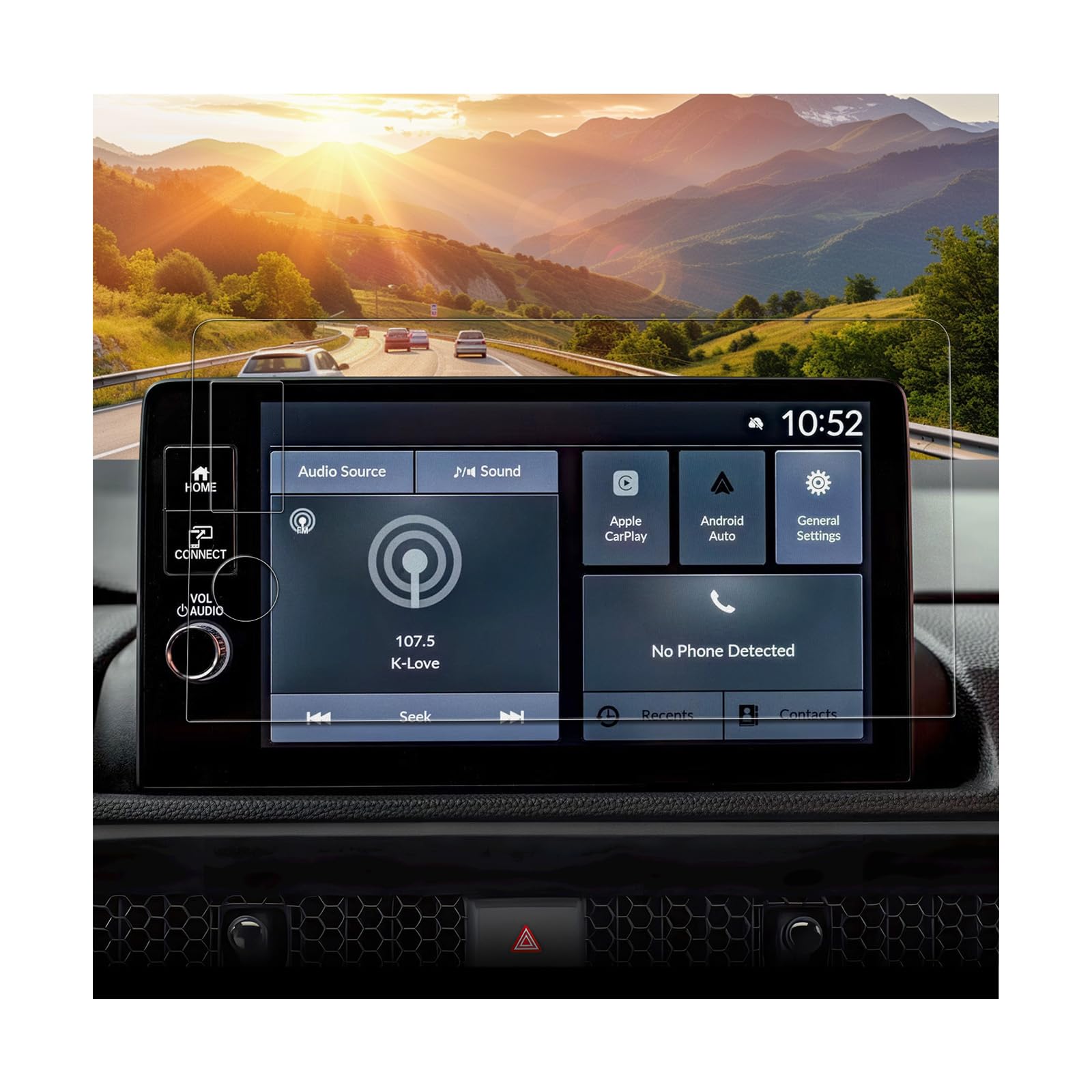



Anti-Glare Protection – The matte finish reduces reflections on your 2026 Honda CRV Accessories 9 inch navigation screen [LX/EX/Sport Hybrid/EX-L/TrailSport Hybrid/Sport-L Hybrid] [2-Button Holes Only] [Not for Sport Touring Hybrid] , enhancing visibility even under bright sunlight. Ideal for maintaining clarity while driving High-Durability Tempered Glass – Specially designed for 2026 Honda CRV CR-V accessories displays, providing robust protection against scratches, impacts, and wear from daily use Smooth Touch Sensitivity – Maintains the responsiveness of your 2026 CRV touchscreen, ensuring seamless control of your 2026 CRV navigation system while driving Fingerprint & Smudge Resistant – Oleophobic coating keeps your 2026 CRV infotainment screen clean, repelling fingerprints and smudges for a clear, distraction-free driving experience Easy, Bubble-Free Installation – Designed for hassle-free installation on 2026 CRV displays, ensuring a secure, bubble-free fit with no residue. Ideal for quick setup without interfering with driving Compatible With: 2026 Honda CRV Accessories Screen Protector [LX/EX/Sport Hybrid/EX-L/TrailSport Hybrid/Sport-L Hybrid] [2-Button Holes 9 inch Only] [Not for Sport Touring Hybrid]
Upgrade your 2026 CRV Accessories with our 2026 CRV 9 Inch [2-Button Holes Only] anti-glare tempered glass screen protector, designed for the 2026 CRV navigation touchscreen. This premium 2026 CRV accessory offers robust protection while enhancing screen clarity, ensuring a superior driving experience.
Features
- Anti-Glare Protection– The matte finish minimizes reflections and glare, ensuring clear visibility during driving and reducing eye strain.
- 9H Tempered Glass– Provides excellent scratch resistance, protecting your 2026 CRV navigation screen from everyday impacts and wear.
- Smooth Touch Sensitivity– Maintains the 2026 CRV screen’s original touch responsiveness for seamless interaction.
- Fingerprint Smudge Resistant– The oleophobic coating repels fingerprints and smudges, keeping the screen clean and clear.
- Easy Installation– Features bubble-free adhesive for a simple, residue-free installation. Ensures a perfect fit without affecting screen functionality.
Installation Step
- Prepare the Screen– Clean the screen thoroughly with the provided cleaning wipe and microfiber cloth to remove dust and debris.
- Position the Protector– Use the included positioning stickers to align the protector accurately on the screen.
- Apply the Protector– Place the protector on the screen, using your card or a soft cloth to press from the center outward to remove bubbles.
- Smooth the Edges– Ensure the protector adheres smoothly to the screen’s edges.