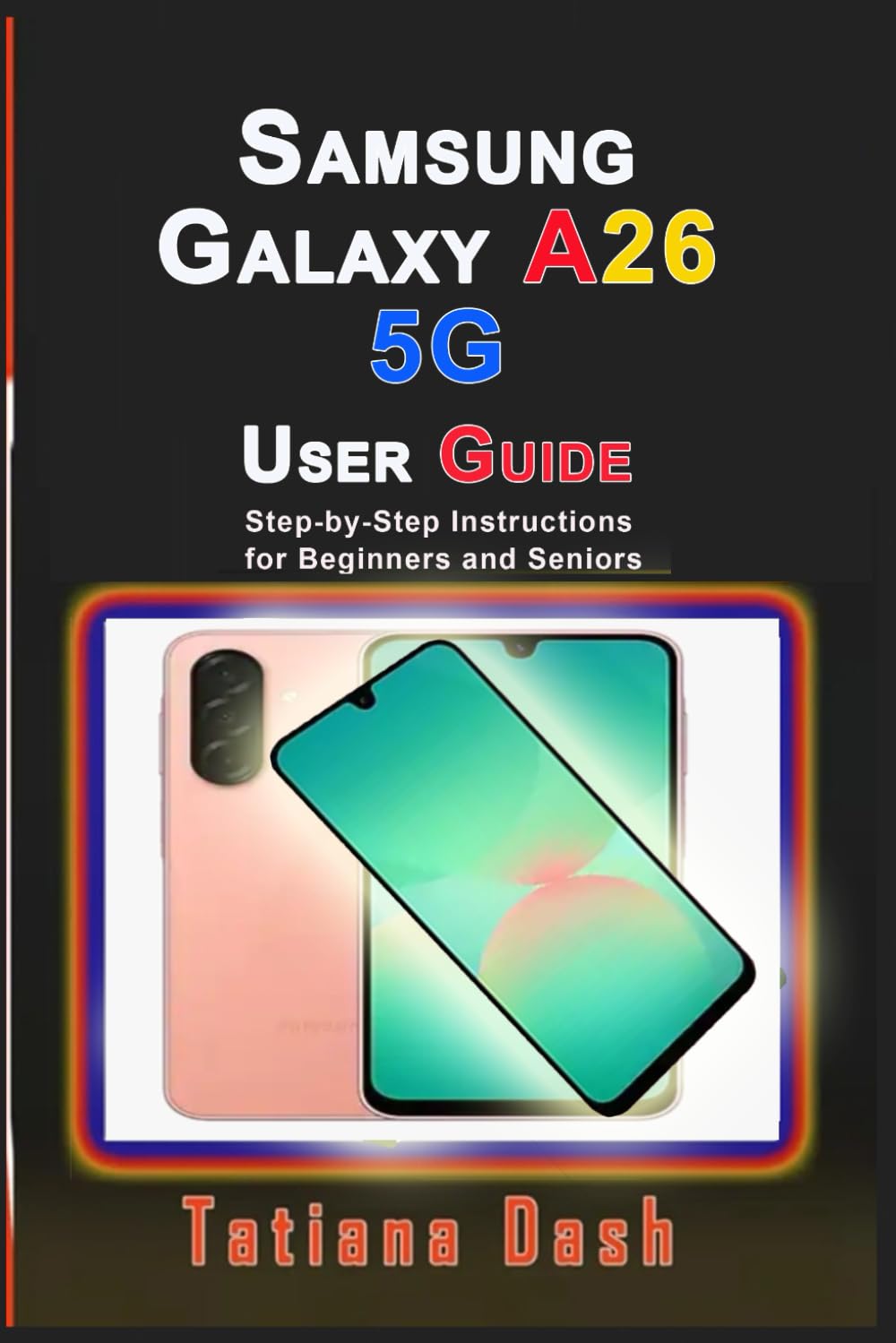
Samsung Galaxy A26 5G User Guide: Step-by-Step Instructions for Beginners and Seniors (Gadgets simplified guides)
$13.99
by Tatiana Dash



… Short, simple and straight-to-the-point handbook for Samsung Galaxy A26 5G smartphones’ owners. Designed for beginners and seniors, especially those who do not need lengthy reading. Learn to master your Samsung Galaxy A26 5G with this easy-to-follow user manual created to help those who wants to get the most out of their smartphone. Whether you’ve just bought your A26 or you’re upgrading from an older model, this guidebook will walk you through every feature, from the basics to advanced functions- in simple, clear steps. Inside, you’ll learn how to: Get Started with Your Smartphone – Charge your battery, power on your A26, set it up with the setup wizard, move your data, set up voicemail, and secure your device. - Navigate Your A26 Like a Pro – Master navigation buttons or gestures, personalise your home screen, use themes, widgets, app icons, status bar settings, intelligent features, modes & routines, digital wellbeing, parental controls, and split-screen multi-window. - Use the Powerful Camera – Discover shooting modes, record videos, adjust camera settings, use shooting methods, manage your photos in the gallery, take screenshots, and record your screen with ease. - Master Your Apps – Uninstall or disable apps, use the world clock, manage contacts, browse with Samsung Internet (including secret mode), use My Files, make and receive calls, and set up Samsung Health. - Stay Connected Anywhere – Connect via Wi-Fi, Bluetooth, NFC, mobile hotspot, and VPN. Pair devices, connect printers, tweak sounds and vibration, adjust display settings, and use edge panels for quick access. - Secure Your Device – Set up biometric security (fingerprint scanner), protect accounts, manage emergency contacts, add accounts, back up & restore data, and fine-tune privacy settings. - Keep Your Device in Top Shape – Learn about water and dust resistance, use device care, optimise battery performance, change language & input settings, troubleshoot issues, reset your device, and use accessibility features like hearing aid support, interaction, and dexterity settings. Packed with step-by-step instructions and pro tips , this guide makes learning your Samsung Galaxy A26 5G fast, easy, and enjoyable. Whether you want to customise your phone, capture amazing photos, keep your device secure, or even troubleshoot problems, you’ll find everything you need right here.