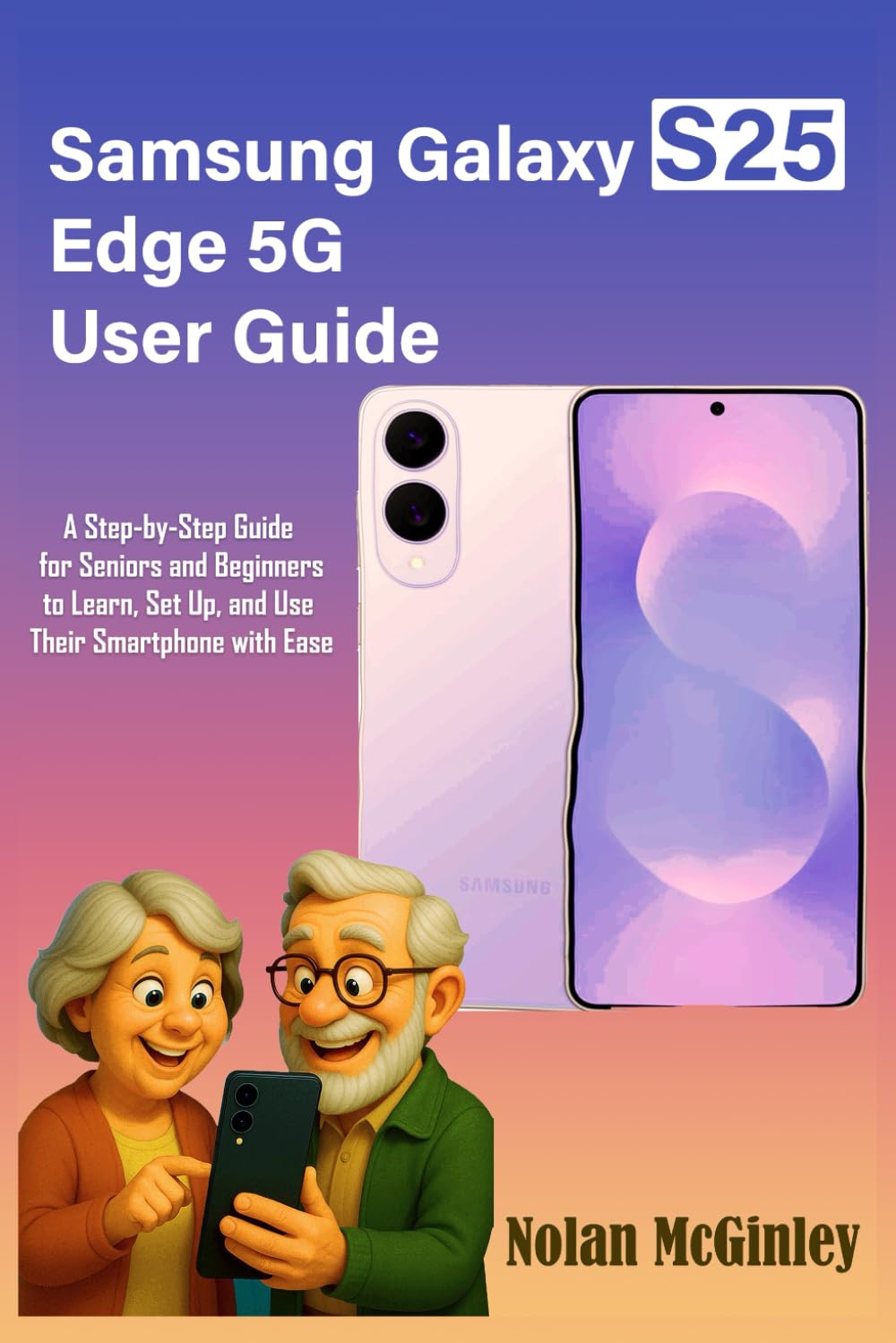
Samsung Galaxy S25 Edge 5G User Guide: A Step-by-Step Guide for Seniors and Beginners to Learn, Set Up, and Use Their Smartphone with Ease
$15.99
by Nolan McGinley



MASTER YOUR SAMSUNG GALAXY S25 EDGE WITH EASE—NO TECH EXPERIENCE REQUIRED Are you new to smartphones or upgrading from an older device? This easy-to-follow guide is designed for seniors, first-time Android users, and anyone who wants to use their Samsung Galaxy S25 Edge with confidence. Written in plain English, this manual walks you through every feature step by step. No tech jargon. No confusion. Just simple, clear instructions to help you get the most out of your phone. What you’ll learn: Getting Started : Device layout, SIM/eSIM setup, charging, Smart Switch data transfer, and Samsung account setup - Screen & Navigation : Gestures, soft buttons, Home screen, themes, widgets, Edge Panel, Always-On Display - Calls & Messages : Making calls, texting, live translate, call assist, scheduled messages, and blocking spam - Camera & Photos : Portrait, Night, Panorama modes, document scanning, AI-powered editing tools - Contacts & Gallery : Add, merge, and personalize contacts, manage photos, and use generative editing features - Security & Accessibility : Face and fingerprint unlock, screen lock options, voice control, large text, magnification - Connectivity : Wi-Fi, Bluetooth, NFC, mobile hotspot, and troubleshooting - Keyboard & Input : Voice typing, handwriting input, emojis, custom layouts, and predictive text Whether you’re setting it up yourself or helping a loved one, this beginner-friendly guide makes learning your phone easy and stress-free. Start using your Samsung Galaxy S25 Edge with clarity and confidence today.