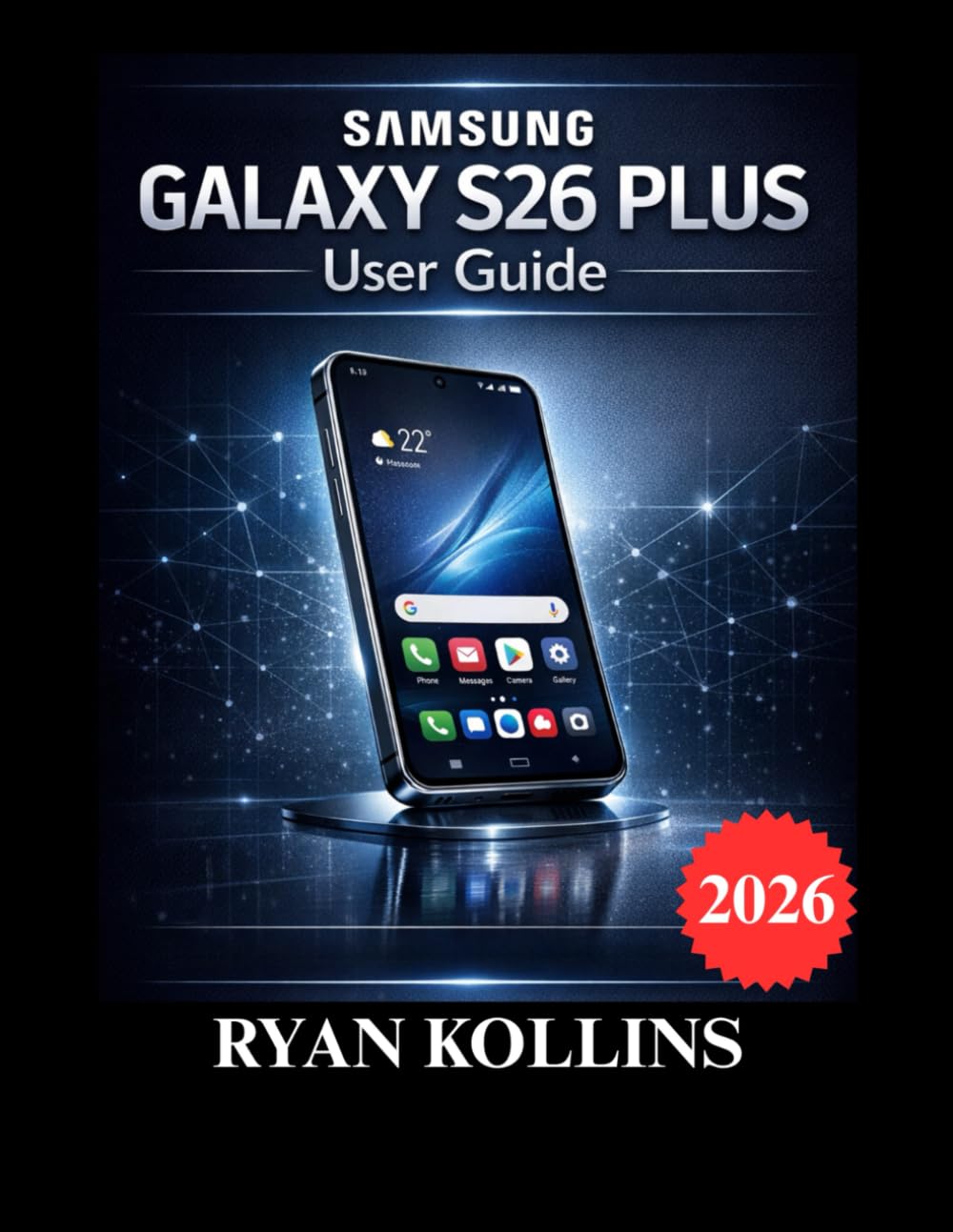
Samsung Galaxy S26 Plus User Guide: Complete Setup, Features, Tips & Troubleshooting
$17.99
by RYAN KOLLINS



Unlock the full power of your Samsung Galaxy S26 Plus with this comprehensive, beginner-friendly, and professionally structured user guide designed for real-world use. The Samsung Galaxy S26 Plus is powerful, intelligent, and packed with advanced features — but most users only scratch the surface. Whether you are a first-time Galaxy owner, upgrading from an older Samsung device, or switching from another brand, this step-by-step manual walks you through everything you need to know clearly and confidently. Unlike scattered online tutorials, this guide follows a structured learning path — from unboxing and initial setup to advanced multitasking, Galaxy AI tools, security configuration, battery optimization, and troubleshooting solutions. What You Will Learn How to set up your Samsung Galaxy S26 Plus correctly from day one - Master Android 16 and One UI 8.5 navigation - Customize display, notifications, and system settings - Use the triple camera system like a professional - Record high-quality 4K and 8K videos with proper stabilization - Unlock Galaxy AI features for smarter productivity - Use Split Screen, Edge Panels, and Samsung DeX efficiently - Protect your data with Secure Folder and biometric security - Back up and restore your phone safely - Fix common issues such as battery drain, lag, Wi-Fi drops, and app crashes Perfect For: Beginners who want clear step-by-step instructions - Seniors who need easy-to-follow guidance - Professionals who want productivity and multitasking mastery - Anyone who wants to maximize battery life and performance - Users who want to understand privacy, security, and backup tools Why This Guide Is Different This is not a recycled manual. It is written from practical hands-on experience with the Samsung Galaxy S26 Plus. Every chapter focuses on real usage scenarios, practical settings, and solutions you will actually use daily. You will not find confusing technical jargon. Instead, you get clear explanations, structured walkthroughs, and professional insights designed to help you feel confident with your device. Inside This Book: Complete setup guide from unboxing to activation - Camera mastery for photos, portraits, night mode, and zoom - Galaxy AI tools explained in simple language - Productivity features like Samsung DeX and Windows integration - Advanced settings for customization and optimization - Step-by-step troubleshooting solutions - Security and privacy protection strategies - Long-term maintenance tips