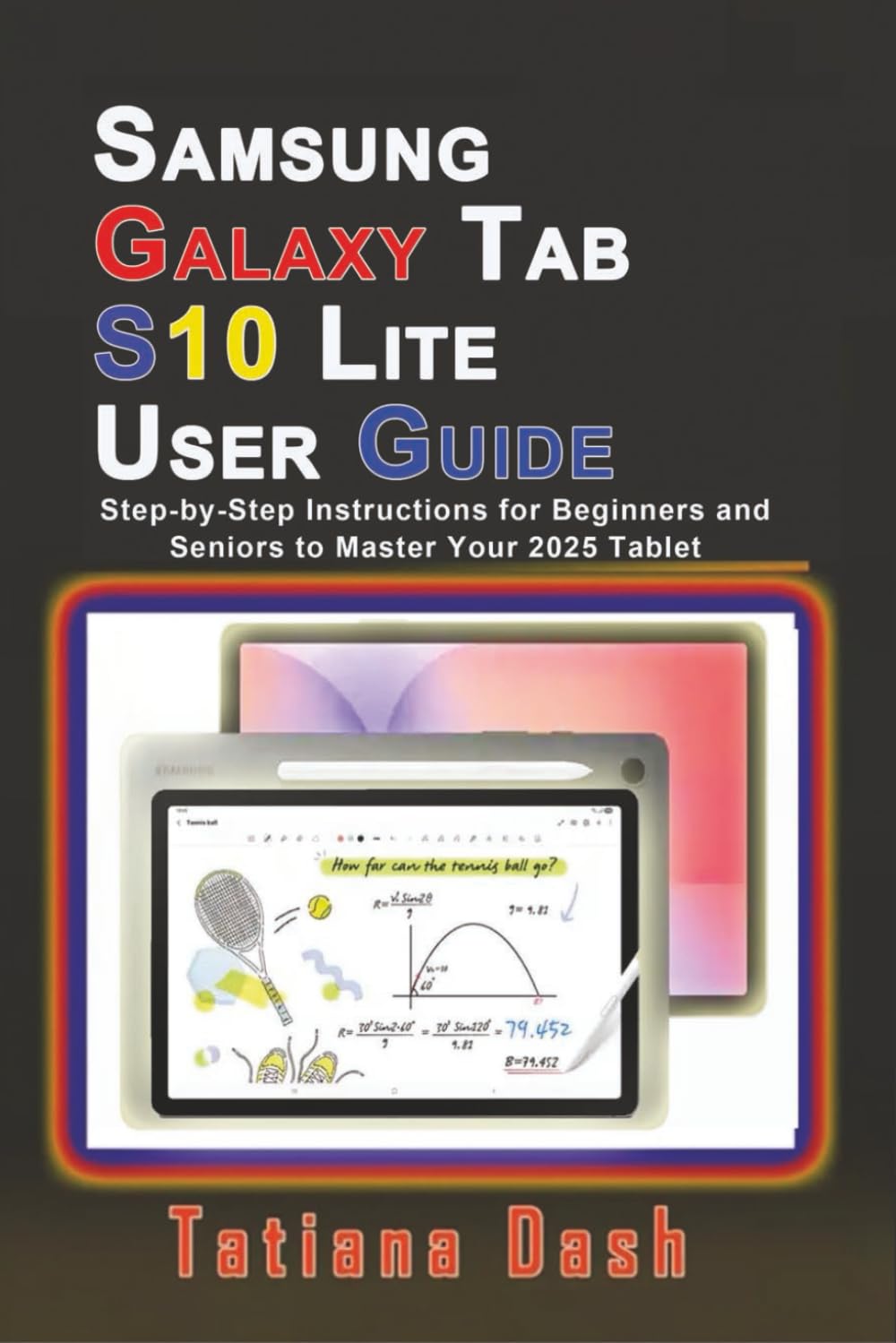
Samsung Galaxy Tab S10 Lite User Guide: Step-by-Step Instructions for Beginners and Seniors to Master Your 2025 Tablet (Gadgets simplified guides)
$13.99
by Tatiana Dash



…Short and simplified instructions for those who do not want lengthy reading, to master their new Samsung tablet Learn how to use your Samsung Galaxy Tab S10 Lite with this easy-to-follow guide. Whether you’re a beginner, senior, or someone upgrading from an older device, this manual will walk you through setup, customization, and advanced features so you can get the best from your tablet. Inside, you’ll discover everything you need to know, from getting started safely to using smart tools for productivity, creativity, health, and entertainment. Here’s what you’ll learn: Buttons & functions : how to use buttons and controls, and charging tips. - Set up your S10 Lite – Insert SIM & microSD cards, emergency calls, initial setup, Samsung account, and Smart Switch data transfer. - Master the Screen & Navigation – Touch controls, navigation bar, customizing the home screen, taskbar, edge panel, notifications, quick settings, media controls, screenshots, screen recording, and managing apps. - S Pen Features – Air Command, Smart Capture, Screen Write, Translate, S Pen to Text, Screen Off Memos, and more. - Camera & Entertainment – Take photos and videos, edit, stream live, download movies, video calls, Hyperlapse mode, online shopping, online learning, and Bixby Vision. - Samsung Health & Productivity Apps – Track steps, calories, and sleep, use Samsung Notes, eBooks, PENUP, Calendar, Reminder, Voice Recorder, My Files, Gaming Hub, Game Booster, and Samsung DeX. - Connections & Settings – Wi-Fi, Bluetooth, editing documents, printing, modes & routines, sound effects, wallpapers, security, privacy, secure Wi-Fi, secure folder, accounts & backup, Samsung Cloud, Digital Wellbeing, and device care. - Accessibility & Troubleshooting – Accessibility settings, software updates, overheating fixes, common issues, and quick solutions. With clear step-by-step instructions , and a few helpful screenshots , plus practical tips, this book ensures you can confidently: Set up and personalize your Galaxy Tab S10 Lite - Use smart features like Bixby, SmartThings, and Samsung DeX - Enjoy digital note-taking, eBooks, games, and online learning - Keep your device secure, optimized, and long-lasting Whether you want to stream movies, make video calls, record gameplay, or manage your smart home , this guide makes it simple.