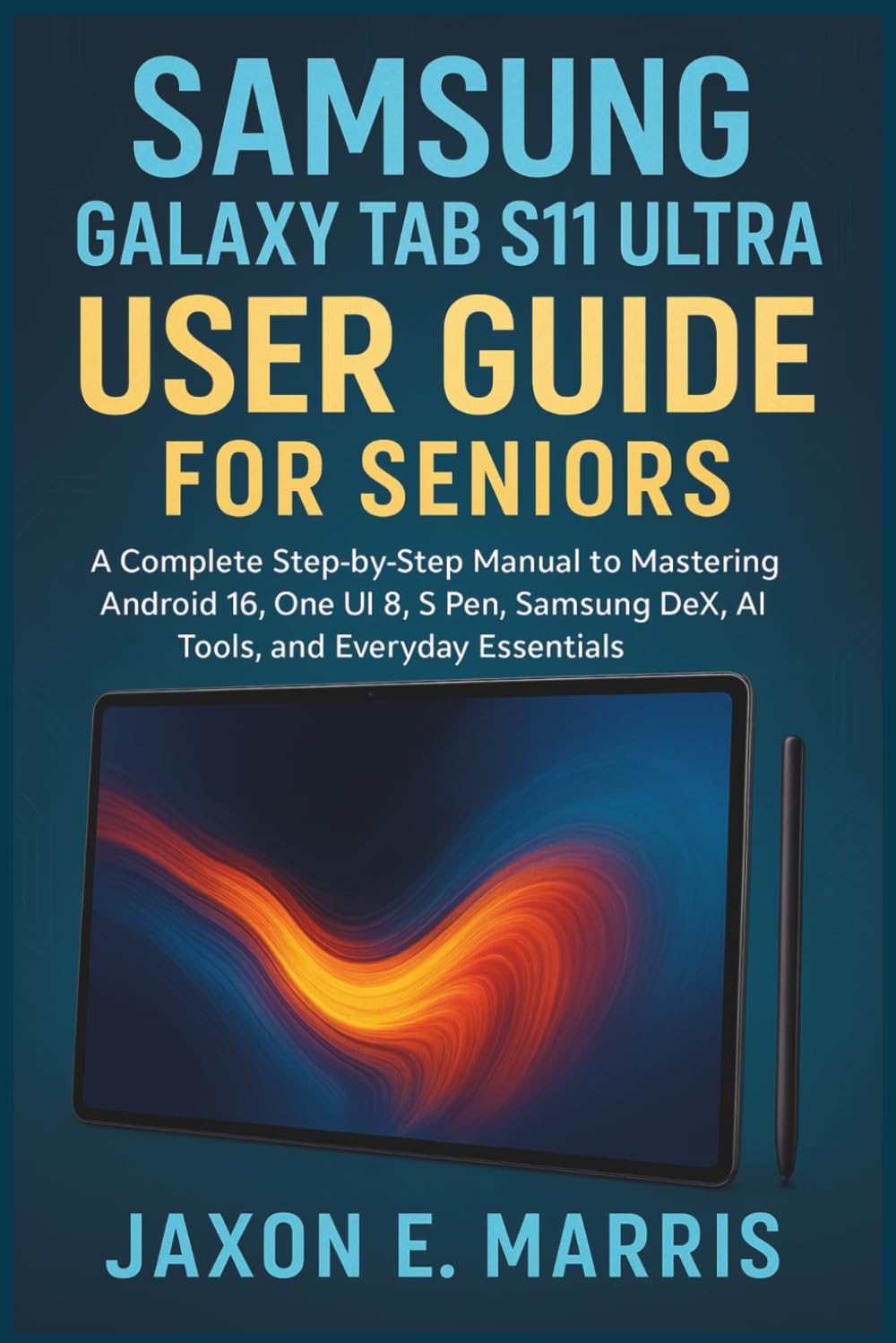
Samsung Galaxy Tab S11 Ultra User Guide for Seniors: A Complete Step-by-Step Manual to Mastering Android 16, One UI 8, S Pen, Samsung DeX, AI Tools, .
$14.99
by Jaxon E. Marris



Unlock the full power of your Samsung Galaxy Tab S11 Ultra with this easy-to-follow, senior-friendly guide! Whether you're brand new to tablets or upgrading from an older model, this comprehensive manual is your perfect companion for navigating the incredible features of the Galaxy Tab S11 Ultra. Written with clarity and care, this guide is ideal for seniors, beginners, and everyday users who want to feel confident and in control of their device—without technical jargon or confusion. 📱 Inside this book, you’ll learn how to: Set up your tablet with ease and personalize it to your needs - Navigate Android 16 and One UI 8 using intuitive gestures or buttons - Use the S Pen for handwriting, notes, drawing, and Air Actions - Capture stunning photos and 4K videos with smart camera features - Browse the web, stream videos, listen to music, and read eBooks - Connect with family via Google Meet, WhatsApp, or email - Use Samsung DeX Mode to turn your tablet into a desktop workstation - Secure your device with fingerprint, face recognition, and Secure Folder - Use Samsung Kids Mode and accessibility features for all ages - Manage apps, troubleshoot issues, and back up your data safely With large fonts, step-by-step instructions, helpful tips, and real-world examples, this guide empowers you to use your tablet with confidence and enjoyment —whether you’re watching movies, sending emails, video calling loved ones, or getting things done. 🎁 Perfect as a gift for parents, grandparents, or first-time tablet users! ✅ Why This Guide Stands Out: Written with seniors and beginners in mind - Covers both basic and advanced features - Includes troubleshooting, cloud backup, S Pen gestures, and DeX Mode - Fully updated for Android 16 and One UI 8 - Compatible with Wi-Fi and Cellular models of the Galaxy Tab S11 Ultra 📦 Start your journey today—scroll up and click “Buy Now” to master your Samsung Galaxy Tab S11 Ultra!