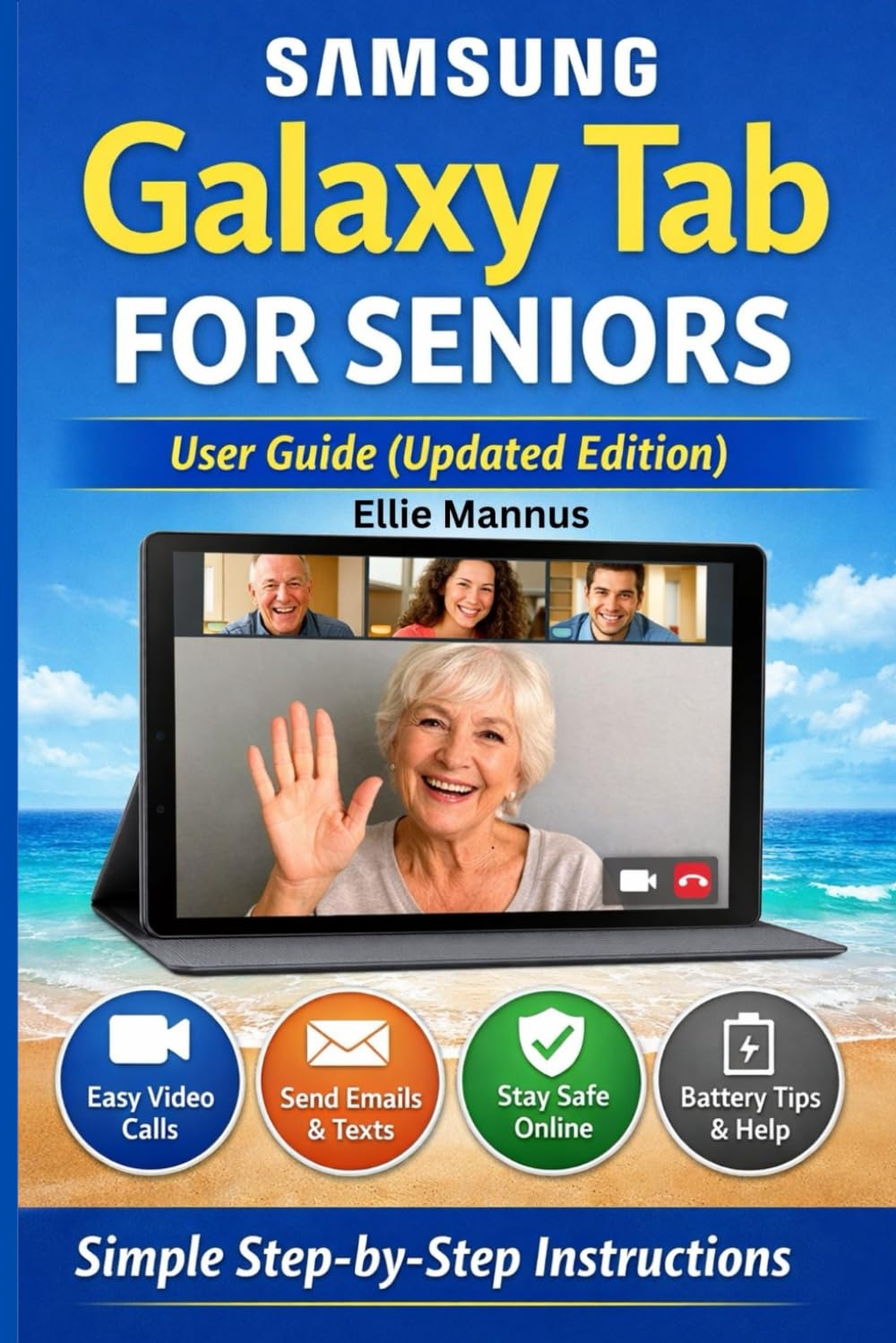
Samsung Galaxy Tab for Seniors User Guide (Updated Edition): Big Font • Simple Language • Step-by-Step Help
$24.99
by Ellie Mannus



Discover the easiest way to use your Samsung Galaxy Tab, designed especially for seniors. Technology doesn’t have to be confusing. Samsung Galaxy Tab for Seniors – User Guide (Updated Edition) is a clear, friendly, and step-by-step guide created to help older adults use their tablet with confidence and ease. Written in simple language with large-print friendly explanations, this book walks you through everything from turning on your Galaxy Tab to making video calls, adjusting text size, staying safe online, and fixing common problems. Inside this book, you’ll learn how to: • Set up your Samsung Galaxy Tab quickly and safely • Use touch gestures with confidence • Make video calls, send messages, and email loved ones • Adjust settings for better visibility and sound • Stay safe online and avoid scams • Care for your battery and keep your tablet running smoothly • Troubleshoot common issues without stress Whether you are a complete beginner or someone who wants to feel more comfortable with technology, this guide is your trusted companion. Perfect for seniors, beginners, and anyone who wants a stress-free tablet experience.