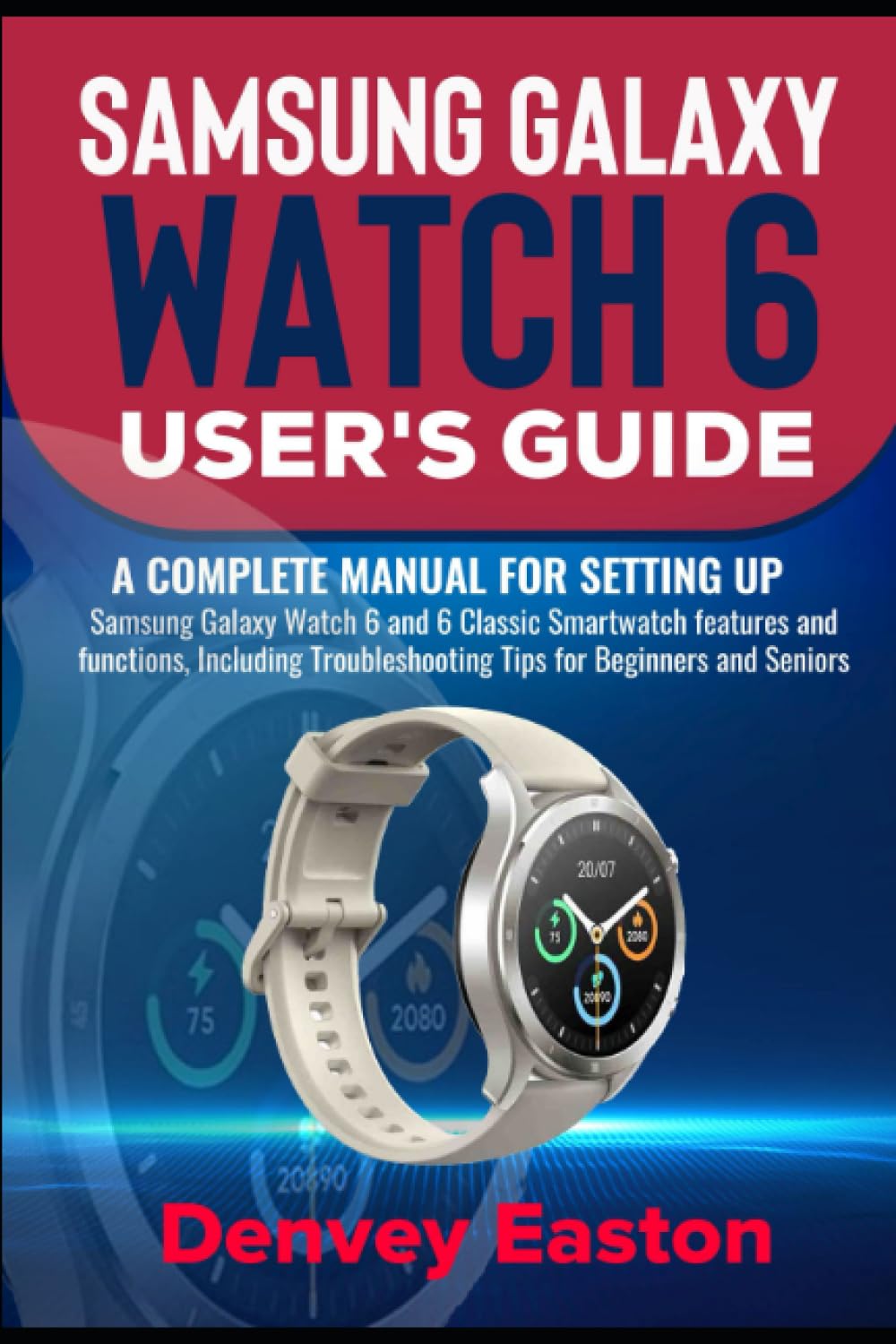
Samsung Galaxy Watch 6 User's Guide: A Complete Manual for setting up Samsung Galaxy Watch 6 and 6 Classic Smartwatch features and functions,
$15.95
by Denvey Easton



The Samsung Galaxy Watch 6 and 6 Classic user guide gives you a complete overview of how to use and get the most out of your device's features. Setup, navigation, and functionality are among the key components that are covered. The guide provides a step-by-step process for pairing your watch with a smartphone, designing watch faces, and handling notifications. Fitness tracking is explained, which includes monitoring heart rate and steps. Furthermore, it provides instructions on app usage, battery management, and power-saving mode activation. This instructional manual will aid you in maximizing your usage of the Samsung Galaxy Watch 6 and 6 Classic . The following are a few of the topics you could learn from this guide: Setup Galaxy Watch 6 Without a Phone - Setup Samsung Account - Setup Google Account - How to Use the Wireless Charger - How to Charge with Wireless Power Share - Detaching and Changing the Straps - Turn On and Off your Watch - Managing your Watch Mobile Plan - Setting Up eSIMs on Galaxy Watch 6 and 6 classic - Using Airplane Mode - Setting Up Bluetooth Connection - Connecting to a WiFi Network - Connecting your Watch to a Smartphone - Backing Up the Watch Account Data - How to Setup Remote Connection - Using the Screen Lock Feature - Customizing Shortcuts Keys - Navigating your Watch with Gestures - Customizing your Watch Face - Setting up your Watch Sounds and Vibrations - Navigating with Quick Panel - Stay Updated with Notifications - Setup Advanced Notifications - How to Use Wireless Emergency Alerts - Setting Up Bedtime Mode - Using Do Not Disturb - Enabling Theater Mode - Activating Water Lock Mode - Keyboard Settings and Entering Text - Font Style and Size Customization - App Screen Navigation - Download and Uninstall Apps - Setup App Permissions - Bixby Setup - Using Google Assistant - How to Access the Settings App - Setting Up Samsung Pay - Making Payments with NFC - Reduce Stress with Breathing Exercises - Tracking Oxygen Levels - Tracking Body Composition - Monitoring and Recording the Calories You Eat - Tracking your Water Intake - Manually Set Date and Time - Setup a Reminder - Viewing and Sending Messages - Make, Answer, and Reject Calls - Adjusting your Watch Screen Brightness - Setup Always on Display - How to do Screen-Wake - Using your Watch to Locate your Smartphone - Enable your Watch Location - How to Use Stopwatch and Timers - Connecting Earbuds - Using Camera Controller - Using Media Controller - How To Activate or Deactivate Your Watch - Apps For the Galaxy Watch - How To Use a New Mobile Device to Pair The Watch - How To Change the Watch's Face - How To Modify the Speed Dial Settings - How To Sort Your Apps - How To Set Permissions - How To Manage Emergency Calls - How To Manage Health by Samsung - What Is Samsung Flow? - How To Listen to Music with Your Watch - How To Transfer Pictures - How To Modify Watch Display - Add Ringtone - Troubleshooting Tips - And many more… Samsung galaxy watch 6 and 6 Classic is the latest watch device in the market that meets your smartphone needs and experience, so be prepared to learn the basics through this Guidebook as more topics await your learning experience. So what are you waiting for? Scroll up and Click the Orange - BUY NOW WITH 1-CLICK BUTTON- on the top right corner and Download Now!!! You won’t regret you did See you inside!!!