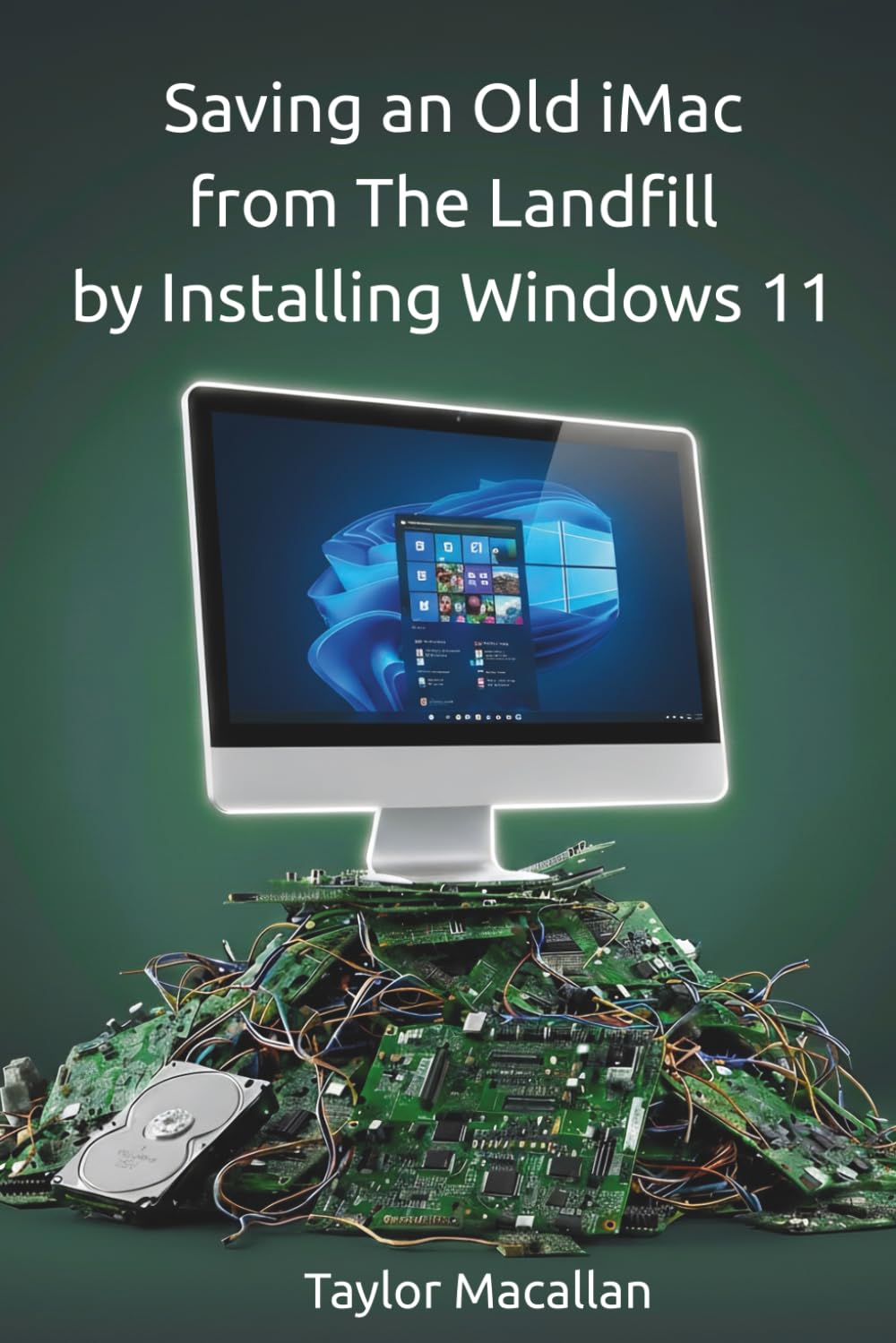
Saving an Old iMac from the Landfill by Installing Windows 11: A Practical Guide to Legacy Hardware with AI-Assisted Troubleshooting
$6.60
by Taylor Macallan



Saving an Old iMac from the Landfill describes the road taken to refresh an apparently "dead-end" device with Windows 11 - saving it from the landfill and allowing it to be useful for years to come. With guidance from AI along the way. The late-2013 iMac is a landmark of industrial engineering, featuring a seamless fusion of aluminum, glass, and a high-color IPS display that still outperforms many modern budget PCs. However, as Apple ends official support these overbuilt machines are headed for the landfill. 2013 iMacs are still elegant and capable computers but Apple ended support for them years ago - much like Microsoft recently ended support for Windows 10. Whether you are a IT hobbyist, a student, or someone looking to save a piece of "industrial art" from the scrap heap, this book is your essential guide to digital conservation. This book contains 38 pages of information. What You Will Learn: Choosing an OS: The pros can cons of macOS vs. Linux vs. Windows for an old iMac - Hardware Auditing: How to determine if your internal drive is healthy enough for the "weight" of Windows 11 without opening the case. - The importance of SSD: Why a Solid State Drive is a firm requirement - The Rufus Strategy: How to perform a digital "lobotomy" on the Windows installer to bypass TPM 2.0, Secure Boot, and CPU generation requirements. - The Driver Harvest : Using professional tools like Brigadier to trick Apple’s servers into delivering the exact "DNA" (drivers) your legacy Mac needs to function. This guide isn't a rigid manual—it’s a demonstration of what is possible when you leverage modern resources and AI-assisted troubleshooting to bridge the gap between two eras of computing.