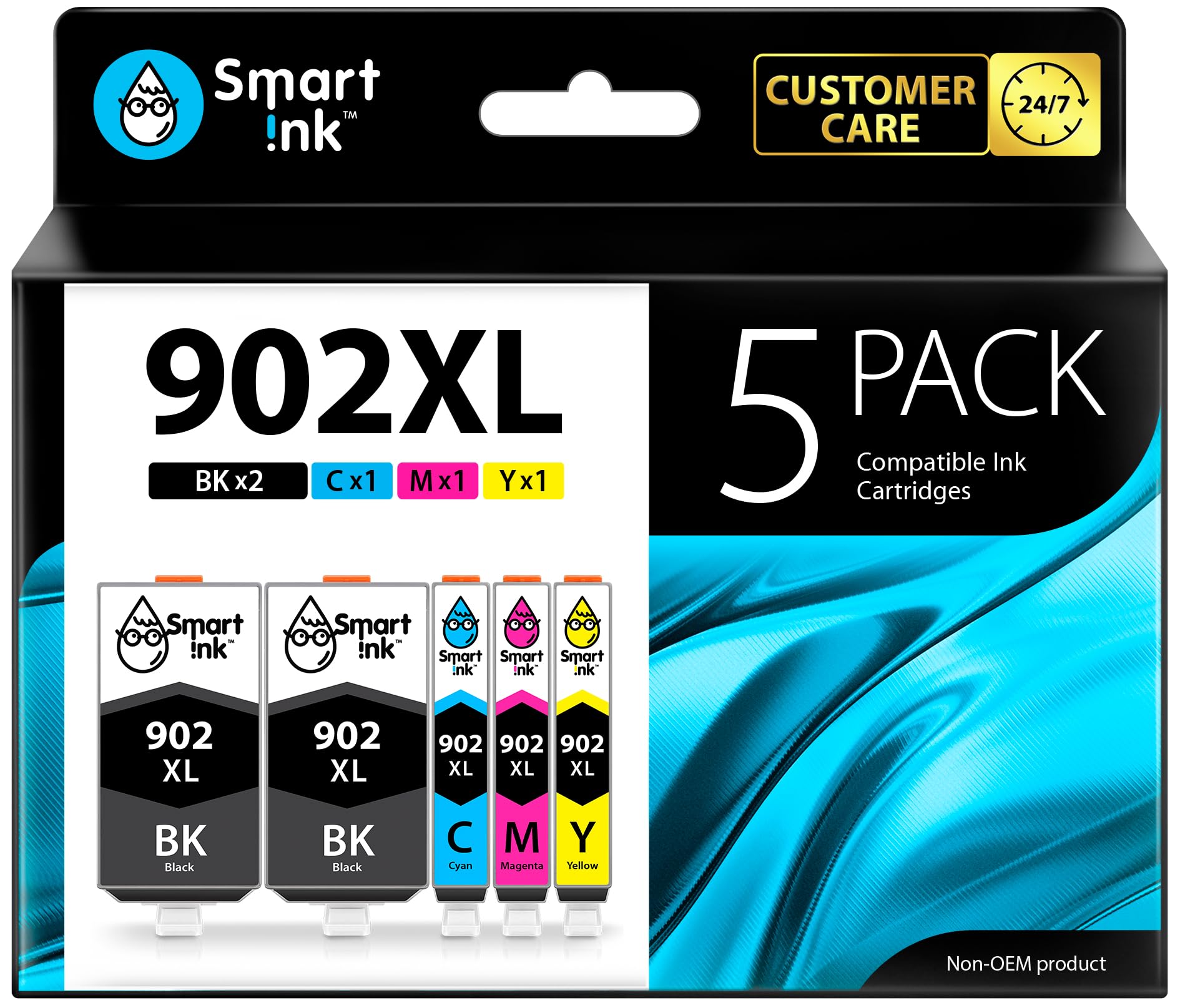



HP OfficeJet Compatibility: HP 902 ink cartridges are compatible with HP OfficeJet 6950 6951 6954 6956 6958 6961 6962 6963 6964 6966 printers HP OfficeJet Pro Compatibility: Smart Ink 902 ink cartridges for HP printers are also compatible with HP OfficeJet Pro 6960 6968 6970 6971 6974 6975 6976 6978 6979 printers Print More with XL: Up to 825 pages per XL Black, 825 pages per XL color cartridges (Cyan, Magenta, Yellow) Package Contents: 2 x Black 902 XL, 1 x Cyan 902 XL, 1 x Magenta 902 XL, 1 x Yellow 902 XL (5 cartridges in total) Customer Care 24/7: We provide exceptional Customer Live Support daily (even on holidays). Call or write to us if you need manufacturer support No updates - No headaches: Printer auto-updates may interrupt your printing with compatible cartridges when most needed; we recommend turning off the auto-updates to avoid unpleasant surprises (read the instructions in the photo slides) Box Design: Retail packaging may vary from website images due to regular design updates, but the product inside remains the same Smart Ink - Your smart cartridge choice!
Your printer is something you use every day, making printer ink one of the things you have to buy regularly. Unfortunately, replacing printer ink can be expensive, especially if you think your ink needs to come from the same manufacturer as your printer.
With its vibrant colors and professional quality, the Compatible Ink Cartridges produced by Smart Ink are the ticket to replacing ink quickly and more affordably.
These cartridges are compatible with many HP printers. You can use these cartridges for HP OfficeJet 6950 6951 6954 6956 6958 6961 6962 6963 6964 6966 OfficeJet Pro 6960 6968 6970 6971 6974 6975 6976 6978 6979 printers.
These Compatible 902XL 902 XL Ink Cartridges can print out 825 pages per color cartridges and 825 pages per Black (at 5% page coverage).
User Manual (added to each set)
● If your printer displays a "Non-Genuine" message, press "Proceed"/"Continue"/"Accept" or "OK" to continue.
● If you receive the error "Ink Cartridge not recognized" or "Missing or damaged ink," remove the indicated cartridge. Then use a dry, lint-free cloth to gently wipe the copper-colored contacts on the cartridge and carriage to remove any buildup. Replace the cartridge and make sure that it clicks securely into the corresponding slot.
● If you get "Ink out/Empty/Low Ink" error, remove and reinstall indicated cartridge until it firmly seats into the slot. If all the cartridges are correctly installed, press "OK" or "Continue" to clear the message, and resume printing.
Your printer is something you use every day, making printer ink one of the things you have to buy regularly. Unfortunately, replacing printer ink can be expensive, especially if you think your ink needs to come from the same manufacturer as your printer.
With its vibrant colors and professional quality, the Compatible Ink Cartridges produced by Smart Ink are the ticket to replacing ink quickly and more affordably.
These cartridges are compatible with many HP printers. You can use these cartridges for HP OfficeJet 6950 6951 6954 6956 6958 6961 6962 6963 6964 6966 OfficeJet Pro 6960 6968 6970 6971 6974 6975 6976 6978 6979 printers.
These Compatible 902XL 902 XL Ink Cartridges can print out 825 pages per color cartridges and 825 pages per Black (at 5% page coverage).
User Manual (added to each set)
● If your printer displays a "Non-Genuine" message, press "Proceed"/"Continue"/"Accept" or "OK" to continue.
● If you receive the error "Ink Cartridge not recognized" or "Missing or damaged ink," remove the indicated cartridge. Then use a dry, lint-free cloth to gently wipe the copper-colored contacts on the cartridge and carriage to remove any buildup. Replace the cartridge and make sure that it clicks securely into the corresponding slot.
● If you get "Ink out/Empty/Low Ink" error, remove and reinstall indicated cartridge until it firmly seats into the slot. If all the cartridges are correctly installed, press "OK" or "Continue" to clear the message, and resume printing.