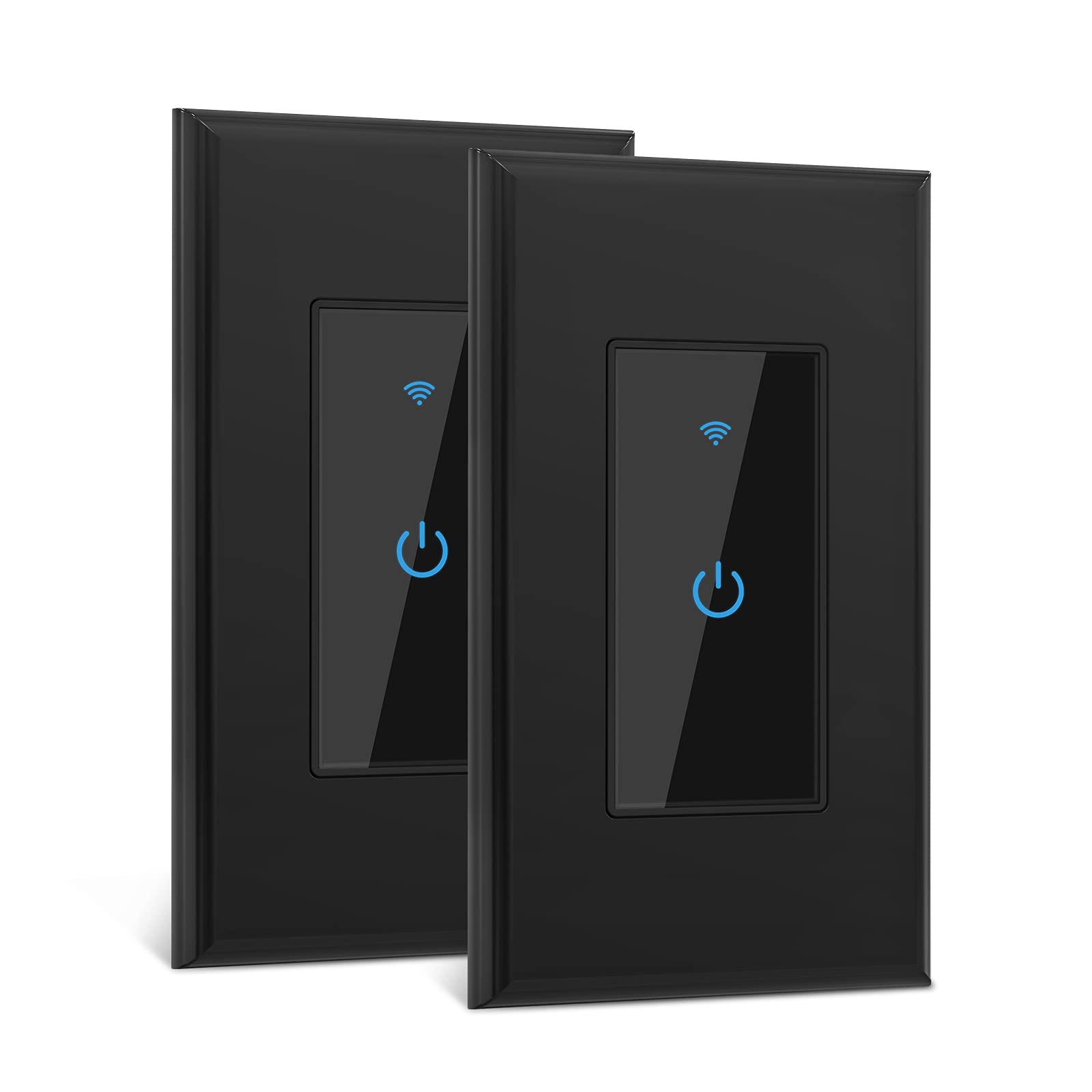



Installation Notes: Neutral wire required. The smart switch can replace any single-pole light switch. Not compatible with 3-way (multi-switch) lights.Support 2.4GHz Wi-Fi Only (Not support 5GHz Wi-Fi).NOT dimmer switch. App Control: You can use the Smart Life App to control the switches from any smart device, from anywhere. All you need to do is download the app in your smartphone, connect it with the smart switch and use the app to control it. Voice Control: Wall Switch responds to Amazon Alexa, Google Assistant , which allows you to control your smart home directly, just by using your voice. Scheduling Options: You can also use scheduling options with a smart switch. With this option, you can set a timer for the light to switch on or switch off. It helps you to keep the house safe when you are away. Touch Control: These are modern smart switches which come with touch control. It is made of elegant and sophisticated glass to improve the aesthetics of your house. You can touch the option given on the glass to control the switch and lights. Verify Compatibility:
1.Replaces Single pole switch only.
2.Not compatible with 3-way(multi location control) switches.
3.Neutral wire required.
4.Only support 2.4GHz Wi-Fi
5.Not compatible with Apple HomeKit
Specifications:
Power supply: Neutral + Live wire
Rated Current: 15A
Rated Voltage: AC110V-125V~50/60Hz
Rated Power: INC 1650W(Max) LED 300W(Max)
Wireless Standard: IEEE802.11b/g/n
Working frequency: 2.4GHz
Safety: WEP/WPA-PSK/WPA2-PSK
Encryption: WEP/AES/TKIP
Static power loss: ≤0.5W
Working Temp:-20゜C~75゜C
Humidity: 95%
Certified:ETL/FCC/ROHS
Install Guide:
1.Shut off power at circuit breaker for the switch you are replacing.
2.Remove your old switch( Take a picture for later reference)
3.Install the light switch. Check all wires are secure. Live/Load wires must both be connected as shown.
4.Screw in Light Switch and attach faceplate.
5.Turn power back on.
Easy to Set Up:
1.Download the " Smart life " from App Store or Google Play store.
2.Connect your mobile device with your 2.4GHz Wi-Fi network.
3.Launch "Smart life "and follow the wiring steps provided.
4.Connect the Smart Switch to your home network.
How to pair with Alexa or Google Assistant:
Step 1. In Amazon Alexa app, click “Skills” > search "Smart Life" app > click "enable" > Log into your smart life account and click "Link now".
Step 2. In Google Home App, find 'Home Control' > Click “add a device” and search “Smart life” > Sign up with your smart life account.
1.Replaces Single pole switch only.
2.Not compatible with 3-way(multi location control) switches.
3.Neutral wire required.
4.Only support 2.4GHz Wi-Fi
5.Not compatible with Apple HomeKit
Specifications:
Power supply: Neutral + Live wire
Rated Current: 15A
Rated Voltage: AC110V-125V~50/60Hz
Rated Power: INC 1650W(Max) LED 300W(Max)
Wireless Standard: IEEE802.11b/g/n
Working frequency: 2.4GHz
Safety: WEP/WPA-PSK/WPA2-PSK
Encryption: WEP/AES/TKIP
Static power loss: ≤0.5W
Working Temp:-20゜C~75゜C
Humidity: 95%
Certified:ETL/FCC/ROHS
Install Guide:
1.Shut off power at circuit breaker for the switch you are replacing.
2.Remove your old switch( Take a picture for later reference)
3.Install the light switch. Check all wires are secure. Live/Load wires must both be connected as shown.
4.Screw in Light Switch and attach faceplate.
5.Turn power back on.
Easy to Set Up:
1.Download the " Smart life " from App Store or Google Play store.
2.Connect your mobile device with your 2.4GHz Wi-Fi network.
3.Launch "Smart life "and follow the wiring steps provided.
4.Connect the Smart Switch to your home network.
How to pair with Alexa or Google Assistant:
Step 1. In Amazon Alexa app, click “Skills” > search "Smart Life" app > click "enable" > Log into your smart life account and click "Link now".
Step 2. In Google Home App, find 'Home Control' > Click “add a device” and search “Smart life” > Sign up with your smart life account.