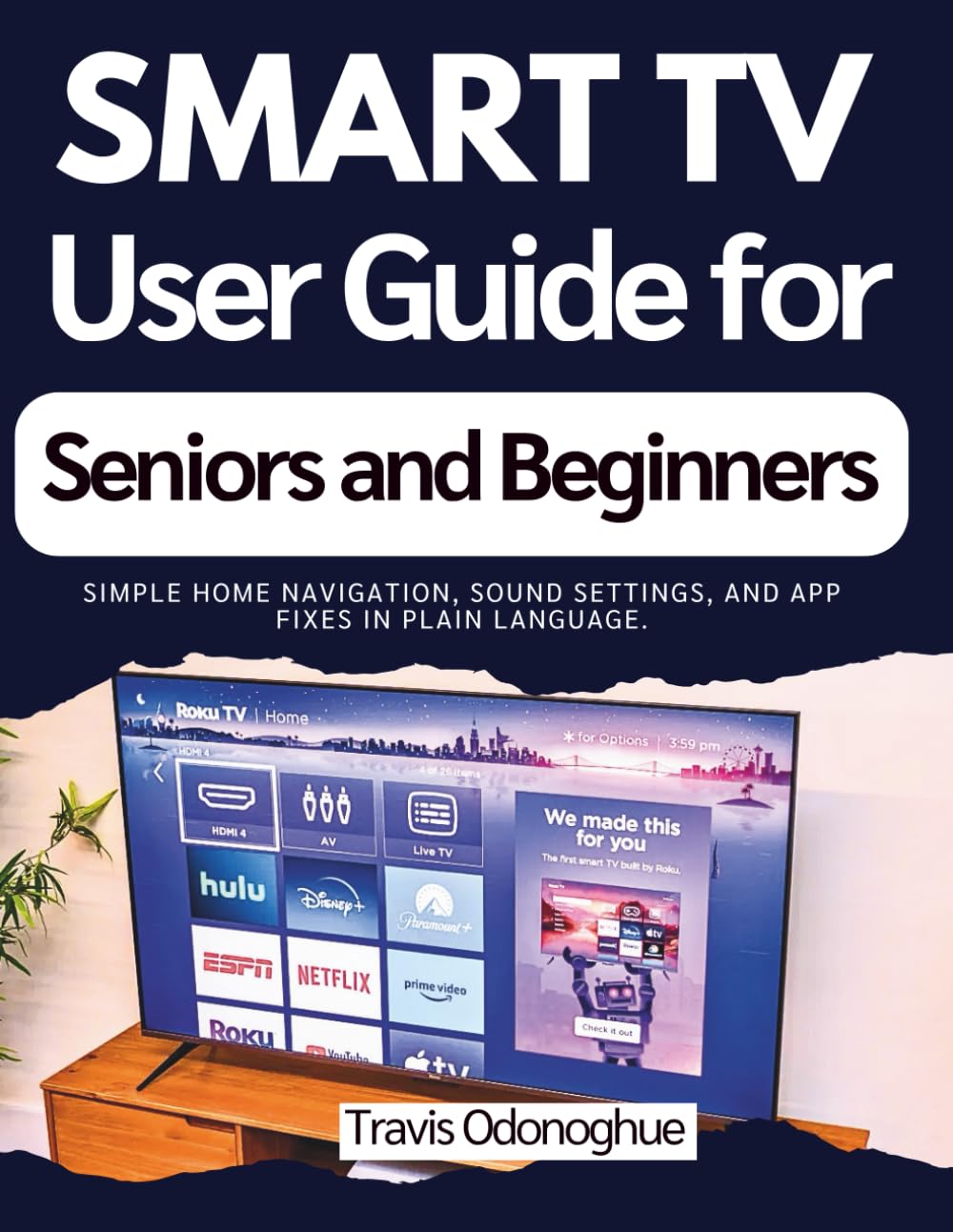
Smart TV User Guide for Seniors and Beginners: Simple home navigation, sound settings, and app fixes in plain language.
$22.99
by Travis Odonoghue



DISCLAIMER This guide is an independent publication created for educational and reference purposes. It is not affiliated with, endorsed, or sponsored by any Smart TV manufacturer, streaming service, or technology company. Product names, logos, and brands mentioned are the property of their respective owners. Every effort has been made to ensure the accuracy of the information provided at the time of writing. However, device menus, software updates, features, and settings may change without notice. The author and publisher assume no responsibility for errors, omissions, or any outcomes, losses, or damages arising from the use of the information in this guide. Readers are advised to use this material at their own discretion and to always follow the official safety guidelines and instructions provided by the device manufacturer. This guide does not replace the official product manual. Tired of pressing the wrong button, losing your show, or struggling to hear dialogue clearly? Smart TVs are powerful—but the menus, settings, and apps can feel confusing, especially if you just want to sit down and watch in peace. This guide makes Smart TV use simple, calm, and practical . You’ll learn step-by-step how to set up your TV, connect to the internet, navigate the home screen without getting lost, install and organize apps, adjust picture and sound for comfort, and fix common problems—without tech jargon or guesswork. Whether you’re helping a parent, setting up your own living room, or starting from scratch, this book gives you the confidence to enjoy streaming, live channels, and connected devices with less frustration and more control. ✅ WHAT YOU’LL DISCOVER INSIDE 📺 How to set up your TV safely and place it correctly for comfort - 🕹️ Remote basics, button meanings, and what to do if the remote stops working - 🌐 Easy internet setup (Wi-Fi or wired) and how to handle updates the right way - 🧭 Home screen navigation , quick settings, and switching inputs with confidence - 📡 Live TV basics : channel scan, guide use, favorites, and simple organization - 🧩 App essentials : install, sign in safely, remove apps, and free up space - 🔎 Fast search, playback controls, and watch history/continue watching tips - 🔤 Captions and readability settings for clearer viewing and comfort - 🖼️ Picture adjustments to fix “too dark,” “washed out,” or odd motion effects - 🔊 Sound tuning for clearer dialogue and hearing-friendly listening - 🔌 Connecting consoles, disc players, headphones, Bluetooth audio, casting, and USB - 🛠️ Simple troubleshooting steps that solve the most common Smart TV issues Swipe up and tap 'BUY NOW' to get your copy today and get the step-by-step guidance that turns your Smart TV into something you actually enjoy using starting tonight.