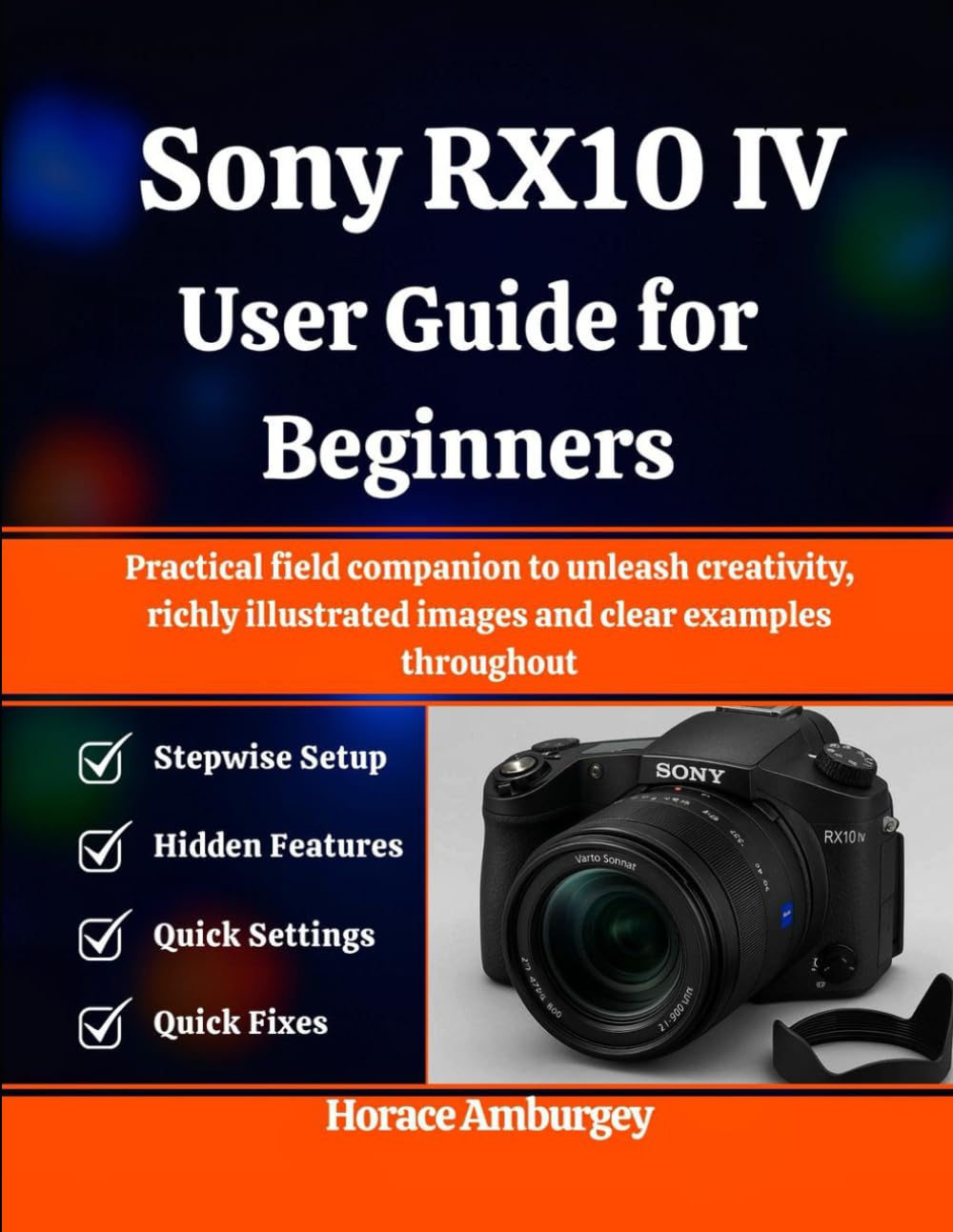
Sony RX10 IV User Guide for Beginners: Practical field companion to unleash creativity, richly illustrated images and clear examples throughout
$25.99
by Horace Amburgey



DISCLAIMER: This book is a user guide for educational and general reference purposes. It is not manufacturer-approved service documentation and does not replace official manuals or professional training. Brand names are used for identification only; no affiliation or endorsement is implied. Unlock the full potential of your RX10 IV—without the overwhelm. Sony RX10 IV User Guide for Beginners translates complex menus and pro techniques into plain-English steps you can use today. From your first power-on to confidently shooting razor-sharp action, cinematic video, and beautiful portraits, this guide is thue missing link between “nice camera” and “results you love.” Modern cameras are powerful, but they can be intimidating. This book meets you at the level you’re at and builds skill through clear explanations, illustrated walkthroughs, and practical field exercises. You’ll learn what matters first—focus, exposure, stabilization, color, and workflow—then layer on advanced skills like Eye AF strategies, memory presets, HFR slow motion, and custom button mapping. Every technique is demonstrated with step-by-step instructions and “why it works” notes so you can repeat success in any situation. Imagine bringing home more keepers from every outing: family moments that look intentional, travel scenes with depth and balance, wildlife that’s truly sharp at long zoom, and interviews that sound clean and look professional. This guide is built for real life—low-light rooms, fast-moving kids, tricky backlight, and long recording sessions—so your confidence grows with every chapter. You’ll learn how to: Set up the camera correctly on day one and avoid common beginner pitfalls. - Choose the right focus mode/area and use Eye AF to keep faces tack-sharp. - Nail exposure quickly using a small set of dependable defaults and overrides. - Stabilize shots at telephoto and understand when to favor shutter speed over OSS. - Record polished video: formats, frame rates, audio basics, and practical overheating management. - Use HFR for dramatic slow motion without trial-and-error. - Customize the Fn menu and buttons for fast, friction-free shooting. - Manage cards, buffers, and backups so you never lose files or miss moments. - Edit efficiently (JPEG and RAW) to match what the scene actually looked like. - Troubleshoot calmly—blur, missed focus, “Camera Busy,” card/database errors, and more. What’s inside (highlights): Quick-start unboxing and first-shot recipe - Illustrated control tour and menu map with “safe defaults” - Field “recipes” for portraits, action, landscapes, low light, macro, and travel - Video quick start, color options, and audio setups that just work - Workflow & backup strategy you can maintain long-term - Care, maintenance, and firmware guidance - A thorough Troubleshooting & FAQs chapter for real-world fixes Clarity: Plain language explanations matched to on-camera terms and screens. - Speed: Repeatable checklists and recipes that reduce hesitation in the field. - Confidence: Know why settings work, not just which buttons to press. - Consistency: Custom setups and memory recalls that deliver predictable results. - Reliability: Media hygiene and buffer management to keep shooting when it matters. - Growth: Exercises that turn new features into comfortable habits. - Support: A calm, practical troubleshooting section you’ll actually use. If you’re ready to move beyond Auto and start creating the photos and videos you imagined when you bought your RX10 IV, this guide will get you there—quickly, clearly, and with less trial-and-error. Add Sony RX10 IV User Guide for Beginners to your kit today and turn powerful features into everyday results.