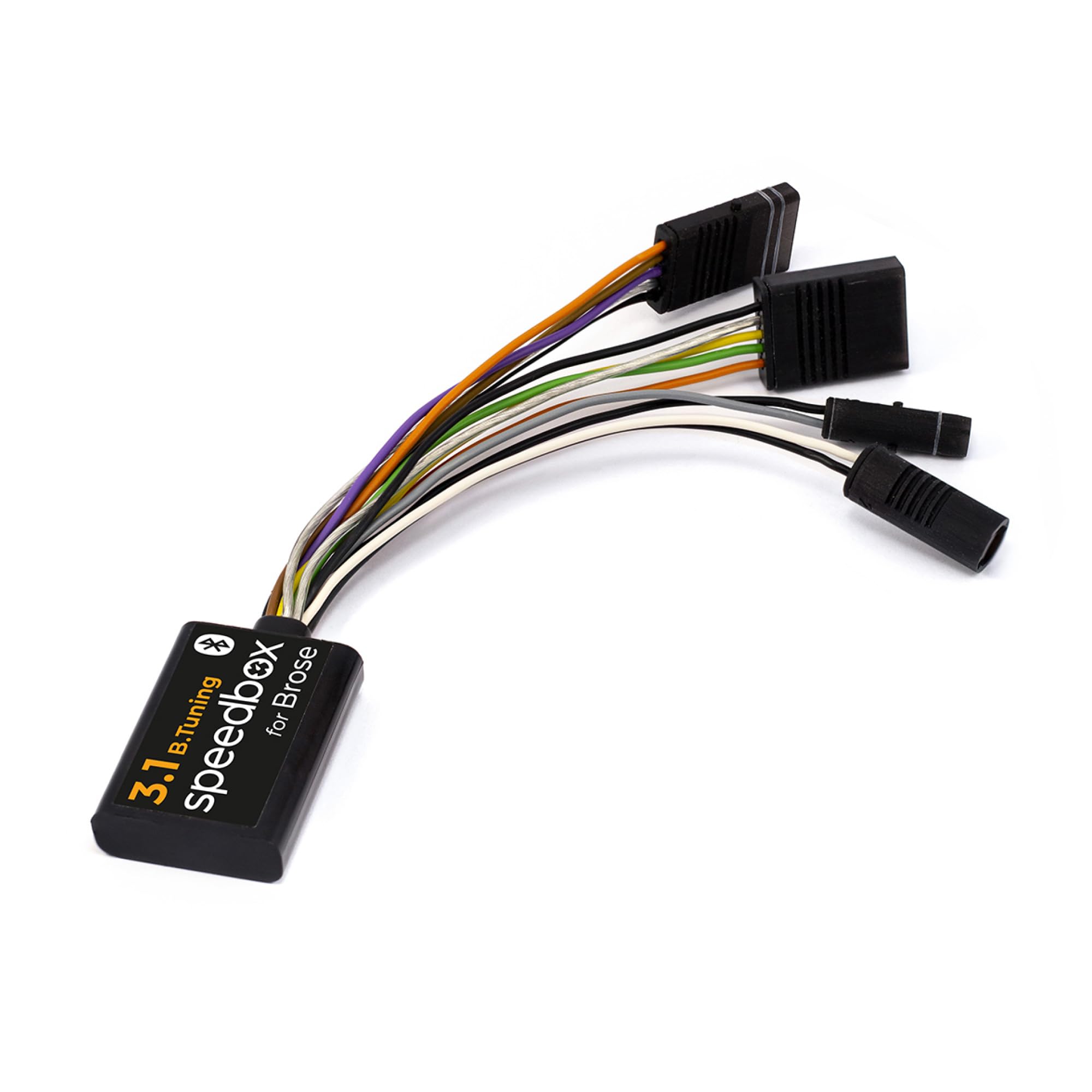



E-Bike tuning kit compatible with Brose and Specialized motors, including the SRAM Powertrain unit. Unlimited speed. Speed limit settings. Real speed. Bluetooth for connection with the SpeedBox App. Tuning activation/deactivation: SpeedBox App WALK function or Button combination - + - + Compatible with motors: Brose SPECIALIZED Brose S-MAG, S, T, C, T-ALU SRAM Powertrain by Brose Not compatible with: Motors Brose S Mag FIT Motors BROSE Specialized SL (For SL models use SpeedBox 3.0 for Specialized) Enviolo Automatiq Not compatible with e-bikes without connector in the display port (usually there is just a dummy plug instead) You can set own speed limit in SpeedBox App or by switching modes - - - + + + (TURBO - TRAIL - ECO - OFF - ECO - TRAIL – TURBO). An actual speed limit will be displayed after that. Briefly activate the WALK function or by turn the rear wheel 360°. The speed will always increase by 5 km/h. The last displayed limit will be saved after 5 seconds of inactivity. E-Bikes with SRAM Powertrain unit Briefly activate/deactivate in SpeedBox App or by the WALK function or switch between two assistance modes (+ - + -). Activation → the display will show a battery value of 99%, which corresponds to a max speed of 99 km/h. Deactivation → battery value of 25% = speed limit of 25 km/h. To set own speed limit use SpeedBox App or you can use SRAM AXS app - go to the Ride Modes section. Then go to Max Power, which you first decrease 3x and then increase 3x. On the control unit, an actual speed limit will briefly appear (% of battery). Using the WALK function, gradually set the max speed—each press increases the battery value by 5%, which corresponds to an increase in the speed limit by 5 km/h. F.e. 55% battery means a 55 km/h limit and so on. Installation video on our YouTube channel @SpeedBoxTuning E-Bike tuning kit compatible with Brose and Specialized motors, including the SRAM Powertrain unit. Unlimited speed. Speed limit settings. Real speed. Bluetooth for connection with the SpeedBox App.