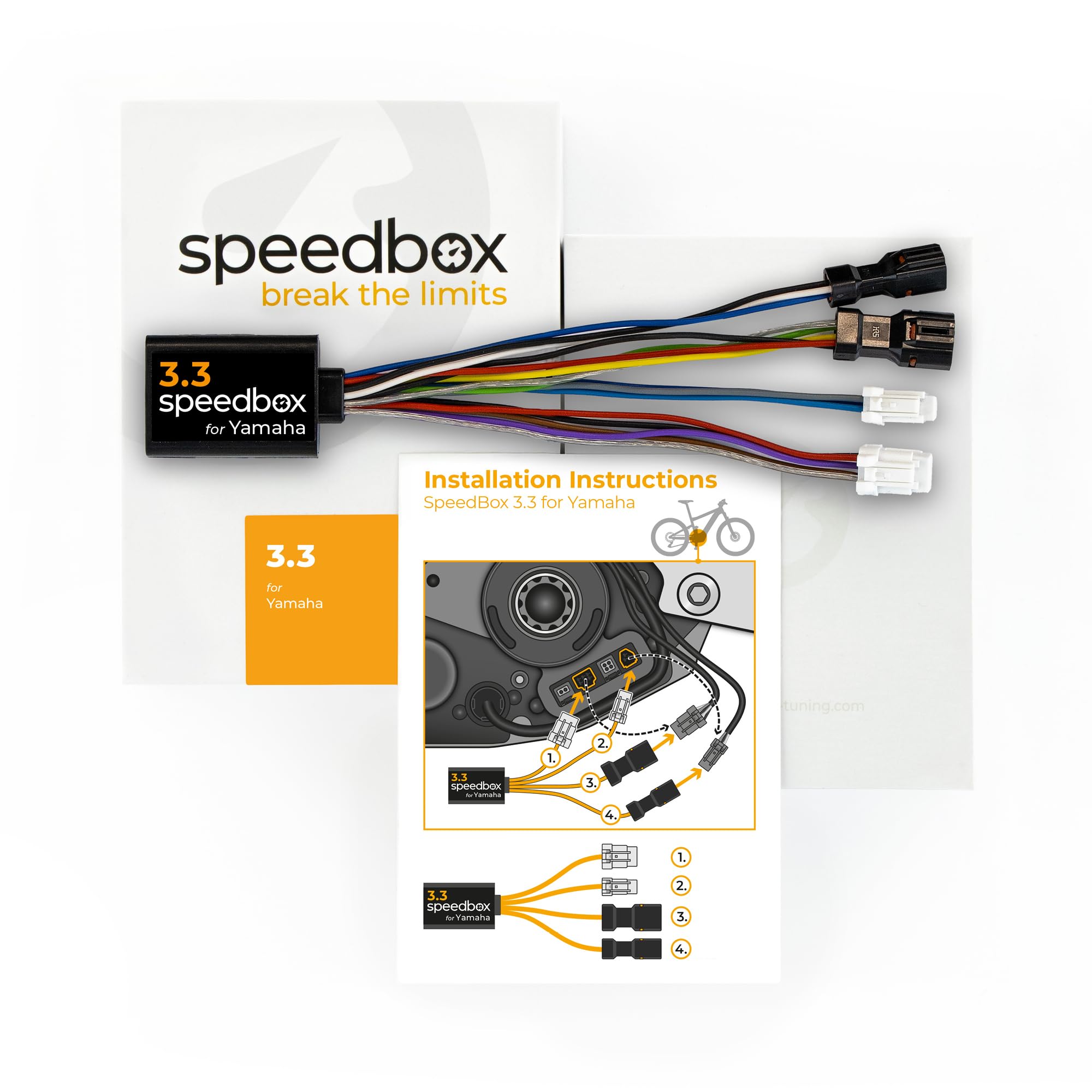



Tuning chip for e-bikes with Yamaha Motors PW-X3, PW-S2 Also for Yamaha YDX-Moro 05 and Yamaha Moro 07 You can set your own speed limit Not compatible with: SpeedBox App Not compatible with e-bikes and motors: Yamaha UrbanRush CrossCore CrossConnect Wabash YDX-Torc Activation/deactivation: By pressing the Light button your e-bike display will show a value of 99 km/h (62 mph) - you will be able to ride at unlimited speed. Deactivate the tuning in the same way, and your display will show 25 km/h (16 mph). You can also use the combination of - + - + buttons to activate/deactivate the SpeedBox. You can set the maximum speed limit of an electric assistance by changing modes by switching modes three levels down and then three levels up. An actual speed limit will be displayed after that. The maximum speed of an electric assistance can be switched by pressing LIGHT button shortly or by turning the rear wheel 360°. The last displayed limit will be saved after 5 seconds of inactivity. Do not update the firmware of your e-bike to avoid the risk of tuning detection. The warranty of SpeedBox products does not apply on malfunctions caused by updating the motor. Before installing the SpeedBox into a brand new e-bike, ride at least 10 km on this e-bike. E-bikes equipped with SpeedBox products are not allowed to be used on public roads, cycling paths and public places. Detailed installation information can be found on our YouTube channel @SpeedBoxTuning Tuning chip for e-bikes with Yamaha Motors PW-X3, PW-S2 Also for Yamaha YDX-Moro 05 and Yamaha Moro 07 You can set your own speed limit