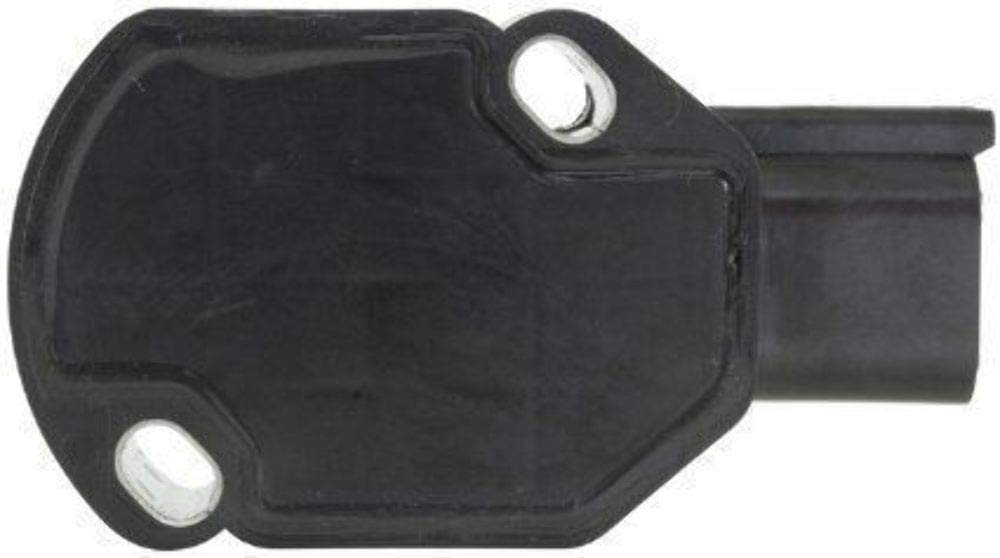
TPS APPS Throttle Position Sensor Compatible with 1998-2004 Dodge Ram Cummins 2500 3500 Diesel Bell Crank 5.9L Replaces OEM 53031576 53031576AD
by Platinum Performance Parts



TPS APPS Throttle Pedal Position Sensor 2000 Dodge 3500 Cummins Dodge Diesel Pickups. FIT NOTE: If you have 2004. Please check to make sure the apps are mounted to the accelerator pedal. This is only for that fitment.
BENEFITS AND SPECIFICATIONS:
- 100% New and Quality Guaranteed
- Built to strict quality control standards
- Direct Replacement for a Proper fit and Easy Installation
APPS REPLACEMENT INSTRUCTION:
STEP 1 (REMOVAL):
Remove the black Accelerator Pedal Position Sensor (APPS) remove the six mounting bolts and partially pull the assembly away from the engine. Be sure not to place excessive Note: The cables do not need to be removed from the assembly. Disconnect the electrical connector from the APPS assembly. Remove the two Torx screws and remove the sensor.
STEP 2 (INSTALLATION):
Install the new sensor. Tighten the Torx screws just tight enough to hold the sensor in place. Connect the electrical connector to the new sensor. Turn the key to the run position, do not start the engine. Monitor the APPS voltage with the scan tool. APPS voltage can also be monitored by back probing pin 03 on the APPS electrical connector. Rotate the sensor until APPS voltage reads 0.55V +1— 0.050. The set screws should not be adjusted. Tighten the ton screws to a final torque of 50 lb-in. Verify that the reading is still within the specified range after the Torx screws have been tightened. Turn the key to the off position. Reposition the assembly to the engine with the six mounting bolts. Tighten the bolts to a torque of 105 lb-in. Reinstall the black APPS assembly cover.
STEP 3 (CALIBRATION):
Turn the key to the run position, do not start the engine. Press the pedal slowly to the full throttle position and release slowly back to the idle position one time. Clear any DTC's that may have set during the installation procedure.