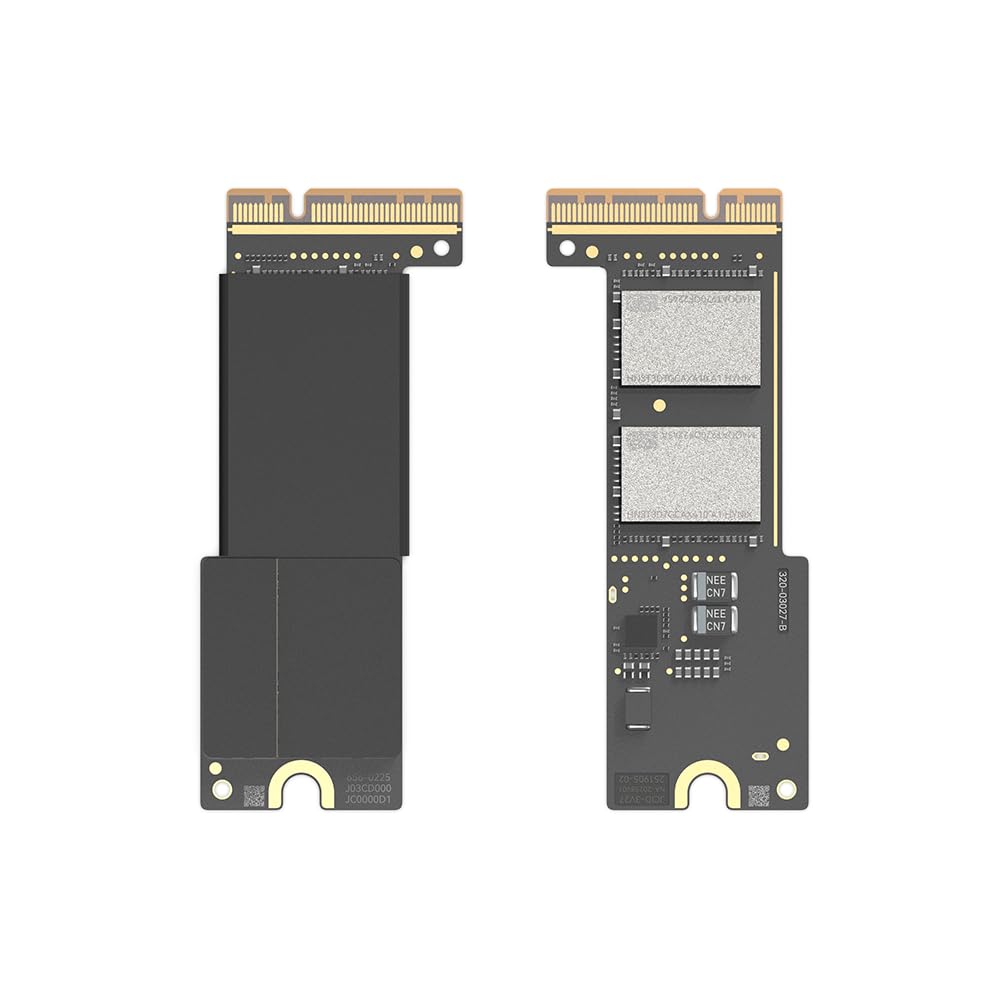



【Large Capacity】This Mac Mini M4 Pro SSD perfectly replacing the original 512GB memory card and easily storing massive files, solving your storage troubles. 【High Speed Transmission】This M4 Pro Mac Mini SSD adopts PCIe 4.0 NVMe, sequential read/write speeds up to 7000/5000 MB/s, which can quickly power-up and easily run large programs. 【Original Design】This M4 Pro SSD adopts original 1:1 10 layers circuit design, which is the same as the original factory, so there is no need to worry about compatibility issues. 【Stable Performance】Each 4TB M4 Pro SSD has been rigorously tested with more stable performance, Eradicate black screen/ restart/power burning/unawakened sleep/lost data etc. Risks. 【High Cost Performance】Upgrade to the same M4 pro 4TB SSD card as the original factory for less money, and receive installation guides and tools for DIY installation. You deserve to have it. 2025 Mac Mini M4 Pro 4TB SSD Replacement Upgrade Storage Hard Disk DIY Designed specifically for M4 Pro Mac Mini, it installs easily and works flawlessly without compatibility issues Blazing-Fast Performanc and Rock-Solid Stability, making it perfect for both professional and everyday use Connection and Setup 1.Connect the M4 pro to the Mac with Apple Configurator 2 installed using the prepared USB - C cable. For the M4 pro, insert the cable into the Thunderbolt port closest to the HDMI port. 2. Disconnect the power of the M4 pro and wait for at least 10 seconds. 3.Press and hold the power button of the M4 pro while connecting it to the power source. Continue to hold the power button for about 3 seconds and then release it. There will be no screen activity on the Mac mini M4 pro at this time. 4. At this moment, the indicator light of the Mac mini is blinking orange.