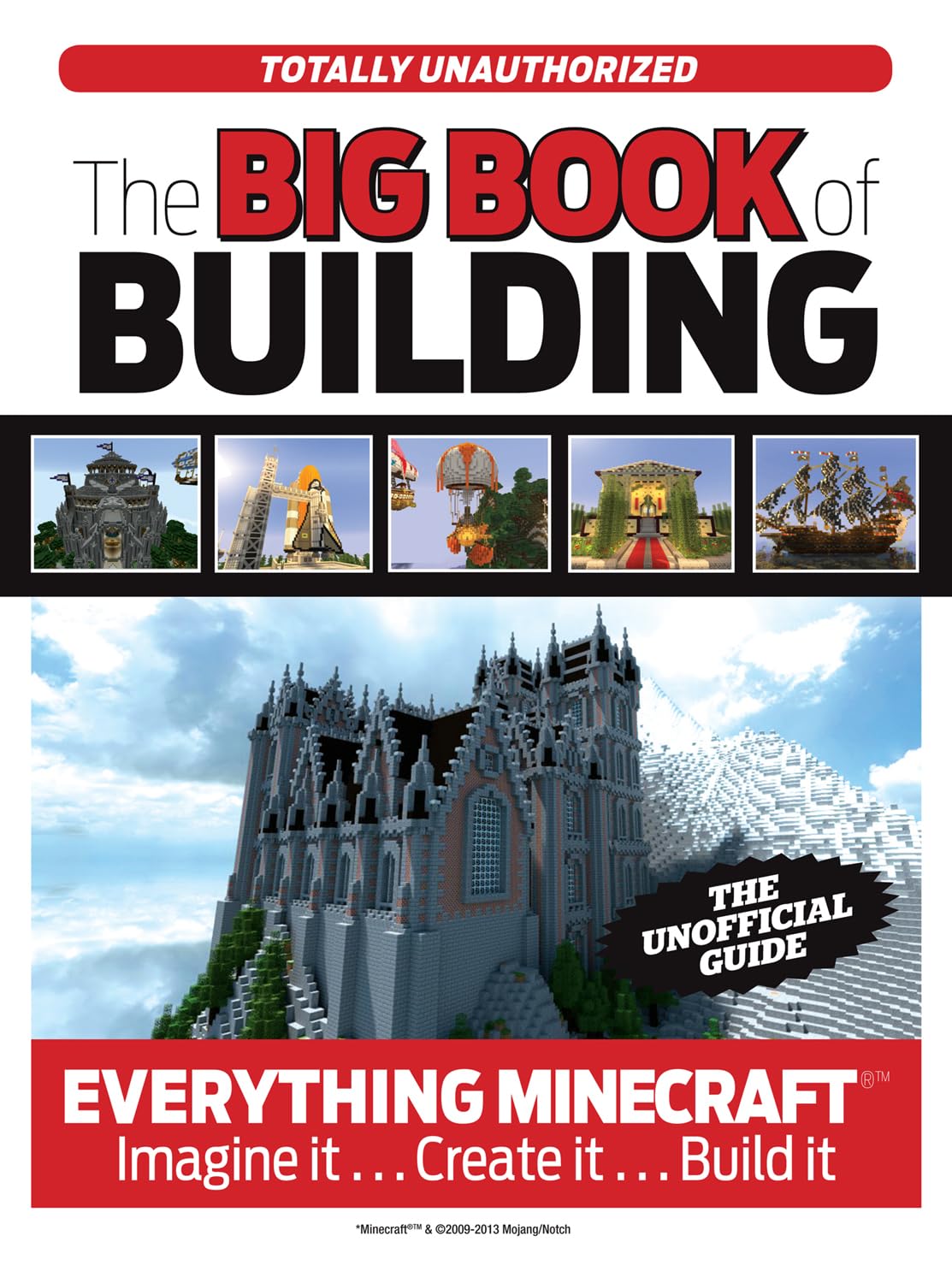
The Big Book of Building: Everything Minecraft®™ Imagine it… Create it… Build it
$15.08
by Triumph Books



Brought to you by the authors and editors that created the Minecrafter and Minecrafter 2.0 Advanced guide books, The Big Book of Building features more of everything—more mods, more mining, more mobs, and more Minecraft ! Up to date for the 2014 holiday season, The Big Book of Building is packed with the most recent training, tools, and techniques to help readers get more out of their favorite sandbox game. 2014 was a pivotal year for Minecraft , and this book captures all the latest and greatest things that have happened to one of the most brilliant and immersive games in video game history. From a brief overview of the game to advanced farming, mining, and building techniques, this guide touches on everything Minecraft enthusiasts could ever ask for. Featuring authoritative and engaging content from our internal experts, The Big Book of Building also highlights some of the most influential builders in the Minecraft community today and examines their creations and techniques that catapulted them to fame. This book is not authorized, sponsored, endorsed or licensed by Mojang AB. The trademark Minecraft is owned by Mojang AB; and other company names and/or trademarks mentioned in this book are the property of their respective companies and are used for identification purposes only. Triumph Books is a leader in quality and innovation in sports publishing and also publishes pop culture and current events books. They are based in Chicago. The Big Book of Minecraft By Trevor Talley, Joe Funk Triumph Books Copyright © 2014 Triumph Books LLC All rights reserved. ISBN: 978-1-62937-028-6 Contents Introduction, Getting Started, Nighttime, Biomes, Materials, Friends & Foes, Navigation, Guide to Mini-games & Online Play, Mining Better, Farming & Advanced Agriculture, Combat, Advanced Architecture, Redstone & Inventions, Gallery, What To Do When, Beating the Game, Other Building & Sandbox Games, The Wide World of PC Mods, Heroes of Minecraft, CHAPTER 1 GETTING STARTED So here you are, you've taken the plunge and bought Minecraft. You're staring at that menu screen, and you're ready to dive into this crazy world you've heard so much about. Now, you could start up a new world and try and wing it, but trust us, that path leads to darkness (literally), frustration and, yes, death. Minecraft is a game that's at once very simple on the surface and incredibly complex underneath, and what you do when you first start out can make a huge difference in your success at crafting the world you want. That, plus it's really not much fun to die in the dark from your fourth Creeper attack in a row and lose all of your gear over and over. To get the most out of Minecraft, you'll have a much better and less death-filled time if you know a few things about the game before jumping right in. THE MENUS It only takes the push of a few buttons to start up a new Minecraft world, but the good folks at Mojang packed the Minecraft menus full of options that can make a big difference in your overall experience. Of particular importance are the "Help & Options" area and, of course, the "Play Game" button. HELP & OPTIONS The title says it all — this is where you want to go to find everything from audio and visual settings to new skins for your avatar and mini-guides on how to deal with certain aspects of the game. Much of this can be accessed in-game, so it's not entirely necessary that you look through this or tweak it in any way until you've played a little, but it's good to know that it's there ahead of time. PLAY GAME This is where the magic happens. The "Play Game" button is what kicks off your Minecraft experience, whether it's starting a new world with "Create New World," trying out the "Tutorial" or getting back into one of the games you've already begun. As you'll see, when you open the "Play Game" menu for the first time, you only have the option to start a new world up or to give the built-in tutorial a try, but later any worlds you start and save will show up here. HOW TO START A GAME Ready to start a world?! Select "Create New World" from the "Play Game" menu, and take a gander at all the options you've got! Here's a big not-so-secret about Minecraft: there are just about an infinite number of possible worlds to try out, and not all are created equal. In fact, you'll find new environments that require different tactics in almost every world you start, which is one of the reasons Minecraft is such a popular game. When preparing a world for play, you've got two sets of options to look at. THE PRIMARY OPTIONS These are the most important options for making your new world just how you want it, and they're the only ones you actually have to set. The first three, "Online Game," "Invite Only" and "Allow Friends of Friends" all have to do with playing single player or multiplayer. You can start a game by yourself no matter which of these are checked, but if you