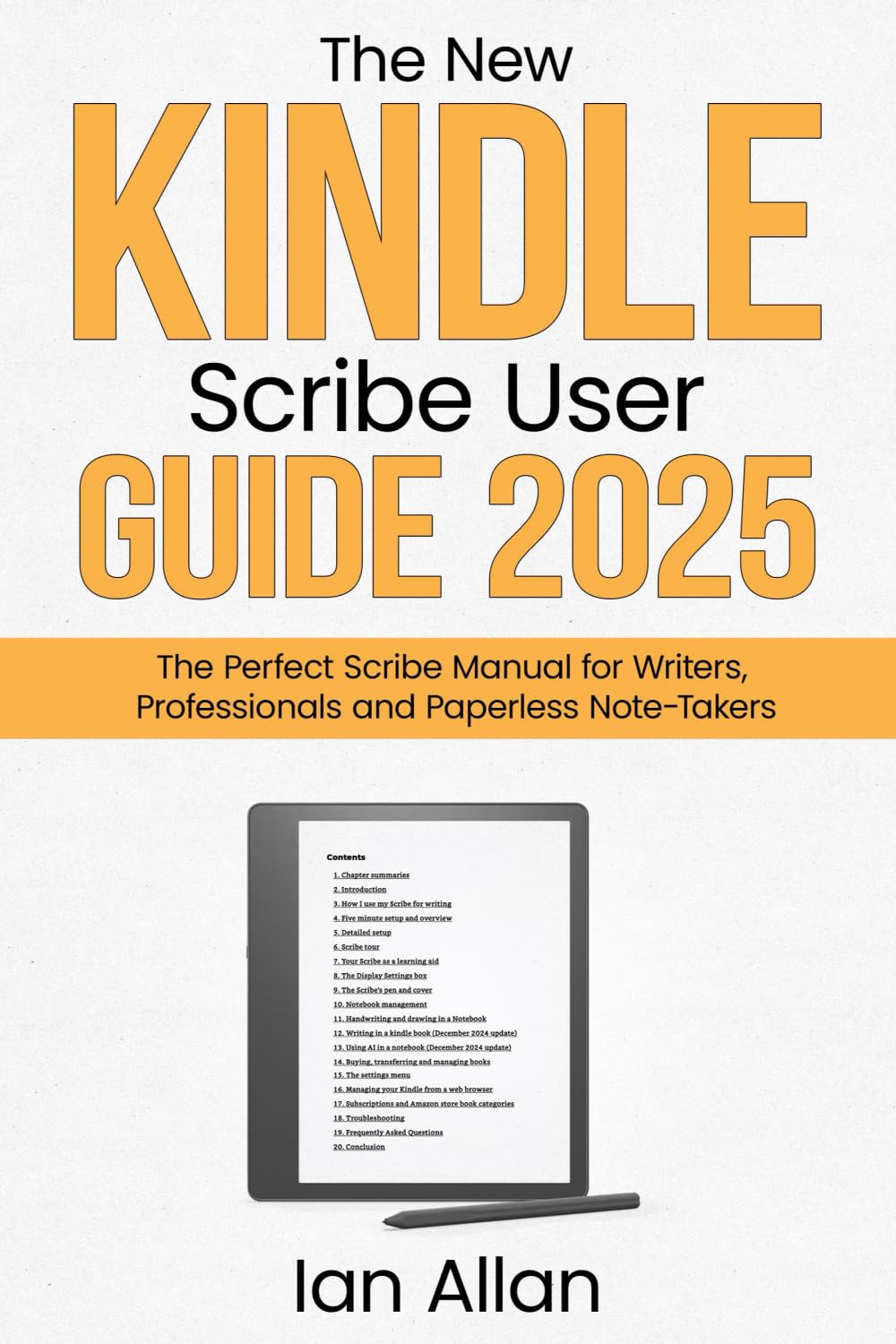



Unlock the full potential of your 12th gen Kindle Scribe with this easy-to-follow guide! Whether you're a beginner, senior, or experienced Kindle user , this manual will transform the way you write, draw, and organize notes —all with step-by-step instructions and clear screenshots . Struggling with your Kindle Scribe? You're not alone! Many users are confused about writing in Kindle books, managing notebooks, and using handwriting-to-text features . This guide tackles the biggest Kindle Scribe frustrations , from navigating menus to syncing notes across devices. Learn how to: ✅ Write in Kindle Books ✅ Convert Handwriting to Text ✅ My 3-Step writing Process and my 4-Step Editing Process ✅ Send PDFs to your Scribe and Write on Them. ✅ Use Notebooks Like a Pro —Organize, Copy, Move & Edit Notes ✅ Import & Manage Files Seamlessly —PDFs, Custom Templates & More ✅ Access Hidden Features & Troubleshoot Issues Why Choose This Guide? ✔ Written by the Author of the Bestselling Kindle Paperwhite User Guide ✔ Updated for the Latest Kindle Scribe Software & AI Features ✔ Covers Kindle Scribe Writing, Drawing & Productivity Hacks ✔ Packed with Downloadable Screenshots & Step-by-Step Instructions