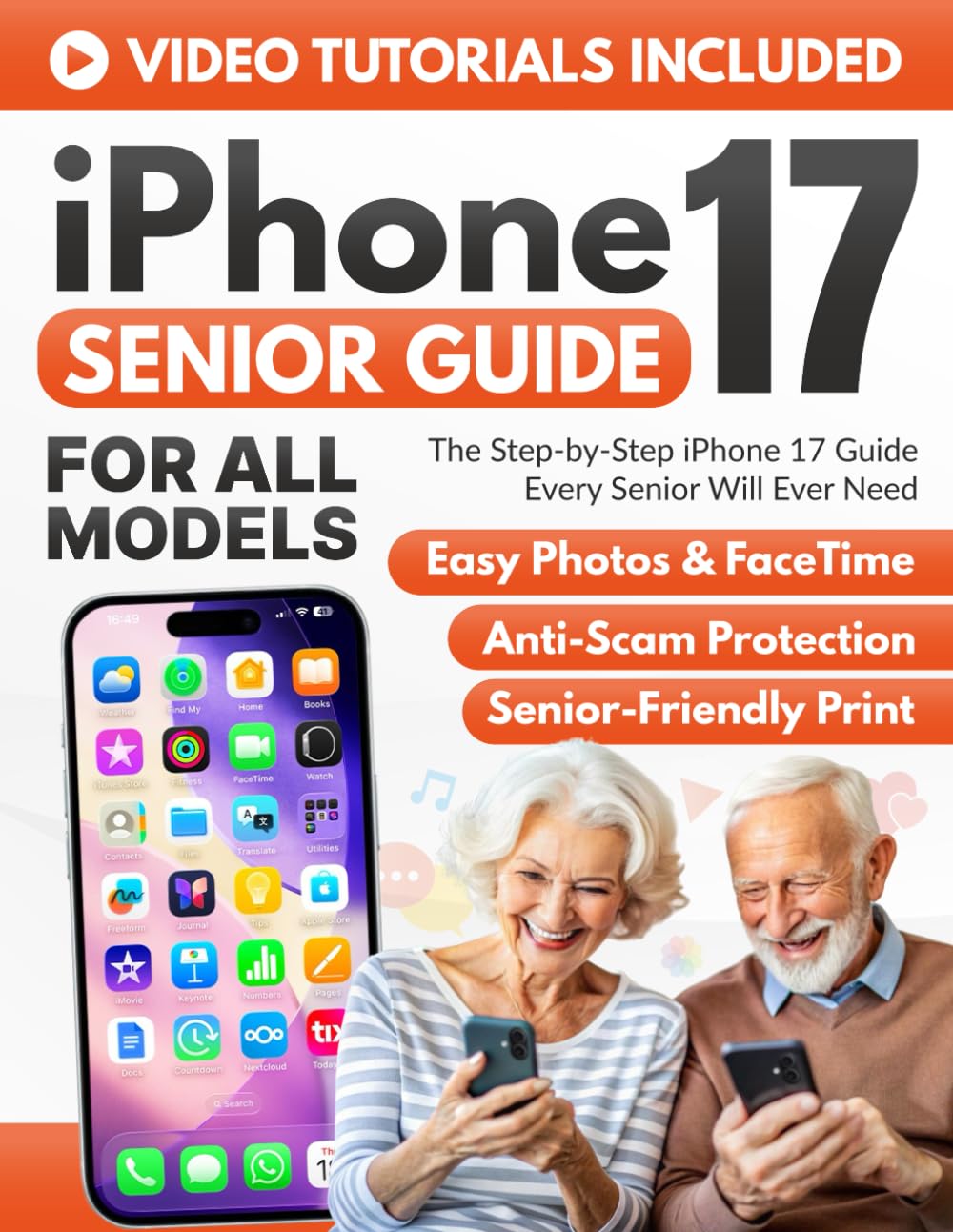
The Step-by-Step iPhone 17 Guide Every Senior Will Ever Need: Stay Connected with Family, Capture Memories, and Use Your iPhone with Confidence – Even
$19.99
by Leonard Skinner



Does your new iPhone 17 feel more like a puzzle than a helpful tool? You are not alone. If you are afraid of pressing the wrong button or deleting something important, this is the book for you. Forget confusing " tech-speak. " This guide is like having a patient friend sitting right next to you, pointing exactly where to tap —at your own pace. Why readers are choosing this guide: 🖼️ See Everything Clearly (Full Color) Unlike other black-and-white manuals, this guide features Large, Full-Color Screenshots on every page. You will see exactly what is on your screen, making it impossible to get lost. 🎥 Watch and Learn (Exclusive Videos) Reading isn't always enough. That is why you get free access to a Private Video Channel . It’s like having a private tutor in your living room showing you exactly what to do! You will easily learn how to: Start Safely: Transfer contacts and photos without losing a single memory. - Stay Connected: Use FaceTime to see your grandkids and share photos effortlessly. - Stay Safe: Spot online scams and manage passwords with peace of mind. 😌 Zero Stress, Zero Rush We don't promise you'll be an expert overnight. We promise you will feel calm and independent . Whether you have the iPhone 17, Air, Pro, or Pro Max, this guide adapts to your speed. 🎁 Includes Bonus Safety & Photo Guides! Stop asking for help and start enjoying your independence. Scroll up and click "Buy Now" to make friends with your iPhone 17 today. ⭐⭐⭐⭐⭐ Finally, a Tech Book That Speaks My Language I've always been nervous around technology, but this guide made the iPhone 17 feel approachable. The large print and colorful images are a game-changer. I no longer have to ask my grandson for help. I even FaceTimed my daughter today—by myself! — Linda S., Retired Teacher ⭐⭐⭐⭐⭐ Makes the iPhone Actually Fun to Use This book removed the fear I had of "messing things up" on my phone. It's simple, clear, and full of useful tips. I especially loved the section on avoiding scams—very reassuring. I'm finally using my iPhone confidently and even taking great photos! — George T., Vietnam Veteran ⭐⭐⭐⭐⭐ Great for Beginners Like Me The instructions are truly step-by-step, with no tech jargon. I never thought I'd be able to send emails or use FaceTime, but now I do it daily. The bonus video tutorials were a big help too. — Barbara R., Grandmother of Five ⭐⭐⭐⭐⭐ Exactly What I Needed This guide helped me set up my new iPhone 17 without calling my daughter every five minutes. I feel much more independent now. — Harold M., Retired Engineer ⭐⭐⭐⭐⭐ Simple, Helpful, and Reassuring At 74, I finally embraced the iPhone thanks to this book. What I loved most is how it anticipated my worries—scams, confusing buttons, making mistakes. The Safety First section gave me peace of mind. Plus, the video tutorials are excellent. I now FaceTime with my grandkids every week. — Mary P., Former Nurse ⭐⭐⭐⭐⭐ A Must-Have for Every Senior iPhone User I've bought other iPhone books before, but this is the first one that didn't make me feel dumb. The author truly understands the needs of seniors. Clear pictures, big text, and real examples made all the difference. I even showed my bridge group how to use the camera! — Edith J., Avid Reader & Proud Grandma ⭐⭐⭐⭐⭐ Best Tech Purchase I've Made All Year I used to feel left out when my family shared things online or messaged in group chats. Now, I'm right there with them. The book showed me how to do everything—from sending texts to using Maps. I even created a photo album of our last family trip. It feels great to be included again. — Frank D., Retired Firefighter Frequently Asked Questions (FAQs) Q: Is this guide suitable for someone with absolutely zero technical experience? A: Yes, absolutely. This book is written specifically for "non-techies." We avoid confusing jargon and explain every concept in plain, simple English. It assumes no prior knowledge, patiently guiding the reader from taking the phone out of the box to using it confidently every day. Q: Does this cover all versions of the iPhone 17 (Pro, Pro Max, and Air)? A: Yes. Whether you have the standard iPhone 17, the iPhone 17 Air, Pro, or Pro Max, this guide covers the essential features common to all models running the latest iOS. You don't need a separate book for each model. Q: Is the print large enough for seniors to read comfortably? A: Definitely. We know that small text can be frustrating, so this guide uses a Large Print format. The font is clear and easy on the eyes, ensuring a comfortable reading experience without the need for a magnifying glass. Q: Are the illustrations in color or black and white? A: This is the Full Color Edition. Every screenshot and diagram is printed in high-quality color. This makes it much easier to match what you see on the page with exactly what you see on your iPhone screen, avoiding the confusion