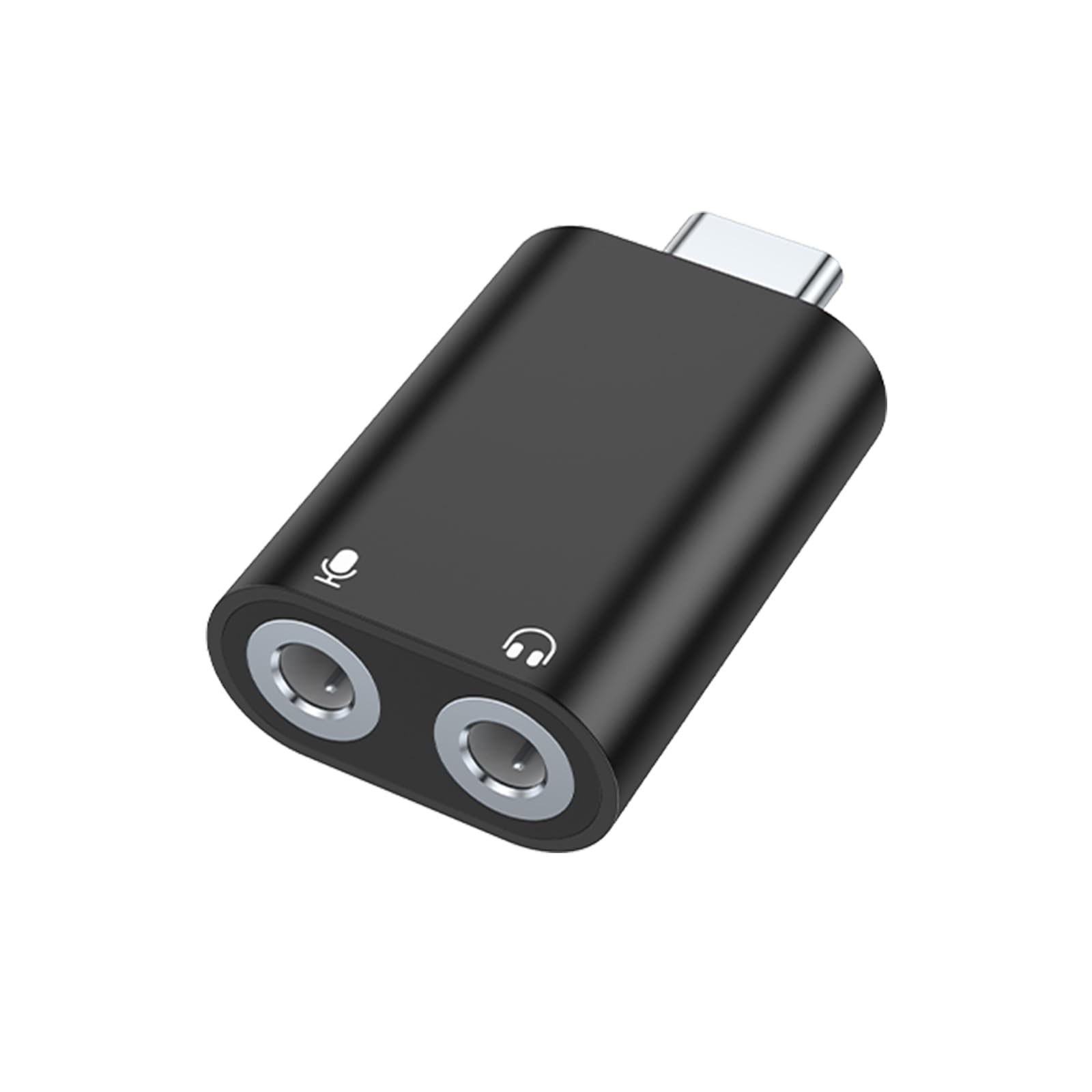



usb to audio jack adapter:It easily adds dual 3.5mm TRS plug headphones or miceophones to your devices.
Note:
1.Not compatible with PS3! Not compatible with TV/car!
2.Compatible with headset with separated headphone and microphone 3.5mm audio port.But Not supports 4 pole microphone.
3.For some computers to select an audio output device, double-click the sound icon in the
control panel, and then select USB audio device as the default device.
4. Please kindly note it only supports mono microphone TRRS, it does not support TS, TRS.
Not compatible with PS3. For listening functions, this USB port is output, not input. Audio can
only transfer from USB port to 3.5mm port.
5. Note: Microphone functionality of Apple EarPods Headphones with 3.5mm Plug is not supported
Configuration Instructions
Windows:
1.Right-click on the sound icon in the taskbar
2.Select Playback or Recording devices
3.Adjust the volume on the computer and in the application
Mac: Go to System Preferences > Sound > C-Media USB Headset > Output or Input > Volume
Compatible with
compatible with iPhone 15 15 Pro 15 Plus 15 Pro Max/ Samsung Galaxy S24 S24+ S24 Ultra/ S23 S23+ S23 Ultra/ S22 S22+ S22 Ultra/ S21 S21+ S21 Ultra/ S20 Ultra S20 Z Flip S20+ S10 S9 S8 Plus/ Note 20 10 10+ 9 8/ Google pixel 6 5 4 3 2 XL and more.Windows 10/8.1/8/7/Vista/XP, Mac OS X 10.2 or above, Linux, and Google Chromebook,
Windows Surface 3 pro, Raspberry Pi and PS4/5 etc.
Frequently Asked Questions
1. What should I do if the product does not work properly?
A: You can re-plug the sound card or restart your device, if it still doesn't work, please check in the sound setting and
ensure that the "TX96khz USB Audio" has been chosen as the output and input device.
2. Will it work on PS3?
A: The USB interface on PS3 does not carry audio signal, so this USB audio adapter does not work with PS3.