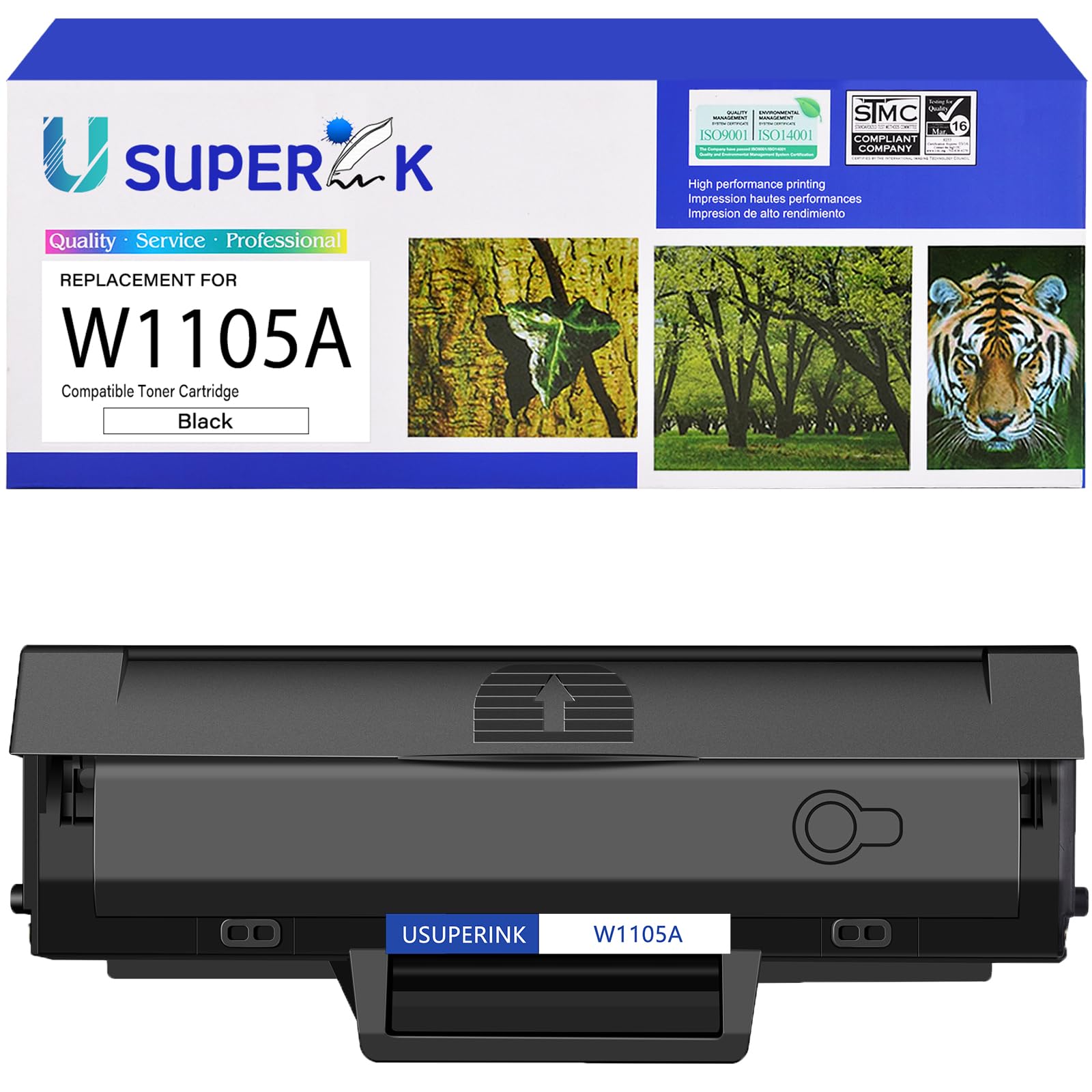



Item Name: USUPERINK High Yield Black Compatible Toner Cartridge Replacement for HP 105A W1105A (With Chip) Package Contents: 1 x W1105A Black Toner Cartridge (With Chip), 1 x User Guide. USUPERINK strikes for every customer's satisfaction. Estimated yield to 3,000 pages per W1105A toner cartridge (under condition of 5% coverage in A4 paper). Meet in the requirement of ISO/IEC 19752. Compatible for HP Printer: Laser MFP 107a / Laser MFP 107w / Laser MFP 135a / Laser MFP 135w / Laser MFP 137fnw Excellent Quality Standard: Good partner with your printer. Provide you with clear printouts. Better developer roller provides crisp printing effect, consistent printing on every page. Meet all of your home, school and office printing needs. USUPERINK compatible 105A W1105A black toner cartridge replacements are optimally designed to compatible for HP printer.
Compatible for the following Printers:
# Tips: Please confirm your printer model is in the model list below
Compatible for HP Laser MFP 107a / MFP 107w / MFP 135a / MFP 135w / MFP 137fnw Printer
Product Information:
One W1105A black cartridge can print up to 1,000 pages. (Under condition of 5% coverage in A4 paper).
Our products have stable print quality. They print very clearly and dark. They have passed 100% strict quality inspection.
Our products are easy to install.
Well individual double-layer sealed package contains 1 Pack W1105A Black Toner Cartridge.
Steps on how to install a toner cartridge:
1.Power off the printer and open the front cover.
2.Take out used cartridge from the printer.
3.Remove the toner cartridge from the packaging.
4. Grasp both sides of the toner cartridge, and gently shake the toner cartridge horizontally from side to side to distribute the toner in the toner cartridge evenly.
5.Place the cartridge on a flat surface. Locate the sealing plastic tab of the toner cartridge, and remove it. Then locate the sealing tape on the side of the cartridge and pull the tape straight out (do not pull at an angle).
6.Insert the cartridge in the printer, and push until firmly seated. Close the front cover. Power on the printer.
Compatible for the following Printers:
# Tips: Please confirm your printer model is in the model list below
Compatible for HP Laser MFP 107a / MFP 107w / MFP 135a / MFP 135w / MFP 137fnw Printer
Product Information:
One W1105A black cartridge can print up to 1,000 pages. (Under condition of 5% coverage in A4 paper).
Our products have stable print quality. They print very clearly and dark. They have passed 100% strict quality inspection.
Our products are easy to install.
Well individual double-layer sealed package contains 1 Pack W1105A Black Toner Cartridge.
Steps on how to install a toner cartridge:
1.Power off the printer and open the front cover.
2.Take out used cartridge from the printer.
3.Remove the toner cartridge from the packaging.
4. Grasp both sides of the toner cartridge, and gently shake the toner cartridge horizontally from side to side to distribute the toner in the toner cartridge evenly.
5.Place the cartridge on a flat surface. Locate the sealing plastic tab of the toner cartridge, and remove it. Then locate the sealing tape on the side of the cartridge and pull the tape straight out (do not pull at an angle).
6.Insert the cartridge in the printer, and push until firmly seated. Close the front cover. Power on the printer.