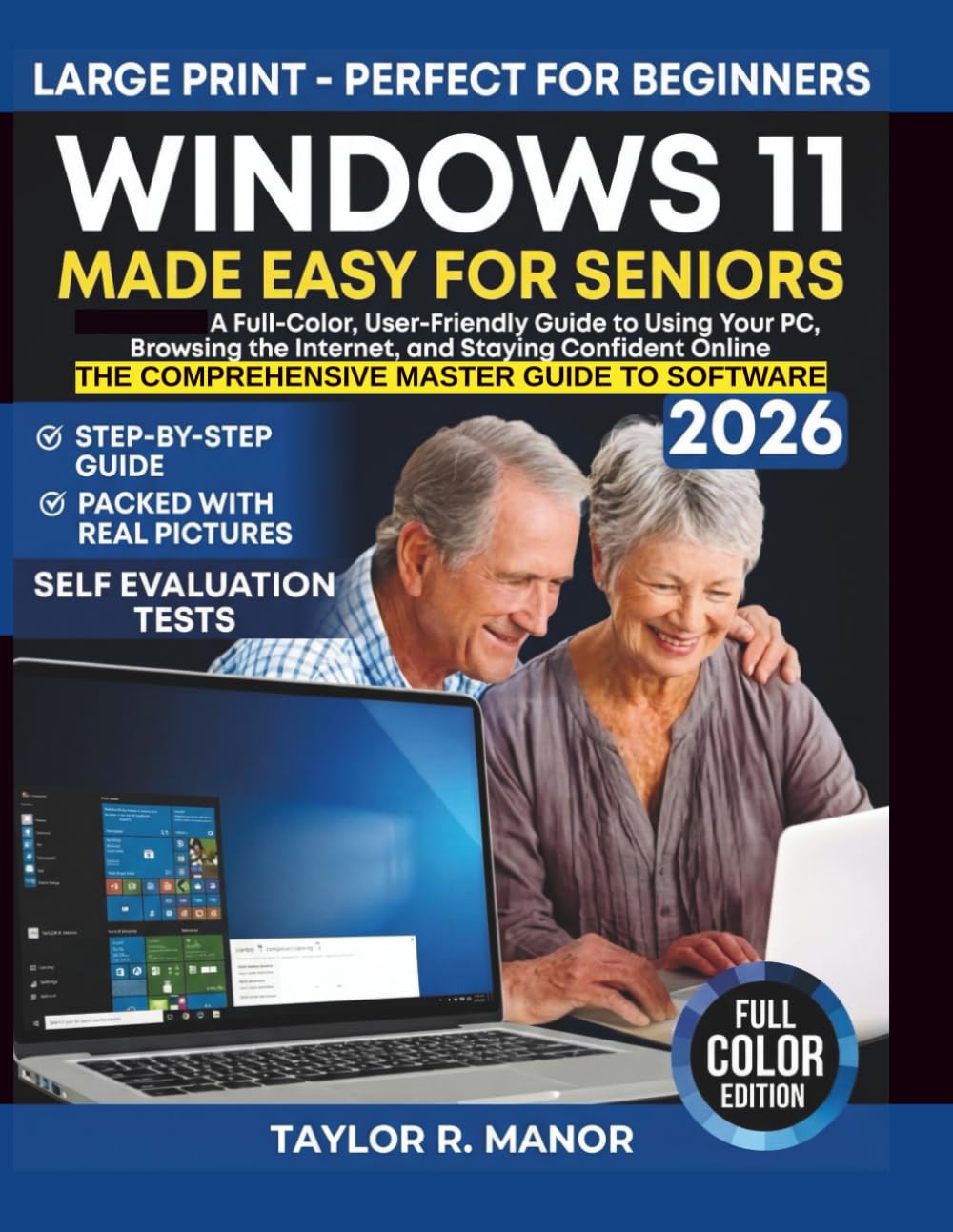
WINDOWS 11 MADE EASY FOR SENIORS: A Full-Color, User-Friendly Guide to Using Your PC, Browsing the Internet, and Staying Confident Online
$18.99
by TAYLOR R. MANOR



Research shows adults learn new computer systems better with clear visuals and simple steps. Most Windows manuals ignore this. That is why many seniors feel stuck. This book changes that experience. Windows 11 Made Easy for Seniors was written for you. It shows you how to use your PC without stress, fear, or confusion. Every lesson uses full color images and plain language so you understand what you see on your screen. This is not theory. This is real use. Inside this seniors guide to Windows 11, you will learn How to set up Windows 11 and personalize your screen - How to browse the internet, send email, and use video calls - How to adjust text size and settings for clear viewing - How to stay confident online and avoid common scams - How to fix basic problems on your own A clear and friendly Windows 11 visual guide for seniors. What readers gain: • Step by step lessons with full color images • Confidence using Windows 11 every day • Safer internet and email use • Practical skills that reduce frustration If you searched for windows 11 for seniors, or windows 11 user guide for seniors or a user manual that shows you how to use windows 11, this book was made for you. Why keep asking for help when you can use your computer with confidence today? Buy one copy for yourself and gift one to someone who deserves clarity at any age. ⭐️⭐️⭐️⭐️⭐️ Linda Perez, Grandparent and Home PC User This guide feels patient and respectful. It explains browsing the internet in a way that feels safe and easy. I liked being able to follow along with the pictures. It gave me more confidence online. ⭐️⭐️⭐️⭐️⭐️ Dorothy Allen, Retired Administrative Assistant This book made Windows 11 feel friendly instead of confusing. The full-color pages helped me see exactly what to do. The steps are short and clear. I now use my computer with more comfort and less worry. ⭐️⭐️⭐️⭐️⭐️ Frank Wilson, Senior Center Computer Club Leader I work with older adults who want clear guidance, and this book delivers that. The instructions are easy to follow and well explained. The internet safety sections are very helpful. I would recommend this to any senior learning Windows 11. ⭐️⭐️⭐️⭐️⭐️ Thomas Grant, Adult Learning Program Instructor This book matches how seniors learn best. One task is explained at a time with clear visuals. Nothing feels rushed or confusing. A great teaching tool for beginners. ⭐️⭐️⭐️⭐️⭐️ Carol Simmons, Retired Nurse I was nervous about using a new computer, but this book helped right away. The layout is clean and easy on the eyes. It explains everyday tasks in a calm way. I feel more independent using my PC now. ⭐️⭐️⭐️⭐️⭐️ Michael Reynolds, Community Tech Support Volunteer This guide answers the questions seniors ask most often. The sections on email and safe browsing are easy to understand. The full-color format makes learning smoother. A helpful book for anyone new to Windows 11.