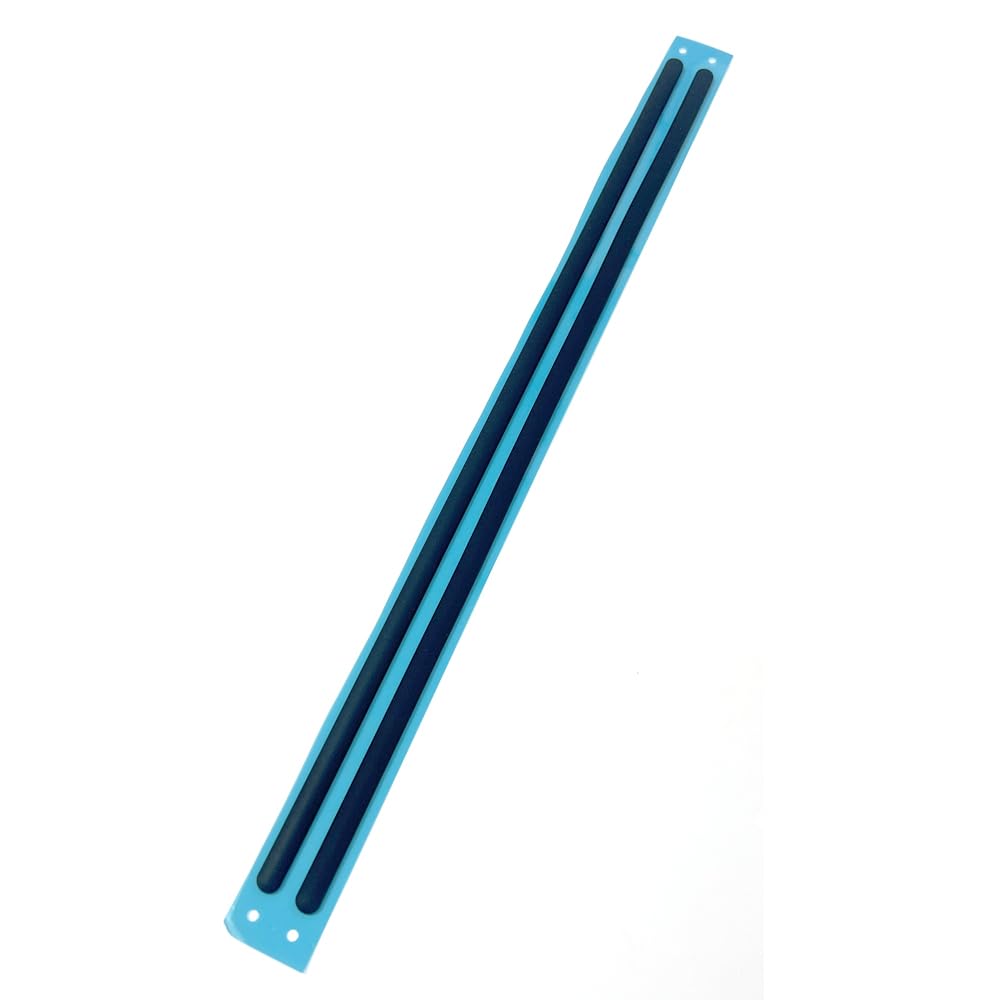



ZAHARA Black Laptop Bottom Cover Rubber Non-Slip Bumper Feet Pad Replacement For Dell Precision 7530 、7540、P74F 、 P74F001、 P74F002 (Two in A Set) Simple installation: Peel off the adhesive backing of the foot mats and use them . When installing, make sure you apply enough pressure when pressing down so that the foot pad backing is firmly attached to the bottom of the laptop. Please check both the model and picture before purchase. Easy for you replace your faulty,cracked or broken one ,seller remind that you should replace this in the off state. If you have any questions, please be sure to contact us.We will definitely solve the problem for you!
Compatible With Dell Precision 7530 、7540、P74F 、 P74F001 、 P74F002
Two in A Set
Please refer to the following steps for installation:
1:Before installation, if the old feet are still adhered to the laptop but have become loose or are no longer flat, you may need to gently pry them up using a sharp knife or thin pliers. Please be careful not to use too hard an object to forcefully pry them off, as this may damage the fuselage .
2:After disassembly, clean the bottom of the laptop with a cleaning cloth to ensure there is no dust or residue .
3: Paste it in place: Peel off the adhesive backing of the foot mats and use them. Make sure you apply enough pressure when pressing down so that the foot pad backing is firmly attached to the bottom of the laptop.
Compatible With Dell Precision 7530 、7540、P74F 、 P74F001 、 P74F002
Two in A Set
Please refer to the following steps for installation:
1:Before installation, if the old feet are still adhered to the laptop but have become loose or are no longer flat, you may need to gently pry them up using a sharp knife or thin pliers. Please be careful not to use too hard an object to forcefully pry them off, as this may damage the fuselage .
2:After disassembly, clean the bottom of the laptop with a cleaning cloth to ensure there is no dust or residue .
3: Paste it in place: Peel off the adhesive backing of the foot mats and use them. Make sure you apply enough pressure when pressing down so that the foot pad backing is firmly attached to the bottom of the laptop.