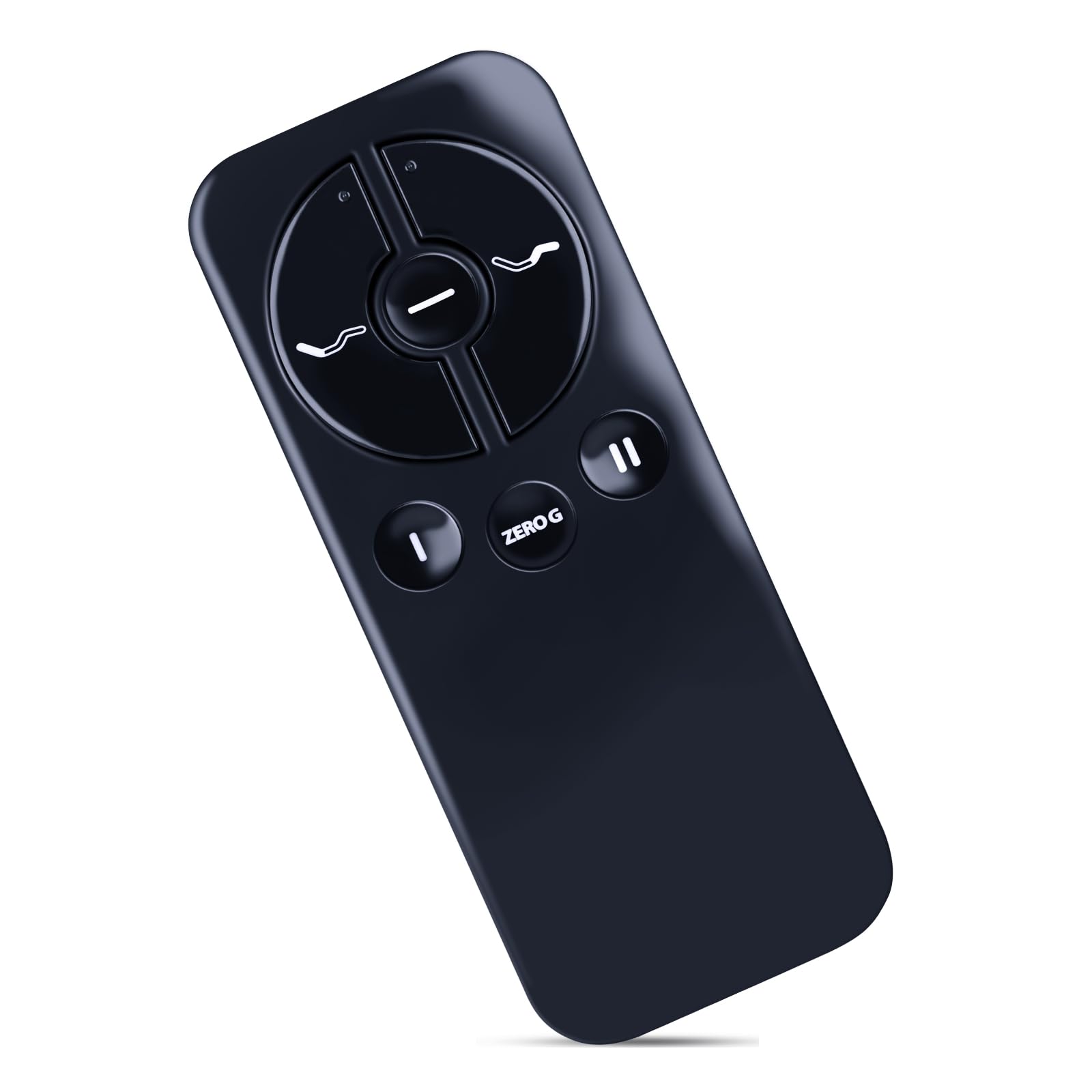



Compatible With Models:ZWP Replacement Remote for Ease 2.0/3.0/4.0 JLDK 30.3.013 RF368b JLDK.30.04.07 RF368C, for Tempurpedic/Sealy Adjustable Beds/Bases Adjustable Bed 45189199US Step 1: Unplug the base power cord from your power outlet. Wait 1 minute, then plug the power cord back into your power outlet. Step 2: Remove the cover from the back of the remote control by sliding it down to expose the PAIR button. Step 3: Within 10 seconds, press and hold the PAIR button on the back of the remote. The PAIR button will illuminate and start to flash. When the PAIR button stops flashing, the LED light on the control box will stop flashing. Release the PAIR button. Step 4: Test all remote functions. If you are unable to adjust the base with your remote, please repeat the process again, or try the steps to disable Child Lock on the base because the remote may be locked. You can find the instructions for deactivating Child Lock here. Brand new Remote Control Made of high-quality ABS, which is wear-resisting and durable, comfortable hand feeling. Package Included:1 x Remote Controller (not include the battery) Any question, Please do not hesitate to contact us before leaving Feedback, We will help you resolve it, Thank you。 Note: Some instructions are time-sensitive, please read the following instructions before attempting to pair. Step 1: Unplug the base power cord from your power outlet. Wait 1 minute, then plug the power cord back into your power outlet. Step 2: Remove the cover from the back of the remote control by sliding it down to expose the PAIR button. Step 3: Within 10 seconds, press and hold the PAIR button on the back of the remote. The PAIR button will illuminate and start to flash. When the PAIR button stops flashing, the LED light on the control box will stop flashing. Release the PAIR button. Step 4: Test all remote functions. If you are unable to adjust the base with your remote, please repeat the process again, or try the steps to disable Child Lock on the base because the remote may be locked. You can find the instructions for deactivating Child Lock here. NOTE: Test all remote functions. If the remote buttons do not impact the adjustable base movements, please repeat the process again or try the steps to Disable the Child Lock because the remote may be locked.