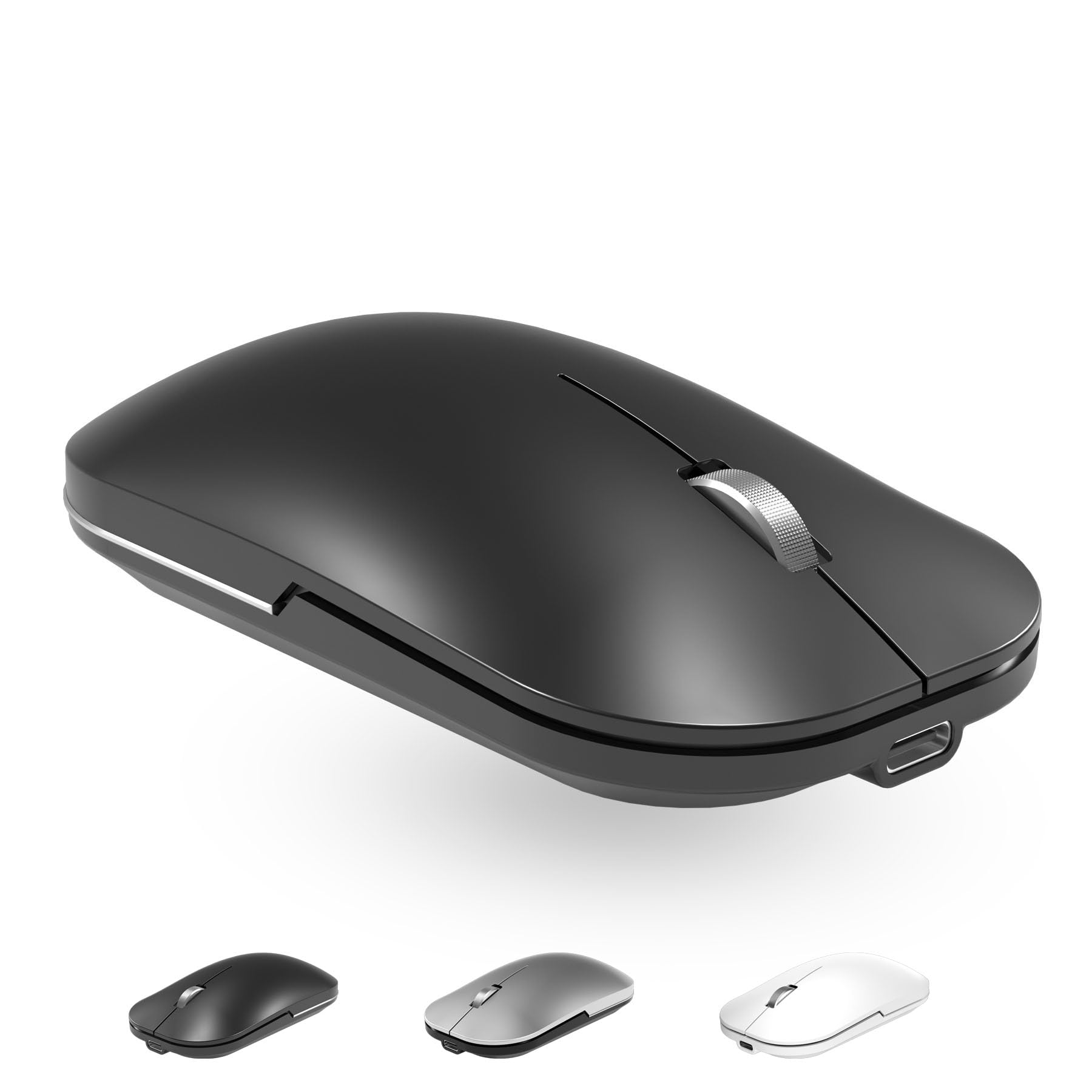



Bluetooth Wireless Dual Mode Mouse for iPad/laptop/computer. It is connected to computer equipment in dual mode(bluetooth and 2.4G wireless). The product has stable performance and good compatibility Wide Compatibility: this computer mouse wireless and Compatible with Windows, iOS 13.1.2 and later version, Mac OS X (not for Mac OS 10.13.3 and Mojave system), Android and Linux, Macbook, Tablet, Lenovo, Asus, HP, Surface, for apple mouse wireless, etc. If you do not know how to connect the iPad, Please refer to the product description or email us. Bluetooth Connection: This bluetooth wireless mouse adapt bluetooth 5.0/3.0, easy to pair and connect quickly. No more other port or receiver needed, just open bluetooth on device and connect it, connection automatically every time when open your computer (I recommend disconnecting other Bluetooth devices before connecting the mouse) Rechargeable Silent Mouse :The button click is barely audible, this quiet wireless mouse will reduce the noise up to 90% . Built in rechargeable lithium-ion battery, one time fully 2~4 hours charge, work on provides up to 6 months standby and 3~4 weeks operation on a single charge. (The mouse enters sleep mode after five minutes, and then you have to reconnect every time? - No ,Please do not use the power saving mode, You need to allow the device to be wake up.) The mouse's battery may be exhausted due to long-term transportation,Please charge the mouse after received With 3 Adjustable DPI: 800/1200/1600, you are able to change the DPI according to your different demands. 1000 is office mouse territory. This bluetooth mouse using the high performance optical chips, which will work faster and more precision than the traditional mouse. You are able to get your work more efficient and save your time, ideal Mouse for office, home and leisure. It is comfortable for extended use. 12 Months Money Back: Lifetime technical and service support. If you find this bluetooth wireless mouse is not so satisfying or you have any questions about how to use the mouse, just contact us for a solution. Plz give us a chance before comment. We aim to offer your the most comfortable customer service. Introducing our versatile and stylish Bluetooth mouse, perfect for on-the-go use with your mobile device, iPad, or MacBook. This rechargeable mouse features dual-mode wireless connectivity and a sleek metal design with a convenient wheel for easy scrolling. Whether you're working or playing, this funny mouse is sure to bring some fun to your day. Compatible with Mac and Bluetooth-enabled devices, our Bluetooth mouse is the perfect accessory for any tech-savvy individual looking for a reliable and stylish wireless mouse. Upgrade your mobile mouse experience with our rechargeable Bluetooth mouse today! Support system: Windows Vista, Windows XP, Windows7 / 8 / 10, Linux, Android, Mac OS X (compatible with imac one machine / macbook / macbook air / mac mini, macbook pro / ipad / iphone) * Bluetooth version: Bluetooth 5.0 & Bluetooth 3.0 * Wireless frequency: 2.4Ghz * Photoelectric resolution: 3 adjustable DPI level (800 / 1200 / 1600DPI) * Built in rechargeable battery: 1000mAh (lithium polymer battery, long cycle life) * Tracking system: Optical/optics * Number of keys: 4 (key) * Operating distance: 15 m * Size: 110x61x29cm * Weight: 70g * How to use the Bluetooth mouse: 1. Charge for 2 hours before first use,the blue light is on when charging, the blue light is automatically extinguished when fully charged,pairing open the Bluetooth mouse (switch to "on"position), press the black circle "Bluetooth connection button"More than 3 seconds. 2. Turn on the computer Bluetooth or toward the Bluetooth signal in the bottom right corner of the computer screen. Right click to select "add device", then the Bluetooth will enter the search state. (Note: Bluetooth normally has a Bluetooth logo in the lower right corner of the computer, if it normally starts.) 3. Wait for the computer to search interface into the Bluetooth device, the Bluetooth computer can search a mouse shape icon or "Bluetooth Mouse", that is the Bluetooth mouse, and then click next to start the match, the pairing is successful mouse begin work.Note!!√ If your device does not have Bluetooth, you need to install the Bluetooth adapter first. √ If you do not use the mouse for a long time, turn off the "ON / OFF" switch. √ In order to save battery life, please do not charge the mouse when there is electricity. √ Rarely occurs on the mouse connection problem, if the connection is not on the deletion of the current Bluetooth driver, and download the correct Bluetooth