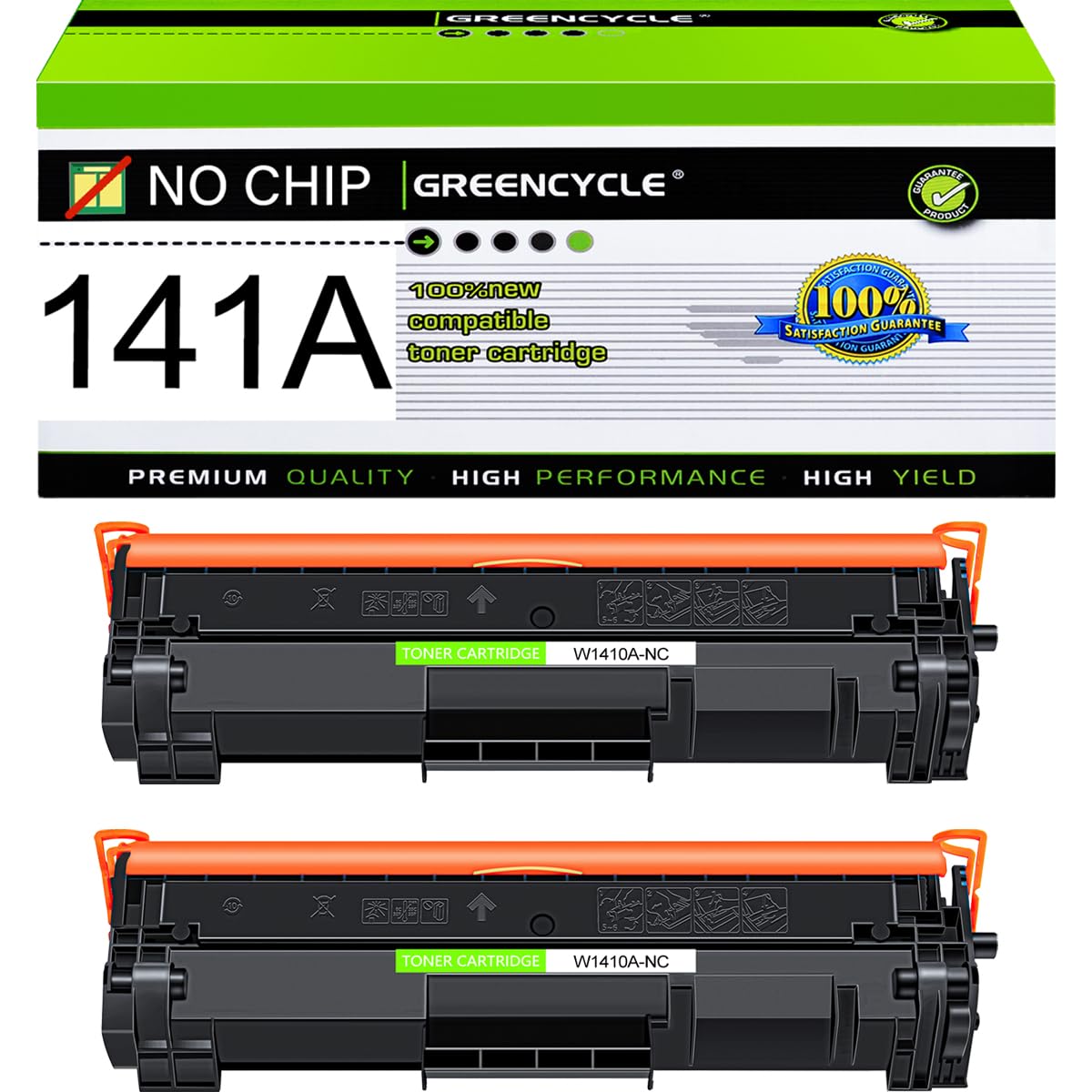
greencycle 141A No Chip Compatible for HP 141A Black Toner Cartridge W1410A Work with Laser Jet M110w M140w MFP M139w(2PCS,No Chip Requires Manual
$28.49
by Greencycle



▶To use the product without chip, you need to manually remove the chip on the original toner cartridge and install it on our toner cartridge (and the remaining number of printable pages on the chip is available). GREENCYCLE 2-Pack Compatible Black Toner Cartridge Replacement for HP 141A W1410A Toner(NO CHIP).Purchase Note: Before purchasing, you need to prepare the chip of 141A. Compatible for HP Printer: Laser Jet MFP M140w M139w M110w.Also compatible with M110we M139we M140we (provided your chip is original and the chip display page is not exhausted). Page Yield:The printer will not display toner level, this toner cartridge contains a standard amount of toner that is accurately filled using a precision machine.Up to 1,000 pages per W1410A toner cartridge (based on 5% coverage of Letter size Paper)Actual toner yield varies with usage, graphics printed and environmental conditions. Excellent Quality: Adopting premium toner and precision accessories ensures sharp and clear printed text and detailed and realistic graphics. After strict quality testing, each toner cartridge can output glossy black documents stably, providing reliable support for your work and study We have established a professional, trustworthy and friendly team. If you ever have any questions or experience any issues with your item, our team will be happy to assist you quickly. GREENCYCLE Compatible for HP 141A W1410A NO CHIP toner cartridge is the replacement of the OEM model with the higher standards of quality and compatibility. Clear printout, sharp words and vivid graphics.
Brand: GREENCYCLE
Compatible Model: Compatible for HP 141A W1410A Black NO CHIP
Includes : 2 pack High Yield Black Toner Cartridge
Page Yield : 1,000 pages per cartridge at 5% coverage
GREENCYCLE W1410A Toner Cartridge Compatible for HP printer:
Laserjet Pro M110w MFP M140w M139w Printers.
Installation Instruction
1.Shake the toner cartridge horizontally to make the toner in the cartridge even.
2.Remove the transparent seal / orange plastic seal ring completely.
3. Install the toner cartridge into the printer.
Brand: GREENCYCLE
Compatible Model: Compatible for HP 141A W1410A Black NO CHIP
Includes : 2 pack High Yield Black Toner Cartridge
Page Yield : 1,000 pages per cartridge at 5% coverage
GREENCYCLE W1410A Toner Cartridge Compatible for HP printer:
Laserjet Pro M110w MFP M140w M139w Printers.
Installation Instruction
1.Shake the toner cartridge horizontally to make the toner in the cartridge even.
2.Remove the transparent seal / orange plastic seal ring completely.
3. Install the toner cartridge into the printer.