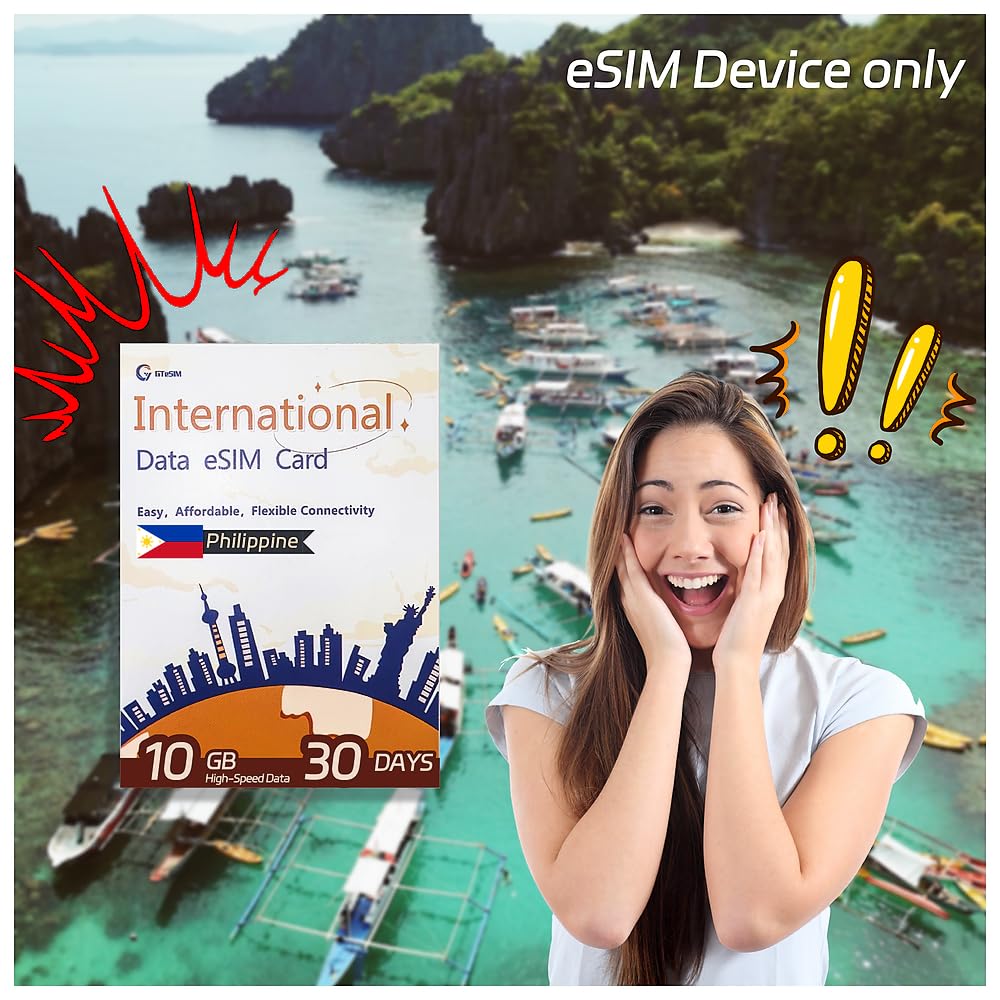



gtesim Travel Philippine Worry-Free 10GB High-Speed Data Low Unlimited Data No Voice/SMS for 30 Days Local Carriers Support hotspots No Contract

$24.99
by Gtesim

Shop Now
✈Package Details: It's eSim data only ,no physical Sim Card, no number, no calls & SMS, and it supports hotspots. You can enjoy 30 days of 10GB high speed data and unlimited speed limit data. After the high-speed data is used up, the speed will be limited to 384kb. Currently, you can not top up the data on your eSIM. If you need more data, you can buy another eSIM. ✈GTeSIM is 100% prepaid. We promise no contracts, no credit checks, no certifications and no hidden fees. Low cost, best high-speed data,stable and secure Internet data throughout Philippine. ✈Quality Network Services: Supported by local telecommunication carriers, it offers 5G/4G/LTE internet speeds, with wide signal coverage, stable network and fast speed. The internet connection is secure and safe to use. ✈Easy To Activate: Purchase the prepaid eSIM, get a redeem code to generate an eSIM QR code, scan the QR code to install the eSIM. The eSIM is considered to be activated when the device is connected to any available network. 24 hours after activation counts as 1 day. ✈The eSIM does not take up space in your phone's card slot, allowing multiple eSIM profiles to be used. It is compatible with both Android and iOS devices. The eSIM does not affect the use of other physical SIM cards, and you do not need to delete it when you are finished using, but you can perform this operation through your phone's SIM card manager if you need to.

🌞Please check if your device supports eSIM before purchasing, you can check your phone's device information in Settings, and if it has a 32-digit EID number, then your device is eSIM-capable. 🌞Important Note: Please confirm the delivery address before placing an order, and consider the timeliness of logistics, please purchase this product 15 days before the travel date. 🌞eSIM Installation Steps:Enter the Redeem code in eSIM manual for generating an eSIM QR code
Go to your device Settings > Cellular or Mobile Data > Add Cellular Plan
Scan the QR code and tap Add Cellular Plan
Choose Secondary Label and change the name to Travel
Select the option for 'Use Travel for cellular data only' and tap Continue
Select the option for 'Use Primary as the preferred line' and tap Done
Data roaming must be enabled to use the eSIM 🌞Caution: You cannot use multiple phones to scan a same QR code more than once. When you scan the QR code for the first time, the binding has been established with your phone and you cannot use this QR code again with other phones. In addition, if one QR code is scanned more than the limit, the scanning will not work. 🌞Customer Service: 1. Online support team: Monday to Friday 9am to 6pm (BTS), English and Chinese bilingual service.🌞GteSIM is committed to customer satisfaction. We actively listen to customer needs, continually refining and enhancing our services to ensure users consistently receive experiences that surpass their expectations.

Customer Reviews

No ratings. Be the first to rate

 customer ratings


How are ratings calculated?
To calculate the overall star rating and percentage breakdown by star, we don’t use a simple average. Instead, our system considers things like how recent a review is and if the reviewer bought the item on Amazon. It also analyzes reviews to verify trustworthiness.

Review This Product

Share your thoughts with other customers