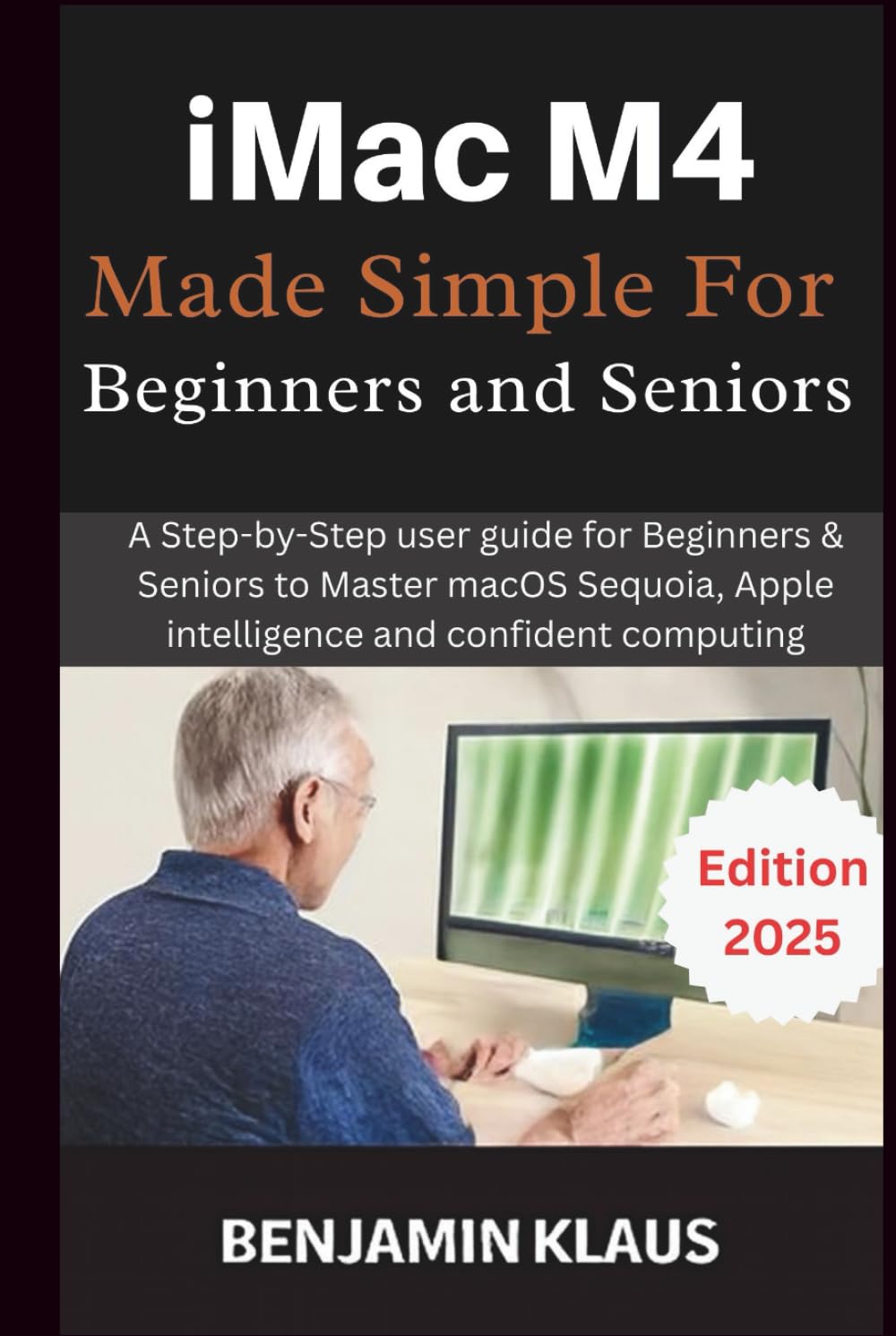
iMac M4 Made Simple For Beginners and Seniors: A Step-by-Step user guide for Beginners & Seniors to Master macOS Sequoia, Apple intelligence and
$39.99
by Benjamin Klaus



You’ve taken a brave step: turning on your brand-new iMac for the first time. The screen glows, the interface looks inviting… and yet, you feel a little unsure. That’s where iMac M4 Made Simple for Beginners and Seniors comes in. Picture this: what if your iMac became more than a machine—what if it became a trusted friend that helps you connect, create, and enjoy the things you love with confidence? This guide doesn’t start with technical jargon. Instead, think of yourself in a bright, welcoming room where someone speaks your language—a friendly voice that says, “You’re not alone. Let’s take it one step at a time.” You’ll feel that comfort in every page, as if I’m right there, guiding your hand. Why does this matter? Learning something new later in life isn’t about keeping up—it’s about staying present. This guide sparkles with the quiet joy of rediscovering independence. When you send your first email without help, organize a slideshow of family photos, or simply browse the web without hesitation—it’s not about mastering devices; it’s about reconnecting with your world. Here’s what happens when you follow these pages: you won’t just know how to use your iMac—you’ll feel the relief of clarity, the confidence in each click, and the delight of turning everyday tasks into moments of pride. By walking you through: • Setting up and securing your iMac M4 • Navigating macOS Sequoia with ease • Personalizing your screen to your eyes and your heart • Staying safe online and solving little hiccups • Staying connected through email, calls, photos, and more —you’ll find that the iMac can fit seamlessly into your daily life—in a way that feels gentle, helpful, and entirely yours. Imagine the satisfaction of waking up and knowing you can type a letter, call your grandchildren, enjoy music, or browse the news—all without frustration, all with clarity. It isn’t just a book. It’s your path from hesitation to ease, from uncertainty to independence. Are you ready to feel at home with your iMac? What You’ll Discover How to make your iMac feel comfortable, familiar, and tailored to you - Steps to simplify navigation and reduce eye strain - - Ways to keep your information safe without tech overwhelm - Methods to capture, organize, and share your memories with ease - Tools for daily tasks like email, calendars, and messaging—without feeling intimidate Take the next step toward confident computing—start your journey today. Order your copy now