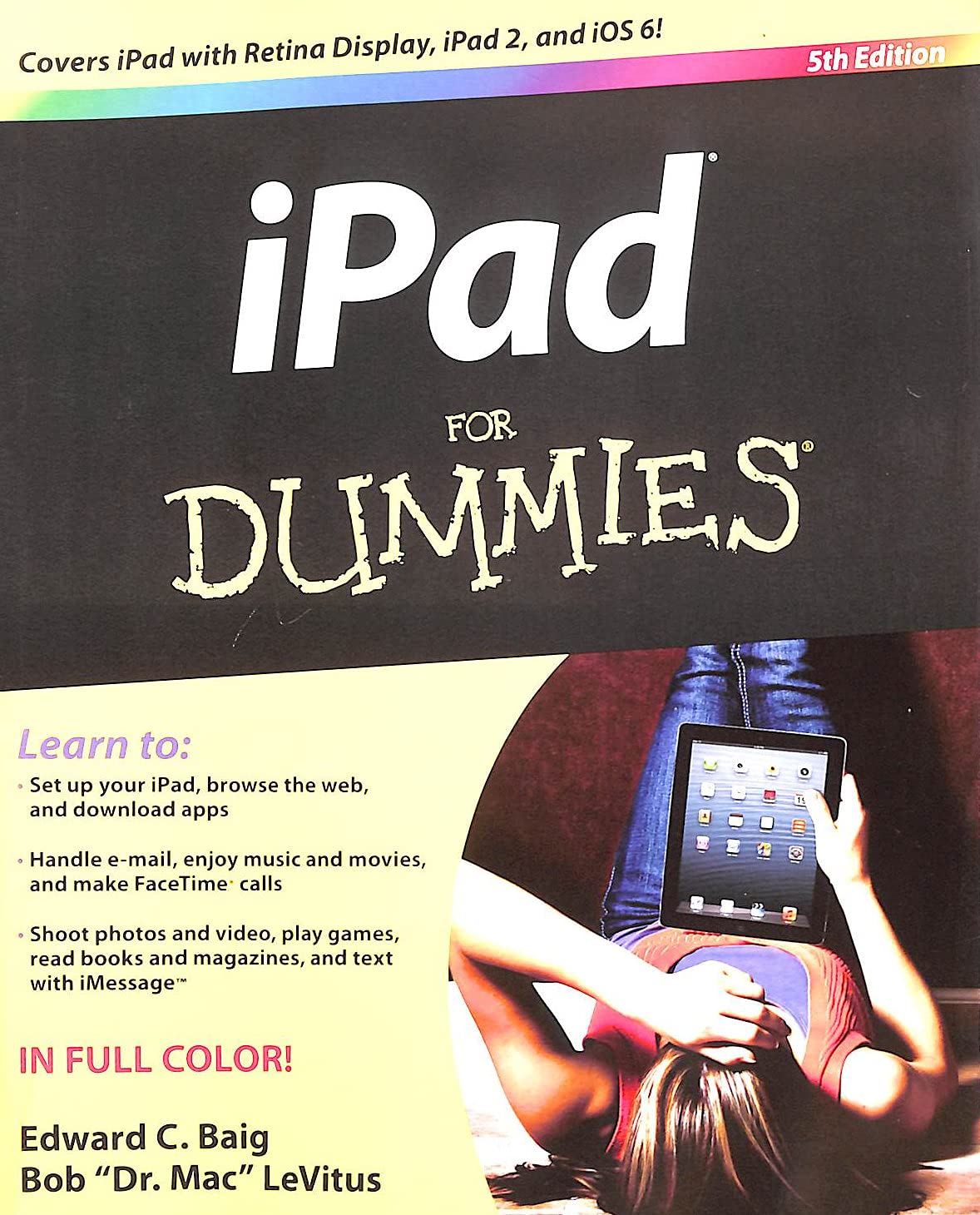



Brilliant, full-color guide to all things iPad - updated for iOS 6! Apple's amazing iPad continues to get better and better, and iOS 6 brings even more incredible features to the incredible iPad. If you want to get the very most out of your iPad, this is the book for you. Mac experts and veteran For Dummies authors Edward Baig and Bob "Dr. Mac" LeVitus guide you through the iPad basics before moving on to the latest features including Siri, Passbook, Facebook integration, a brand new Maps app, and enhancements to your favorite features like FaceTime, Safari, Mail, Photos, and so much more. Covers the iPad with Retina Display, iPad 2, and iOS 6 - Gets you up to speed on the multitouch interface, setting up your e-mail account, getting connected, filling your iPad with amazing apps and cool content, and more - Shows you how to do tons of stuff, including how to order around your Siri virtual personal assistant, make video calls with FaceTime, unveil the iPod in your iPad, curl up with a good iBook, and get organized with Reminders - Includes tips on protecting your information, troubleshooting, connecting wirelessly, adding contacts, and using your iPad as a personal hotspot From the bread-and-butter basics to the very coolest of features, iPad For Dummies, 5th Edition will make you wonder how you ever lived without your iPad. From the Book: Selected iPad Features Get movie times, restaurant reservations, and even check the latest sports score with Siri, the virtual personal assistant. Create a custom slideshow, share a Photo Stream, and view favorite albums on the iPad’s stunning retina display. The iBookstore’s revamped interface lets users easily search for favorite books and browse recommendations for new ones. The new Maps app allows users to search for location information, reviews, and even photos of favorite attractions without ever leaving the app. Can’t wait to share a favorite TV show or episode with the world? Users can now e-mail, message, tweet, or post to Facebook directly from iTunes. The new Do Not Disturb feature in iOS 6 allows users to schedule “quiet time” for those periods when they'd rather not receive messages, alerts, or calls. The iPad is better than ever! Here's how to get the most from all its cool features The amazing iPad is the king of tablets. This guide is packed with advice to help you take advantage of everything it can do. Learn to take, edit, and share photos and HD video, find the coolest games, load up on music and movies, organize your life with the Calendar and Reminders, explore with Maps, and get answers to everything else from Siri! Get acquainted — navigate your iPad, get comfortable with the multitouch display, and sync your stuff to and from your iPad - Wander the web — surf with Safari, set up and use e-mail, send iMessages with photos and video, and find people and places with Maps - Media magic — listen to your favorite tunes, share photo streams, watch videos, play games, or curl up with an e-book - Make work easier — organize your to-do lists with Reminders, manage your contacts, and stay connected with Notification Center - Ask Siri™ — make restaurant reservations, get the latest scores, schedule appointments, find movie showtimes, and more Open the book and find: Steps for getting started with your iPad - All about finding and downloading apps - How to sync your music, photos, e-mail, contacts, and calendars with iCloud - Tips for using Siri™ to compose e-mail and text messages - Instructions for getting turn- by-turn directions with Maps - How to stay connected with Facebook and Twitter - Details about cool accessories to enhance your iPad experience - Troubleshooting tips Learn to: Set up your iPad, browse the web, and download apps - Handle e-mail, enjoy music and movies, and make FaceTime calls - Shoot photos and video, play games, read books and magazines, and text with iMessage™ IN FULL COLOR! Edward C. Baig is the Personal Tech columnist for USA TODAY as well as the author of Macs For Dummies, 11th Edition. Bob "Dr. Mac" LeVitus pens the popular "Dr. Mac" column for the Houston Chronicle and is the author of OS X Mountain Lion For Dummies. Used Book in Good Condition