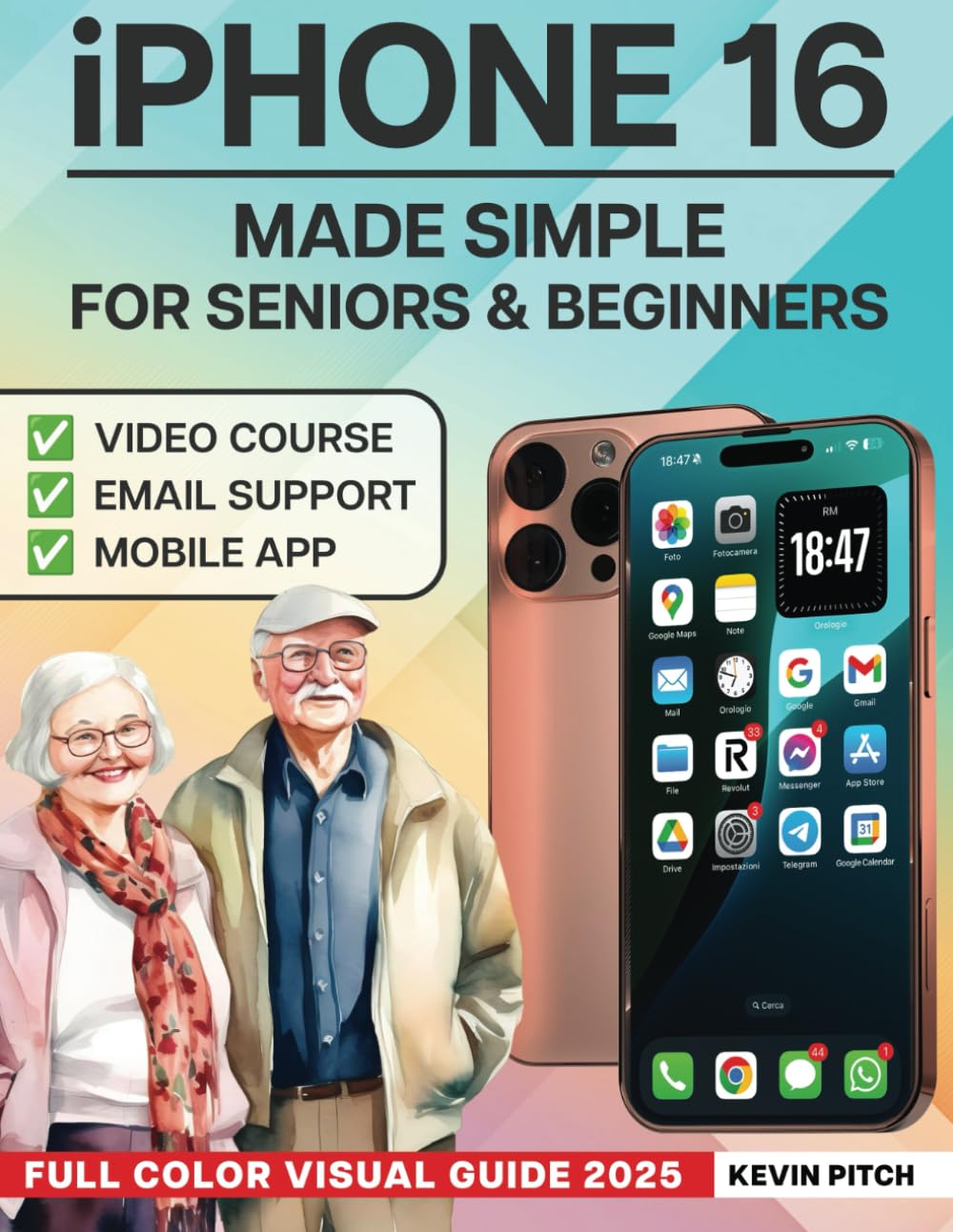
iPhone Made Simple for Seniors & Beginners – Full Color Visual Guide: Step-by-Step Instructions to Take Control & Stay Connected with Confidence
$18.97
by Kevin Pitch



📱 🔑 Your iPhone, Made Simple 🎁 Extra Contents Included: ✅ 2 Video Tutorials : Watch and follow along with step-by-step guidance. - 📲 1 Special Mobile App : Get instant tips and help at your fingertips. Tired of struggling with your iPhone? Do you feel overwhelmed every time you try to use your smartphone? Are you tired of asking for help just to make a call, send a text, or adjust your settings? You're not alone. Many seniors and beginners feel frustrated when learning a new device. That’s why I created this simple, step-by-step guide so you can finally use your iPhone with confidence . 📖 Inside, You’ll Learn 📌 EASY SETUP & NAVIGATION : Get your iPhone up and running in minutes. - 📞 CALLING & MESSAGING MADE SIMPLE : No more confusion, learn to call, text, and FaceTime effortlessly. - 📸 TAKE & SHARE PHOTOS : Capture beautiful memories with just a tap. - 🔒 AVOID COMMON MISTAKES : Keep your iPhone secure and running smoothly. - 📅 ORGANIZE YOUR LIFE : Stay on top of appointments, reminders, and emails. - 💳 EXTRA FEATURES EXPLAINED : Learn about Apple Pay, CarPlay, and more. 🚀 Why This Guide is Different? ❌ NO TECH JARGON : Everything is explained in plain English. - 📖 PROFESSIONAL FORMATTING WITH LARGE TEXT & COLOR IMAGES : Unlike other guides with small, blurry black-and-white images, this book makes learning clear and easy. - 📝 STEP-BY-STEP INSTRUCTIONS : Learn at your own pace, without frustration. - 📧 PERSONAL EMAIL SUPPORT FROM THE AUTHOR : No need to search online for answers, I’ll personally guide you with clear, custom email responses. 🎯 Take Control of Your iPhone Today Stop feeling overwhelmed, start using your iPhone with confidence. 📢 Click ‘Buy Now’ and start your iPhone journey today ! ⭐⭐⭐⭐⭐ Clear and Incredibly Useful This book takes the guesswork out of using an iPhone. The instructions are simple, and the visuals make it easy to follow along. Whether you're new to iPhones or just need a refresher, this guide is a game-changer! — Emily Rostem ⭐⭐⭐⭐⭐ The Best iPhone Guide for Beginners I never realized how much I was missing out on until I read this book! The step-by-step approach makes everything easy to understand, and now I can navigate my iPhone with confidence. Highly recommended for anyone who wants to master their device. — Michael Bezen ⭐⭐⭐⭐⭐ Ideal for First-Time iPhone Users Technology has always been intimidating for me, but this book explained everything in a way that actually makes sense. From making calls to organizing apps, it's all covered in a simple and practical manner. — Sarah Mitchell ⭐⭐⭐⭐⭐ Perfect for Seniors and Non-Tech-Savvy Users I got this book for my mother, who was struggling with her iPhone. Now she can easily send messages, use FaceTime, and even take photos. It's well-written, easy to follow, and makes learning stress-free. — John Winkel ⭐⭐⭐⭐⭐ A Great Guide for All Skill Levels Even as an experienced iPhone user, I discovered new features and shortcuts I had never used before. The explanations are clear, and the troubleshooting tips are especially useful. A must-have reference! — David Van den Berg Mastering Your iPhone with Confidence Welcome to "iPhone Made Simple for Seniors & Beginners - Full Color Visual Guide: Step-by-Step Instructions to Take Control & Stay Connected with Confidence." Writing this book has been an incredibly rewarding experience, inspired by my passion for making technology accessible to everyone. Over the years, I've seen how smartphones have become an essential part of our lives, yet many users, especially beginners and seniors, struggle to navigate their devices with ease. Bridging the Gap Between Technology and Users Technology should empower, not intimidate. I've witnessed countless individuals hesitate to use their iPhones simply because they found the interface too complex or were afraid of making mistakes. My goal with this guide is to eliminate that fear by providing clear, step-by-step instructions in plain English, supported by full-color images that make learning easy and enjoyable. Why This Guide Stands Out Unlike technical manuals filled with jargon, this book is designed for real users who want to master their iPhone without frustration. It covers everything from the basics, such as setting up your device and making calls, to advanced features like using Apple Pay, CarPlay, and Siri. Each section is crafted with simplicity in mind, ensuring that readers of all backgrounds can follow along without prior technical knowledge. A Personal Connection with My Readers One of the most fulfilling aspects of writing this book is hearing from readers who have gained confidence in using their iPhones. Whether it's a grandparent making a video call for the first time, a beginner learning to send emails, or someone finally understanding how to adjust their settings, these success stories drive my commitment to creating user-friendly